Chapter 3 ’Web User Graphical Interface’ — Operating Instructions (Tutorial)
Electra VS
-
Version 05.10 141
User Manual - Rev. A
Creating Sub-Workflows
Introduction
A sub-workflow can be seen as a customized processing component
made up of a series of processing components. The benefit of creating
sub-workflows is that you can save a series of processing components,
and then use them without having to define all the parameters all over
again.
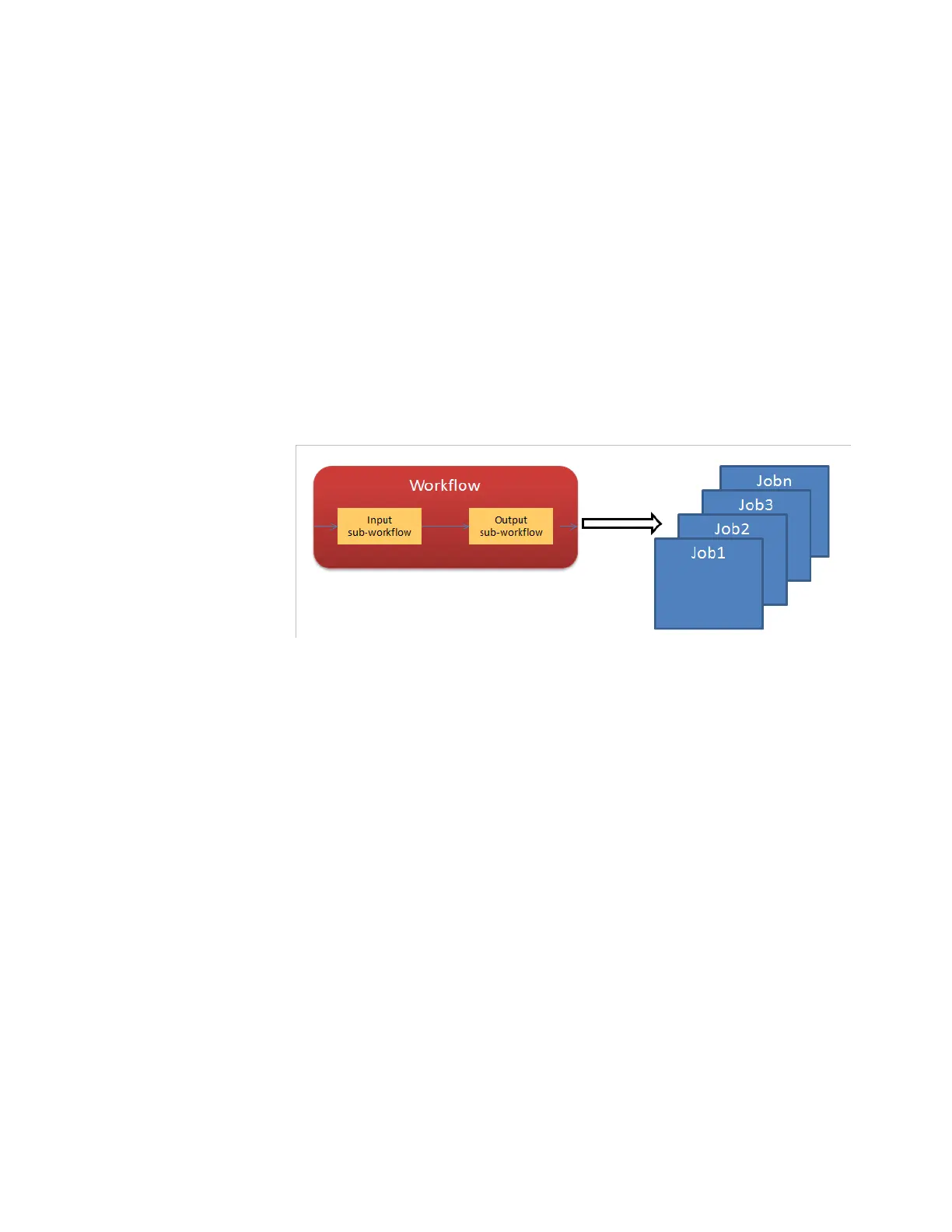
The sub-workflow is used as a standard processing component, except
that it is necessary to publish the inputs and/or outputs. As any standard
processing component, a sub-workflow cannot be used alone to
generate a job.
Figure 3-84. Creating a workflow using sub-workflows
Example
Let us create a sub-workflow 'Audio Transcode to MPEG-1 layer 2' whose
bitrate parameter will be set to public to make it editable in the jobs.
1.
Create the sub-workflow in the same way as a workflow:
a.
In the
Workflows
tab, select
Create
.
b.
Give a name, a description, a summary and a category.



 To Next Page