Chapter 7 ’Tools’ — HP Monitoring Tools (6RU and 10RU Devices)
Electra VS
-
Version 05.10 473
User Manual - Rev. A
HP Monitoring Tools (6RU and 10RU Devices)
Connecting to the HP Monitoring Tools
To perform the IP configuration of a blade center, there are several steps.
The Electra VS device is delivered with a preconfiguration that you may
need to adapt to your needs and to complete.
There are several ways to connect to the device, depending on your
network configuration. All possibilities are described in the coming
sections.
Before you start, on the rear panel of the blade center, locate the Active
OnBoard Administrator module. Pull
the tag attached to the OnBoard
Administrator and write down the DNS name, the user name and the
password indicated. You will need this information to connect to the
device.
Method #1: Connecting via the iLO Port in DHCP
The easiest way to connect to the device is using the iLO port. In this case
you need to have a DHCP server and a DNS server.
Proceed as follows:
1.
Plug an Ethernet cable on the active iLO port on the rear panel and
connect it to your Ethernet network.
2.
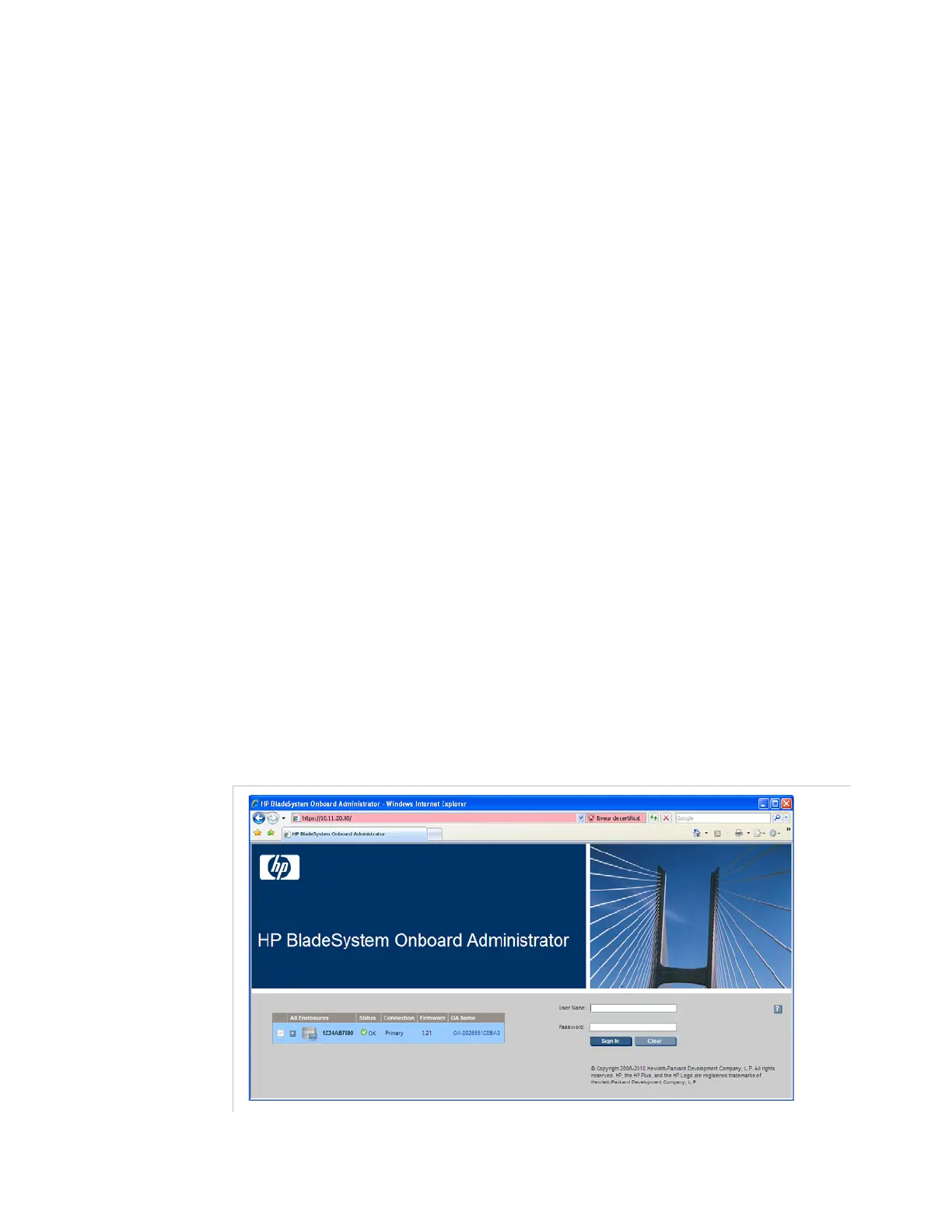
On a remote computer, type the DNS name in the address bar of a
Web browser.
Figure 7-5. HP configuration interface – login page



 To Next Page