Chapter 3 ’Web User Graphical Interface’ — GUI Description
178 Electra VS
-
Version 05.10
User Manual - Rev. A
Setup/User Accounts
The
User accounts
category is available provided you have
administrator rights.
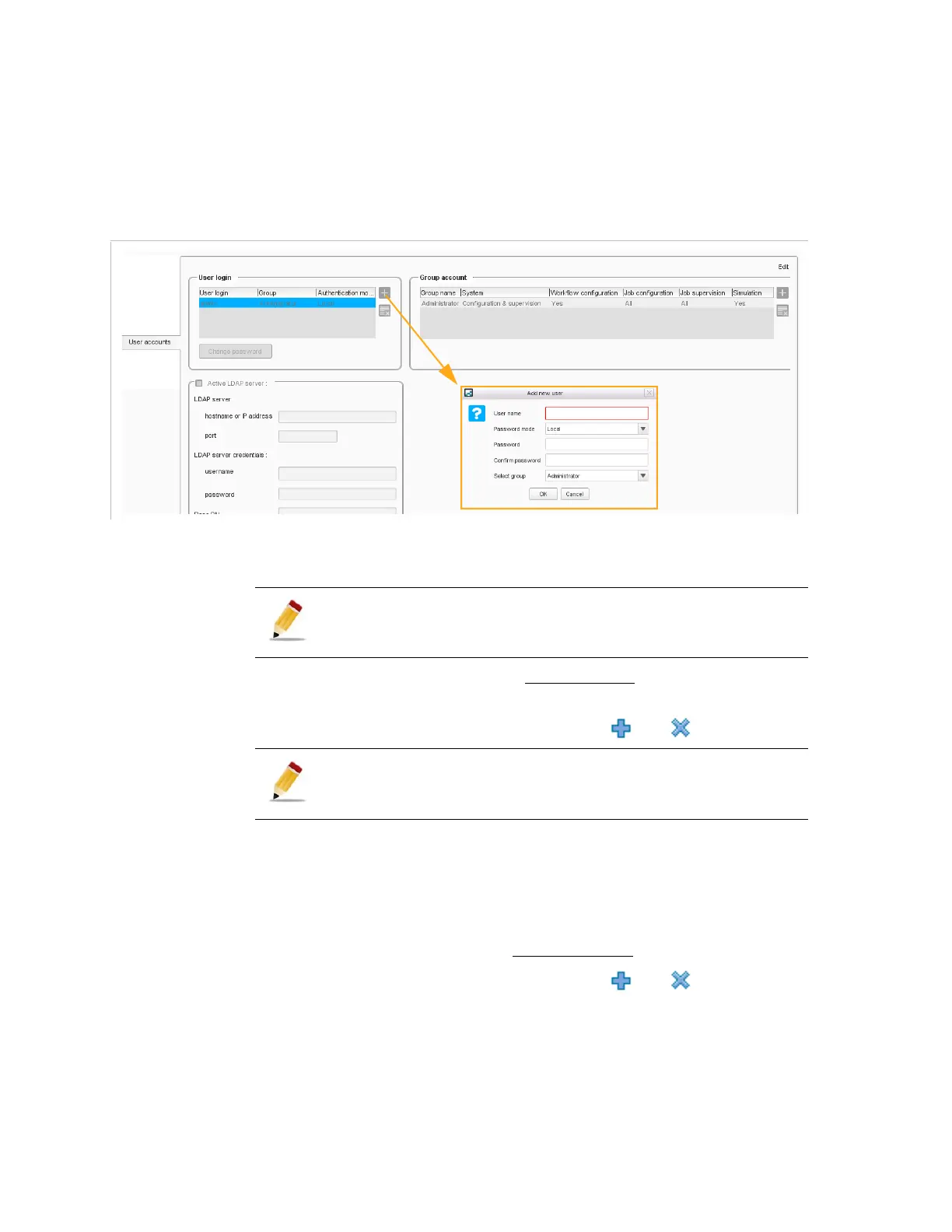
Figure 3-136. User accounts configuration
In this panel, you can define and manage user accounts and groups of
users, via two tables and a
LADP server
section.
The table on the left lists the user accounts with their associated
group.
You can add or remove accounts using the and buttons.
You can modify the values by double-clicking them in the table.
A password protects each user account. The password can be saved
locally (local) or retrieve from a remote server (LDAP).
To change a local password, click the
Change password
button.
The table on the right lists the groups of users.
You can add or remove accounts using the and buttons.
Double-click the group name to set the actions that users of this group
will be able to perform:
HTTPS must be active on the management network to enable LADP.
The
admin
administrator account cannot be removed.



 To Next Page