Chapter 4 ’Servicing’ — Common
412 Electra VS
-
Version 05.10
User Manual - Rev. A
3.
Enter a name for the resulting file (without the extension) and validate.
4.
Send this file to your Harmonic sales representative with your
request.
Declaring a new License File
Once you have received your new license file, proceed as follows:
1.
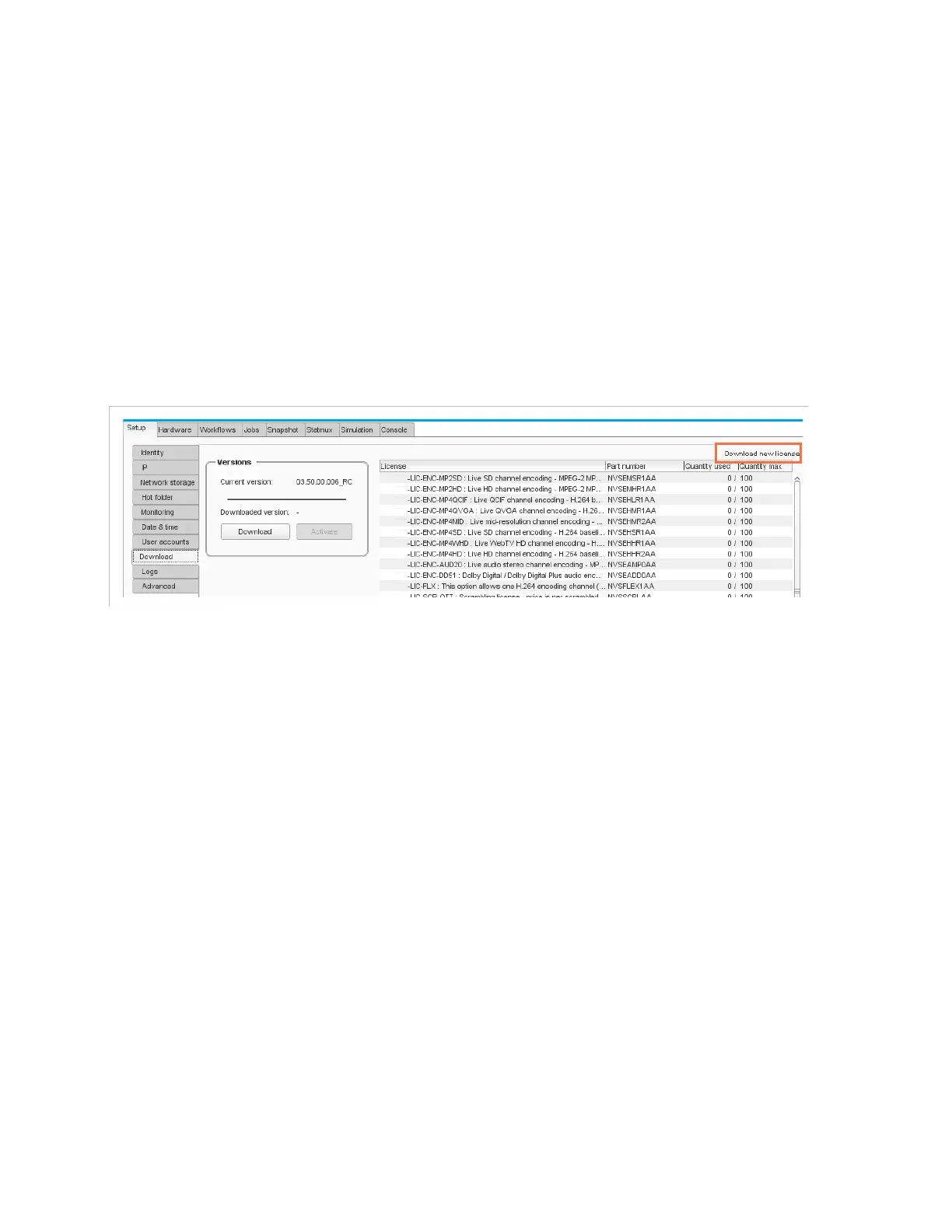
In the GUI, point to the
Download
tab.
2.
On the upper-right corner, click
Download new license
.
Figure 4-4. Downloading a new license file
3.
Select the new license file that Harmonic sent to you and click
Open
.
Enter *.LIC in the file name in order to see the list of license files.
If you have requested additional processing licenses:
Check that the licenses have correctly been updated in the license tab.
If you have added or replaced masterisable nodes or increased the
number of slave nodes:
Check that the number of nodes accepted in the Electra VS has been
updated (ELC-VS-SW-VOSFLEX) in the license tab.



 To Next Page