Chapter 3 ’Web User Graphical Interface’ — Workflow Library
Electra VS
-
Version 05.10 235
User Manual - Rev. A
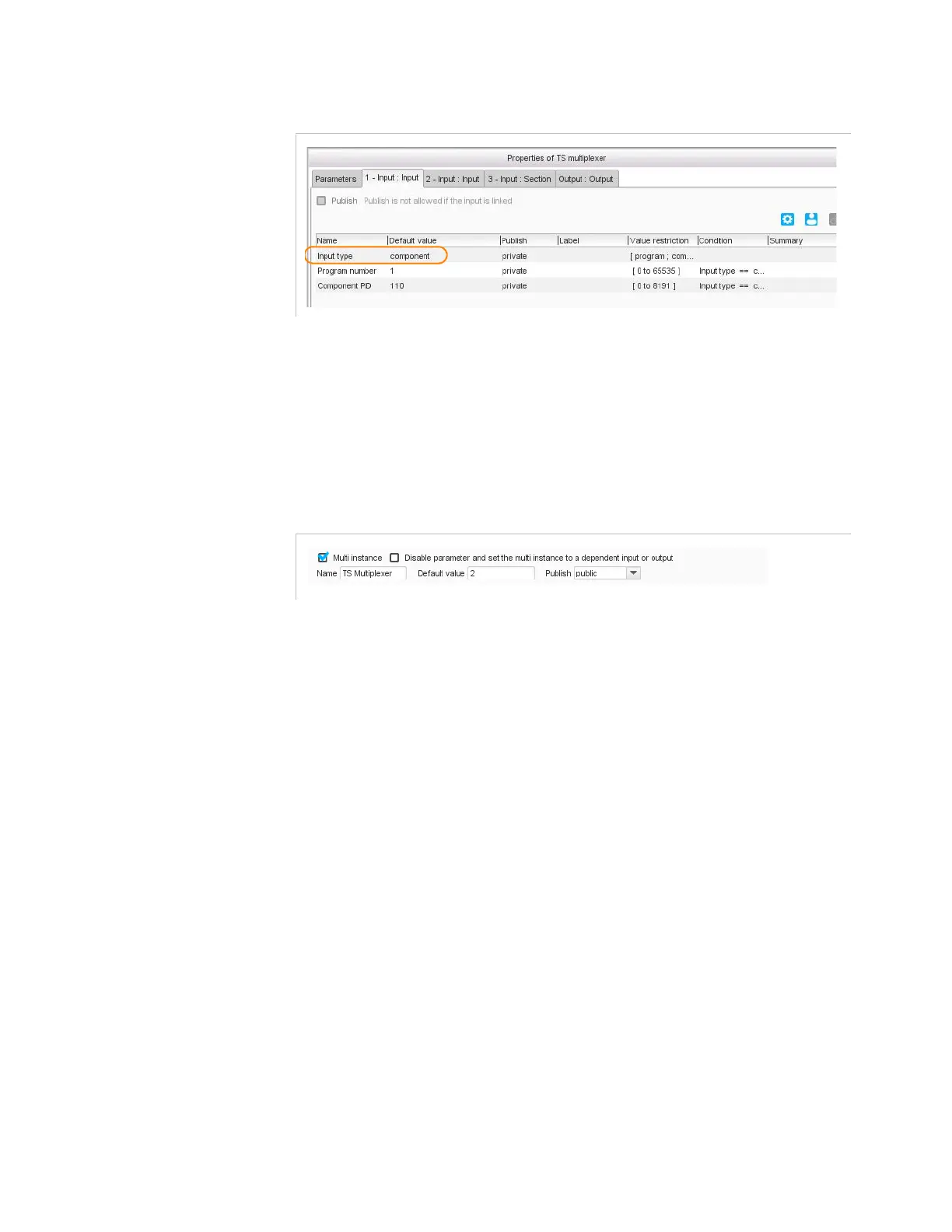
Figure 3-208. Specific parameters in the TS multiplexer output processing component
Multi-Instance
The multi-instance feature lets you define how many instances of the
workflow you wish to create.
To use the multi-instance feature, check the
Multi-instance
box.
Figure 3-209. Multi-Instances
The following parameters are displayed:
Disable parameter and set the multi-instance to a
dependent input or output
: this option lets you define as many
instances as of inputs or outputs. First publish the input or output you
want to use, and then check this box.
Name
: enter a name for the multi-instance parameter.
Default value
: enter the default number of instances.
Publish
: set the publication status for the multi-instance parameter.
Refer to section
’Creating Workflows with Multi-Instantiable
Processing Components’
on page 145.



 To Next Page