Chapter 4 ’Servicing’ — Hardware Delivery
Electra VS
-
Version 05.10 427
User Manual - Rev. A
Rebooting the Node
1.
Go back to the main menu of the BIOS.
2.
Press
Esc
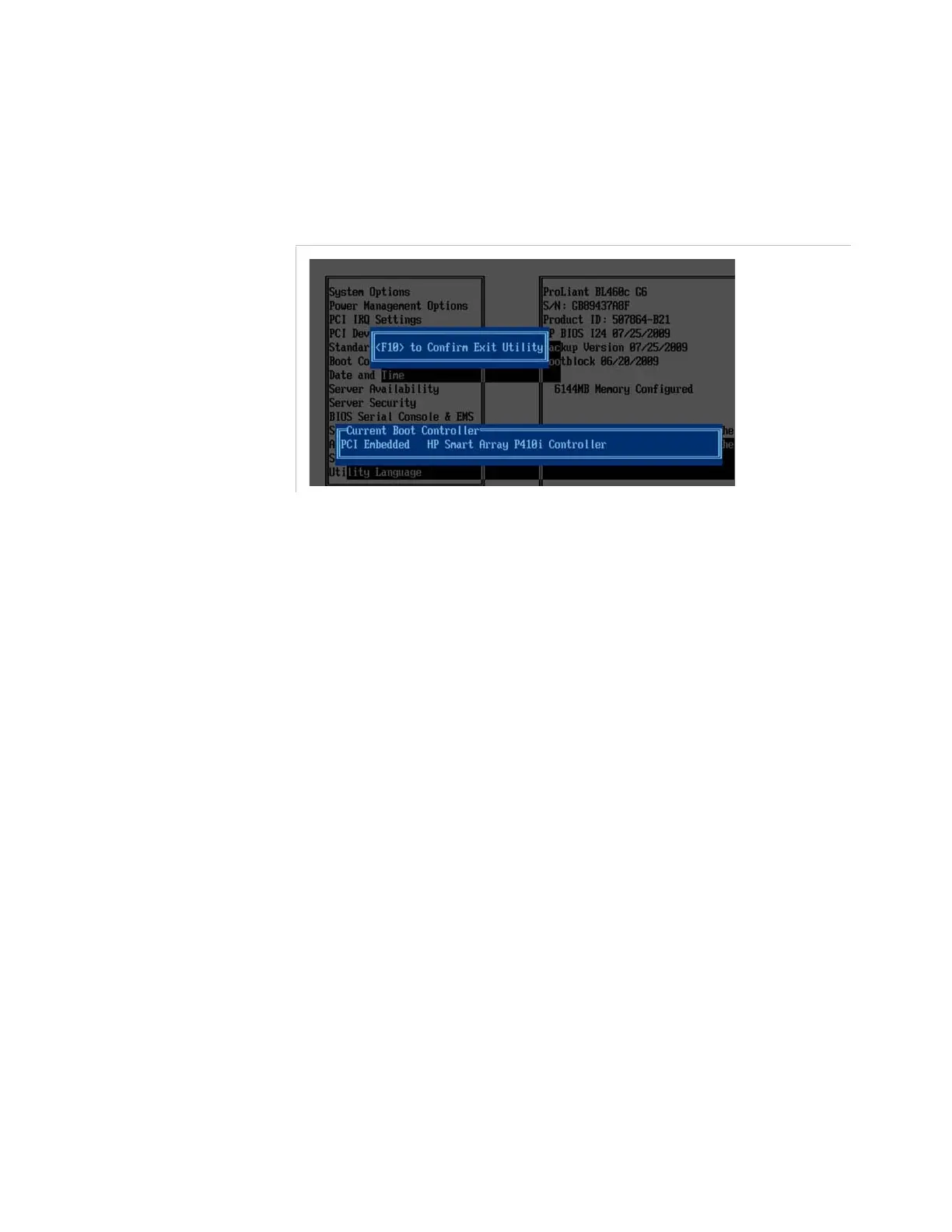
several times until reaching the menu shown in
Figure 4-31
.
Figure 4-31. Exiting the BIOS menu
3.
Press
F10
to reboot the node with the new BIOS parameters.
Requesting a New License File
Refer to section
’Requesting a new license File’
on page 411.
Declaring a New License File
Refer to section
’Declaring a new License File’
on page 412.
Adding a 1RU Diskless Node to Electra VS
If you want to expand your system by adding an additional server, you
first need to purchase the physical diskless nodes.
1.
Plug them in the same way as the other system nodes.
2.
Check that your license allow the addition of new node
a.
In the GUI, point to the
Download
tab.
b.
In the license table check that you have the right to add new
nodes.
The quantity used of ELC-VS-SW-VOSFLEX shall be lower than
the quantity maximum allowed.
c.
If it is not the case ask additional license to Harmonic.
Refer to section
’Requesting a new license File’
on page 411.
and section
’Declaring a new License File’
on page 412.



 To Next Page