Chapter 4 ’Servicing’ — Hardware Delivery
428 Electra VS
-
Version 05.10
User Manual - Rev. A
3.
Add the node in the Electra VS
a.
Point to the Hardware tab and click the Nodes category.
b.
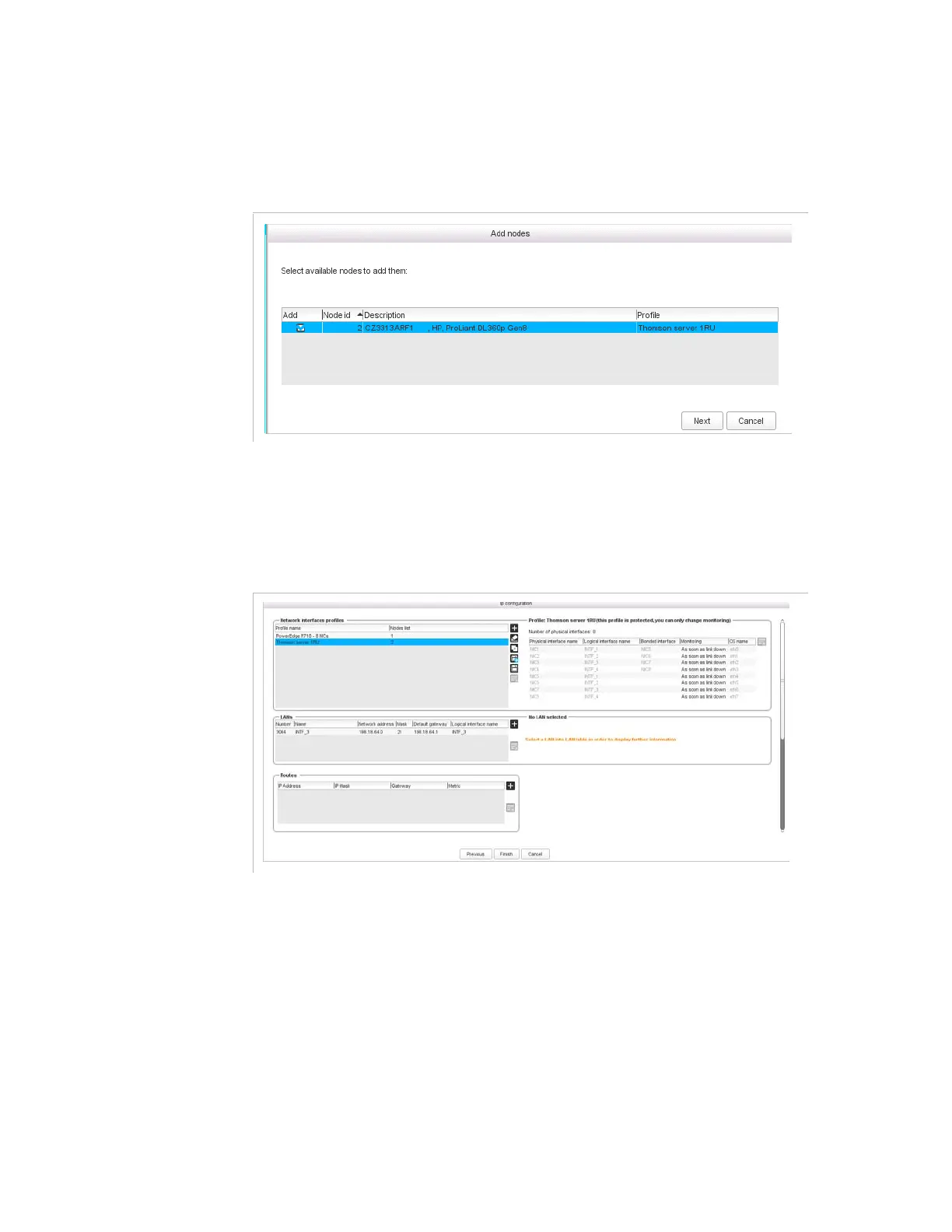
Click Add Nodes
The new node shall be detected and proposed to be added in Electra VS.
If it is not the case check that your node is correctly plugged in the System
Private LAN
c.
Click Next
4.
The node shall be automatically added in your Electra VS. If it is not
the case check your license right (refer to section
’Requesting a new
license File’
on page 411).



 To Next Page