Chapter 3 ’Web User Graphical Interface’ — Workflow Library
272 Electra VS
-
Version 05.10
User Manual - Rev. A
Video Decoder
Description
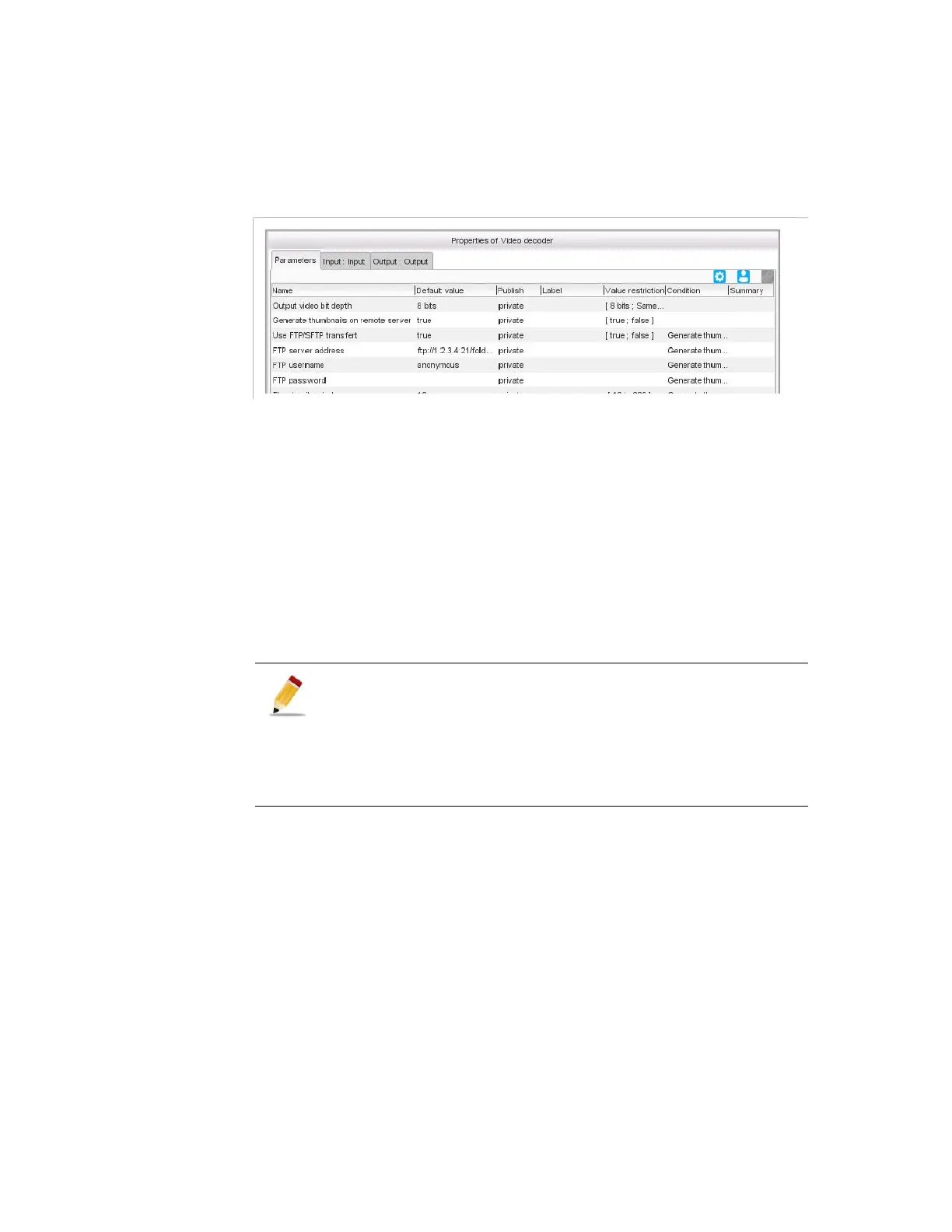
Figure 3-243. Video decoder parameters
Parameter
For this processing component, you must set the following parameters:
Output video bit depth:
Same as input:
the video will be quantized with the same bit
depth value as the input.
8-bits
: the video will be quantized on 8 bits whatever the bit
depth value at the input.
10-bits
: the video will be quantized on 10 bits whatever the bit
depth value at the input.
Generate thumbnails on remote server
: If its value is true, then
the following parameters shall be configured:
Use FTP/SFTP transfert
: if the value is set to
True
then
indicate the
FTP username
,
FTP password
to use and the
FTP server address
where the thumbnail files must be place.
A valid address has to respect the patterns as in the following
examples: "ftp://1.2.3.4:21/path" or "sftp://1.2.3.4:2021/path".
Thumbnail period
: periodicity of the thumbnail generation. It
can be configured between 10 and 300 seconds. The thumbnails
are generated on best effort.
Thumbnail file storage
: indicate the network storage where
the thumbnail files must be place. It can be NFS or CIFS. Refer
to section
’Video overlay’
on page 296 for the possibles
syntaxes.
Therefore it is recommended to apply the following rules:
Set the parameter to Same as input if the input is MPEG 10-bits
and you want to encode it in HEVC without preprocessing but
resize.
Set the parameter to 10bits if the input is MPEG 8-bits and you
want to encode it in HEVC without preprocessing but resize.
Set the parameter to 8 bits in all the other cases.



 To Next Page