Chapter 4 ’Servicing’ — Common
408 Electra VS
-
Version 05.10
User Manual - Rev. A
Common
Managing the Recovery Points
Overview
A recovery point is a file which contains all the components required to
the recover the status of the system at a specific time:
Software version (including OS)
License file
Setup configuration
List of workflows
List of jobs
Logs
Database
Periodic recovery points are automatically performed and purged.
You can store up to ten manual recovery points. They will not be
removed automatically.
Recovery Points Management
In the GUI, click
Download
on the
Setup
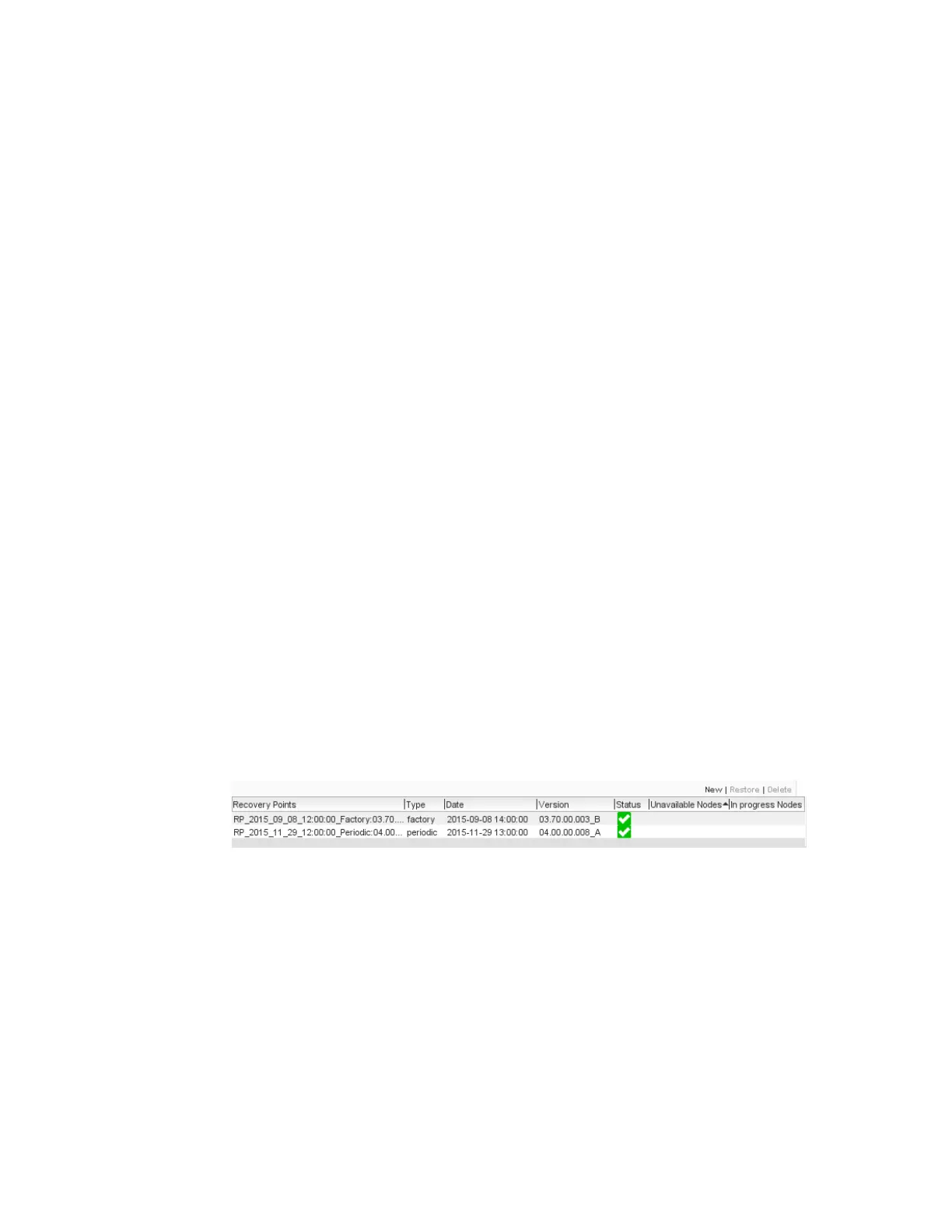
page. The Recovery Point tab
is displayed:
Figure 4-1. Recovery Points tab
The
Recovery Points
table lists the recovery points on your Electra VS
and their main characteristics.
The table contains the following processing components:
Recovery Points
: name of the recovery point file. This name is
automatically set when creating the recovery point.
Type
:
Factory:
the recovery point has been generated in the factory
and can not be erased.



 To Next Page