Chapter 3 ’Web User Graphical Interface’ — GUI Description
Electra VS
-
Version 05.10 167
User Manual - Rev. A
Setup Tab
The
Setup
tab lets you define all the parameters related to the Electra
VS. The
Setup
tab includes several panels, detailed in the coming
sections.
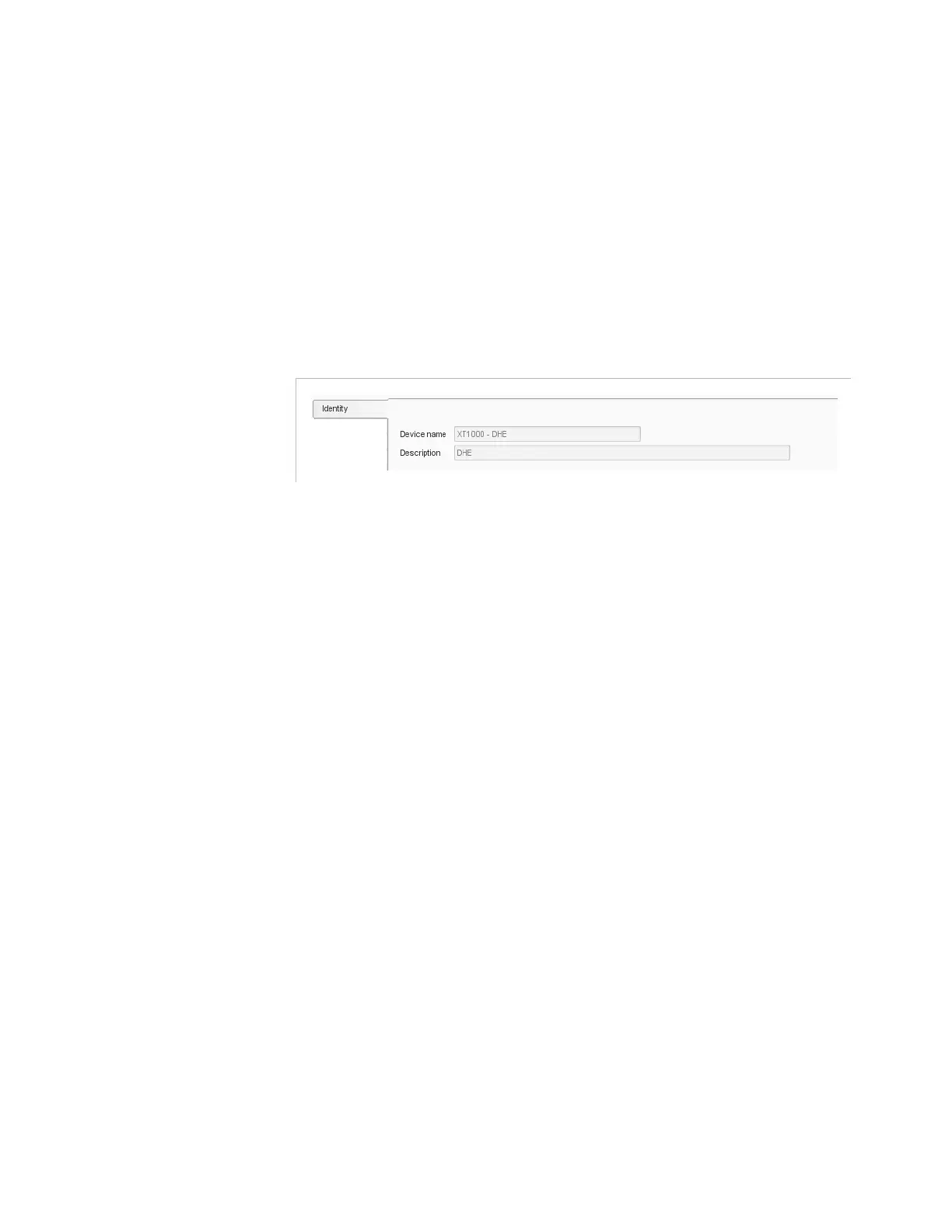
Setup/Identity
The
Identity
panel lets you assign a name to the Electra VS
and describe
it.
Figure 3-125. Setup tab – Identity category
Parameters:
Device name
: enter your chosen name for the Electra VS.
Description
: provide a brief description of the Electra VS.
Specifying these parameters enables you to identify the Electra VS
in a
list of equipment more easily, for example if the Electra VS
is integrated
into a management system.



 To Next Page