Chapter 3 ’Web User Graphical Interface’ — Workflow Library
378 Electra VS
-
Version 05.10
User Manual - Rev. A
MP4 File Output
Description
The
MP4 file
output supports the following tracks:
Video: H.264, H.265, MPEG-2
Audio: AAC, Dolby Digital, MPEG-1 layer 2
The generated MP4 files are compatible with progressive download.
Parameters
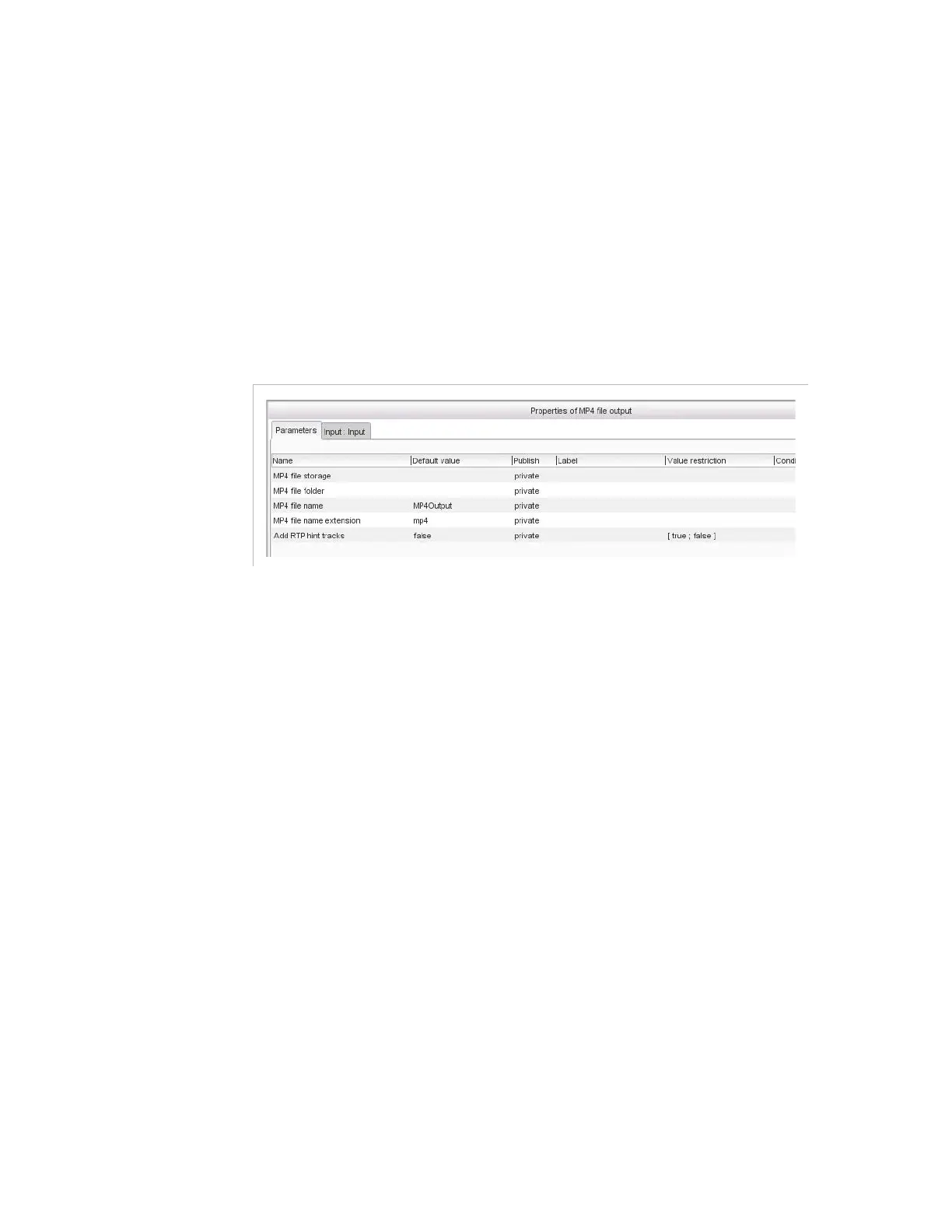
Figure 3-326. MP4 file output parameters
For this processing component, you must set the following parameters:
MP4 file storage
: indicate the network storage where the output
file must be placed. Refer to section
’Video overlay’
on page 296 for
the possibles syntaxes.
MP4 file folder
: indicate the folder on the network storage where
the output file must be placed.
MP4 file name
: enter the name of the MP4 file.
MP4 file name extension
: specify the file extension that the
output MP4 file should have.
If this parameter is not filled, the MP4 file name will be kept "as is".
If this parameter is filled, any extension of the MP4 file name
parameter will be replaced by this extension. This is useful when you
want to keep the input file name (hot folder application, for example)
and replace only the extension: you link the MP4 file name to the input
file name, and you force the extension using the
MP4 file name
extension
.
If the extension is set to
.3GP
then 3GP file is generated.
Add RTP hint tracks
: Set this parameter to
true
if you want to add
RTP hint in the tracks.
Input Tab
For each component added in the output stream, a new
Input
tab is
created.



 To Next Page