Chapter 3 ’Web User Graphical Interface’ — GUI Description
198 Electra VS
-
Version 05.10
User Manual - Rev. A
Jobs Tab
The
Jobs
tab displays the list of existing jobs in the
Job list
tab and
displays the monitoring of the redundant jobs in the
SDI Redundancy
monitoring
tab.
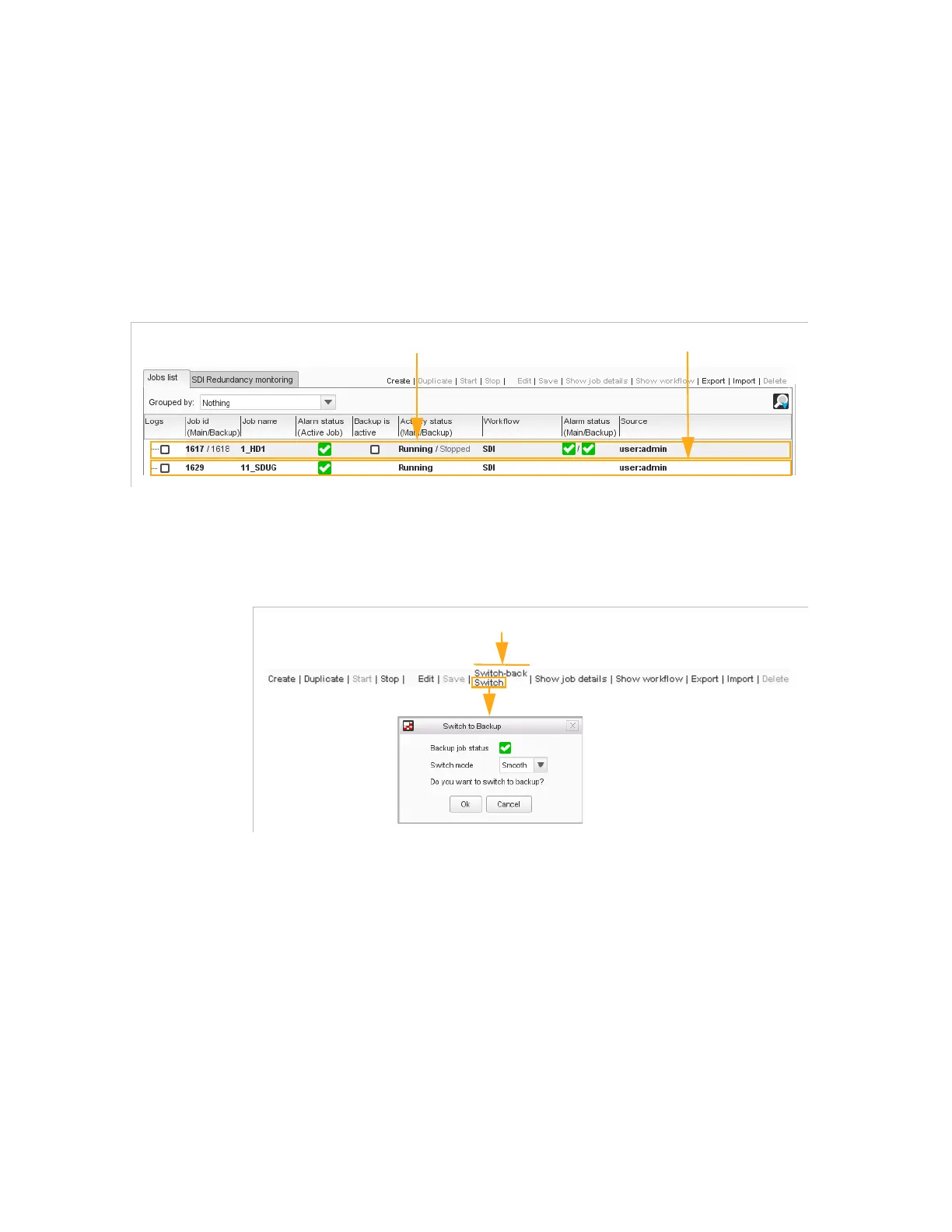
Jobs List Tab
Figure 3-158. Jobs list tab
Buttons
Figure 3-159. Buttons
The following buttons are available:
Create
: lets you create a job from a workflow, to select from the
displayed list.
Duplicate
: duplicates the selected job. In the displayed dialog, enter
a name for the new job, and if necessary, adjust the parameters. Click
Create
to validate job creation.
Start
: starts the selected job.
Stop
: stops the selected job.
Edit
: lets you change the configuration parameters.
Save
: saves the configuration parameters.
Redundant SDI job
No redundant SDI job



 To Next Page