Chapter 3 ’Web User Graphical Interface’ — Workflow Library
Electra VS
-
Version 05.10 321
User Manual - Rev. A
Dolby Digital Encoder
Description
The
Dolby Digital Encoder
processing component lets you encode
audio in Dolby® Digital and Dolby® Digital Plus.
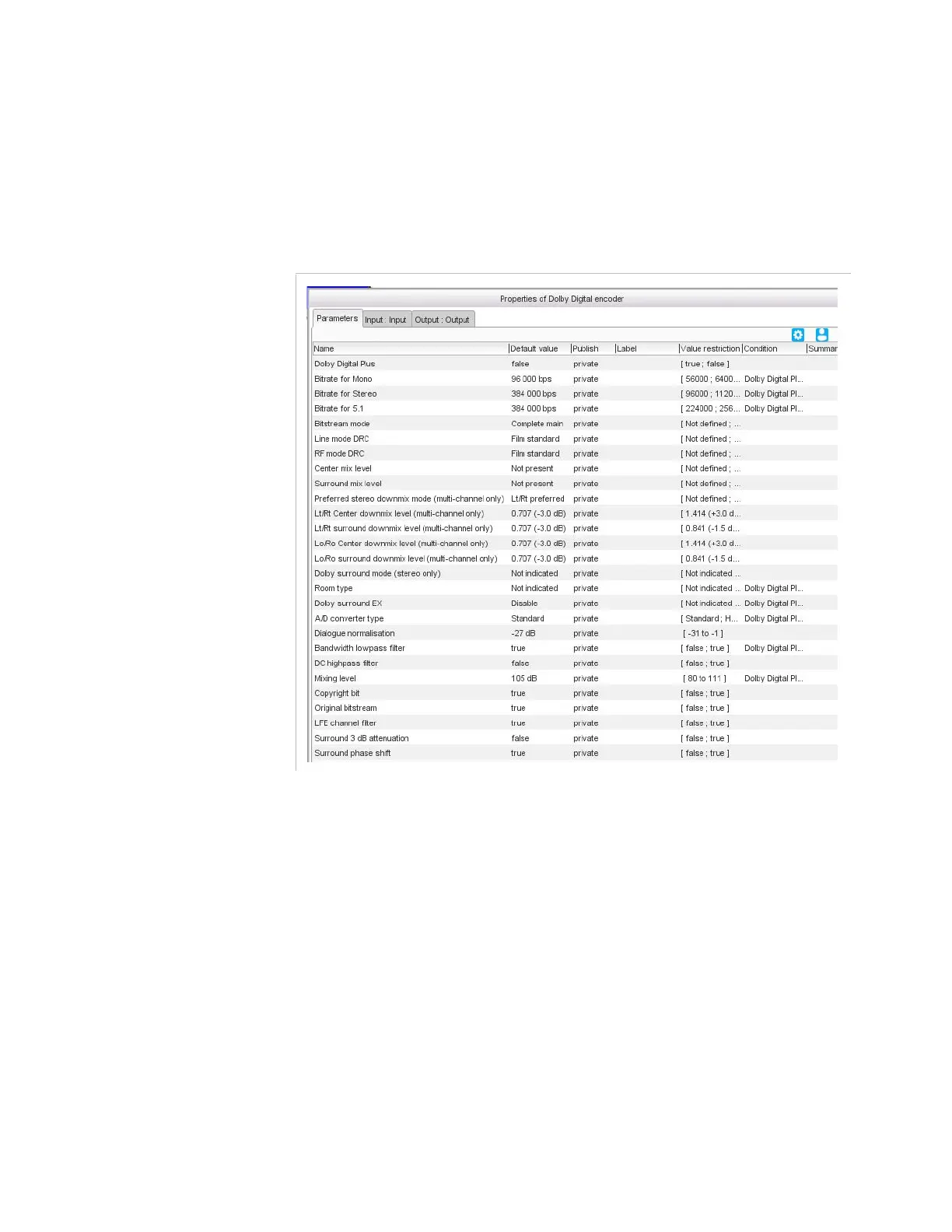
Figure 3-291. Dolby Digital Encoder parameters
Parameters
For this processing component, you must set the following parameters:
Dolby Digital Plus
: set to
true
for Dolby Digital Plus or to
false
for
Dolby Digital. If set to
false
, also set:
Room type
: type of mixing room that was used for the final
mixing:
Small room
,
Large room
,
not indicated
.
Dolby Surround EX
: set to
enable
to identify the encoded
audio as material encoded in Surround EX. This parameter is
only used if the encoded audio has two Surround channels.
A/D converter type
: enables audio that has passed through a
particular A/D conversion stage to be marked as such, so that a
decoder may apply the complementary D/A process. Choice
between:
Standard
or
HDCD
.



 To Next Page