Chapter 2 ’Installation and Startup’ — Software Only Delivery
Electra VS
-
Version 05.10 63
User Manual - Rev. A
Accessing the Web Interface for the First Time
To access the Web interface, proceed as follows:
1.
Open a Web browser in the remote PC.
2.
Type the previously configured management address in the address
bar and press
Enter
.
3.
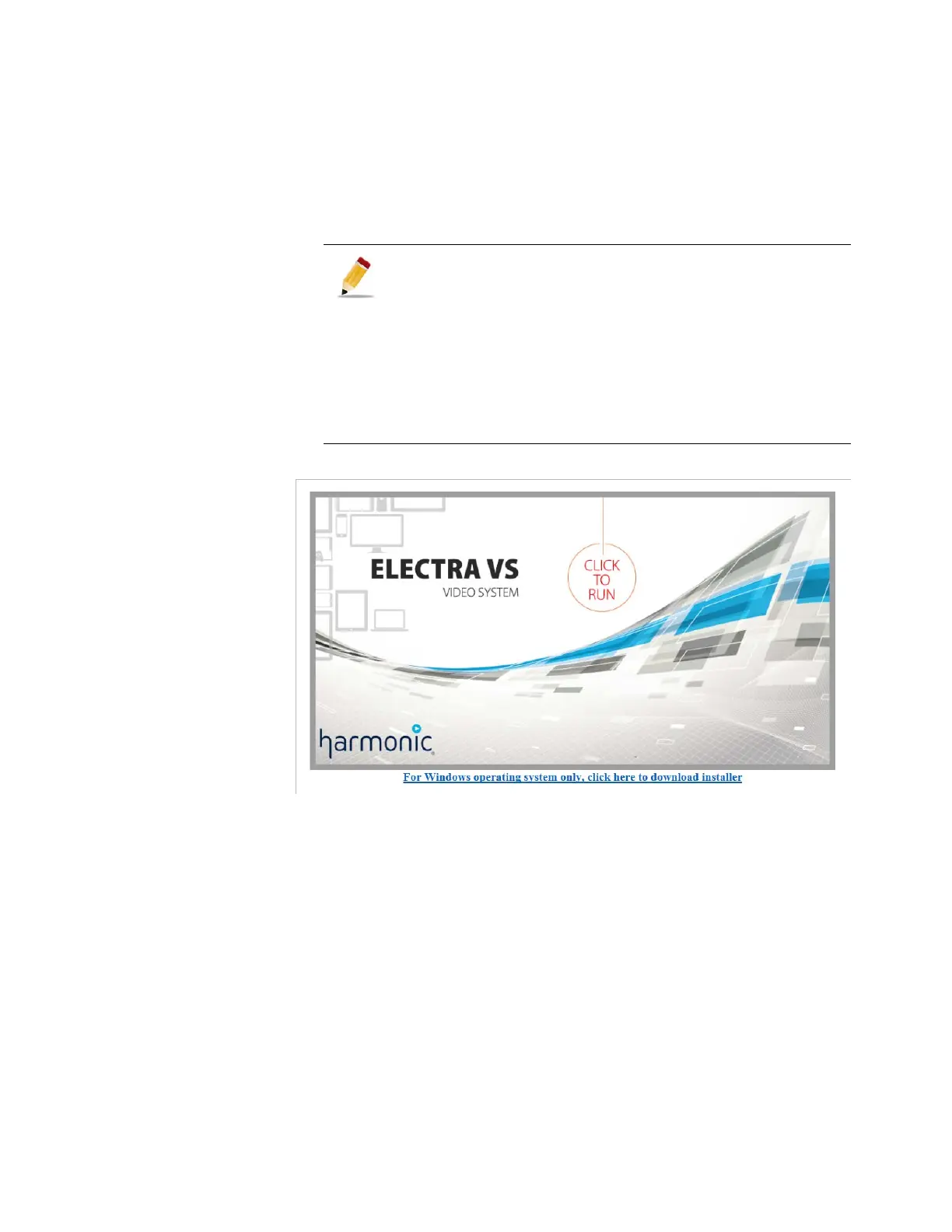
Connect to the Electra VS
Use the following account information:
Login:
admin
If you cannot access to the management IP address previously
configured:
Try to connect the PC to one of the others interfaces of the
platform. The interface may not be ordered as expected. If it is
the case then check also that the System Private LAN is
effectively connected to eth0.
Connect a screen directly to the server, connect as
THVNguest
and check the interface configuration typing
IfConfig
command (see step Configure the interface of the master
node).



 To Next Page