Chapter 7 ’Tools’ — Equipment Setup
470 Electra VS
-
Version 05.10
User Manual - Rev. A
Connecting to a Device
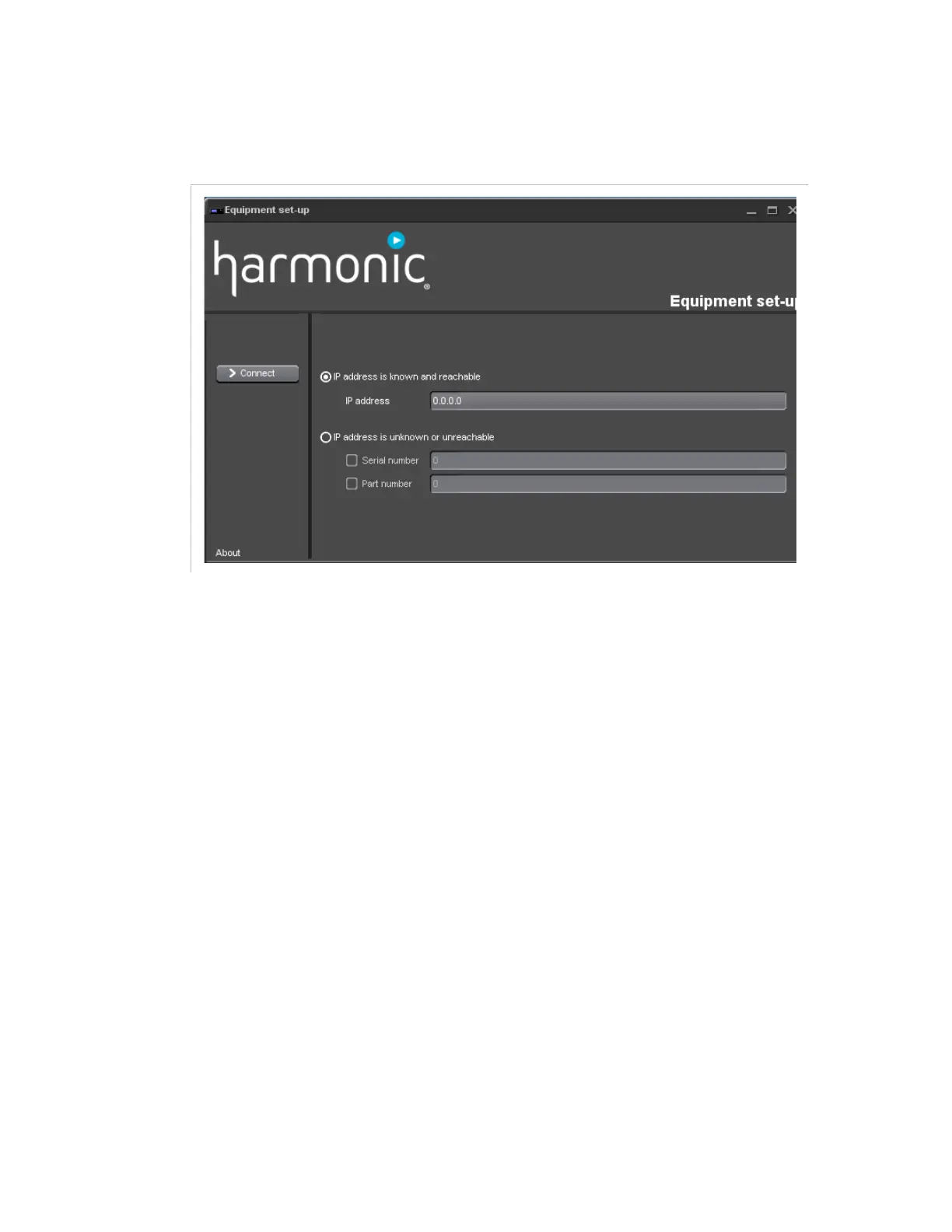
Figure 7-2. Equipment set-up
To connect to a device:
1.
Choose a mode of connection:
If the IP address of the equipment is known and can be reached,
check the first option:
IP address is known and reachable
.
This method must be used if the equipment is not on the local
network, but can however be reached through routers.
If the equipment is physically connected to the local network,
whatever its IP address, check the second option:
IP address is
unknown or unreachable
. When choosing this option, the
list of detected equipment on the local network is displayed (see
Figure 7-3
). Criteria may be given, such as serial number and/or
part number.
2.
Click
Connect
in the menu bar on the left.



 To Next Page