Chapter 4 ’Servicing’ — Hardware Delivery
Electra VS
-
Version 05.10 413
User Manual - Rev. A
Hardware Delivery
Managing the Recovery Points
Refer to section
’Managing the Recovery Points’
on page 408.
Upgrading the Software Release
Refer to section
’Upgrading the Software Release’
on page 410.
Requesting a New License File
Refer to section
’Requesting a new license File’
on page 411.
Declaring a New License File
Refer to section
’Declaring a new License File’
on page 412.
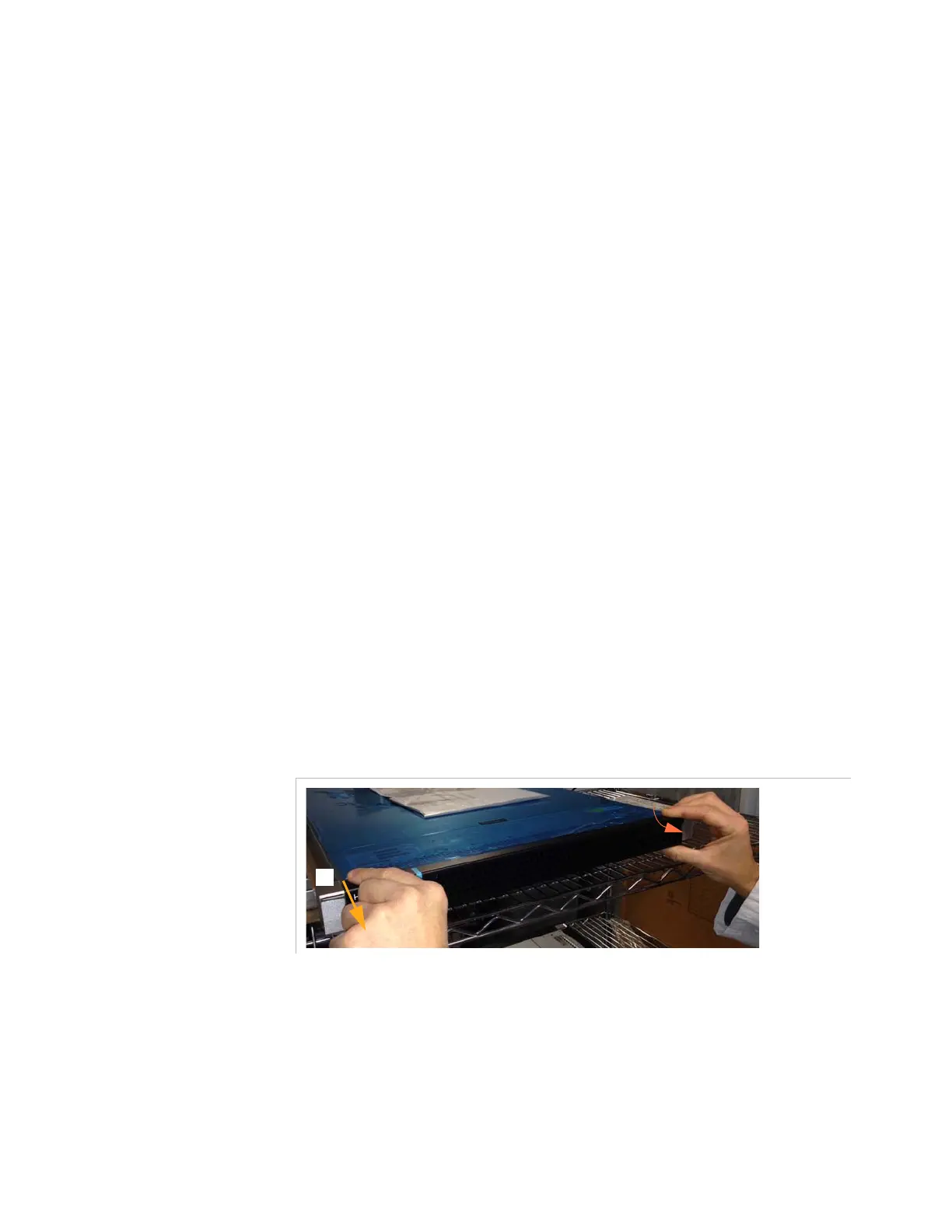
Unmounting the Front Panel on a 1RU Server
To add or replace a disk or access the slide-out display, you need to
remove the front panel. To do so, proceed as follows:
1.
Pull the left side of the front panel to unlock it.
Figure 4-5. Unmounting the front panel – Pull the left side of the front panel



 To Next Page