Chapter 2 ’Installation and Startup’ — Hardware Delivery
Electra VS
-
Version 05.10 43
User Manual - Rev. A
10RU and 6RU Devices
1.
Install the blade center in its final position.
2.
On the front panel, install the blades in the blade center: the blades
and bays in the blade center are numbered (stickers). Insert blade #1
in bay #1, blade #2 in bay #2, etc.
3.
Install the power supply units.
4.
For 6RU devices: slide-out the BladeSystem Insight Display, which will
later show the equipment status.
5.
Install the front panel. The procedure is not the same for 10RU and
6RU devices.
Mounting the Front Panel on 10RU Device
The following items are shipped with the device:
1 front panel (left or right opening) in a plastic bag
1 top left hinge + 1 bottom left hinge + 1 top right hinge + 1 bottom
right hinge mounted on the chassis
1 screw at the top of the top left hinge + 1 screw at the bottom of the
bottom left hinge
To install the front panel, the left or right hinge must be removed
depending on whether left- or right-opening is required. This operation
is explained below.
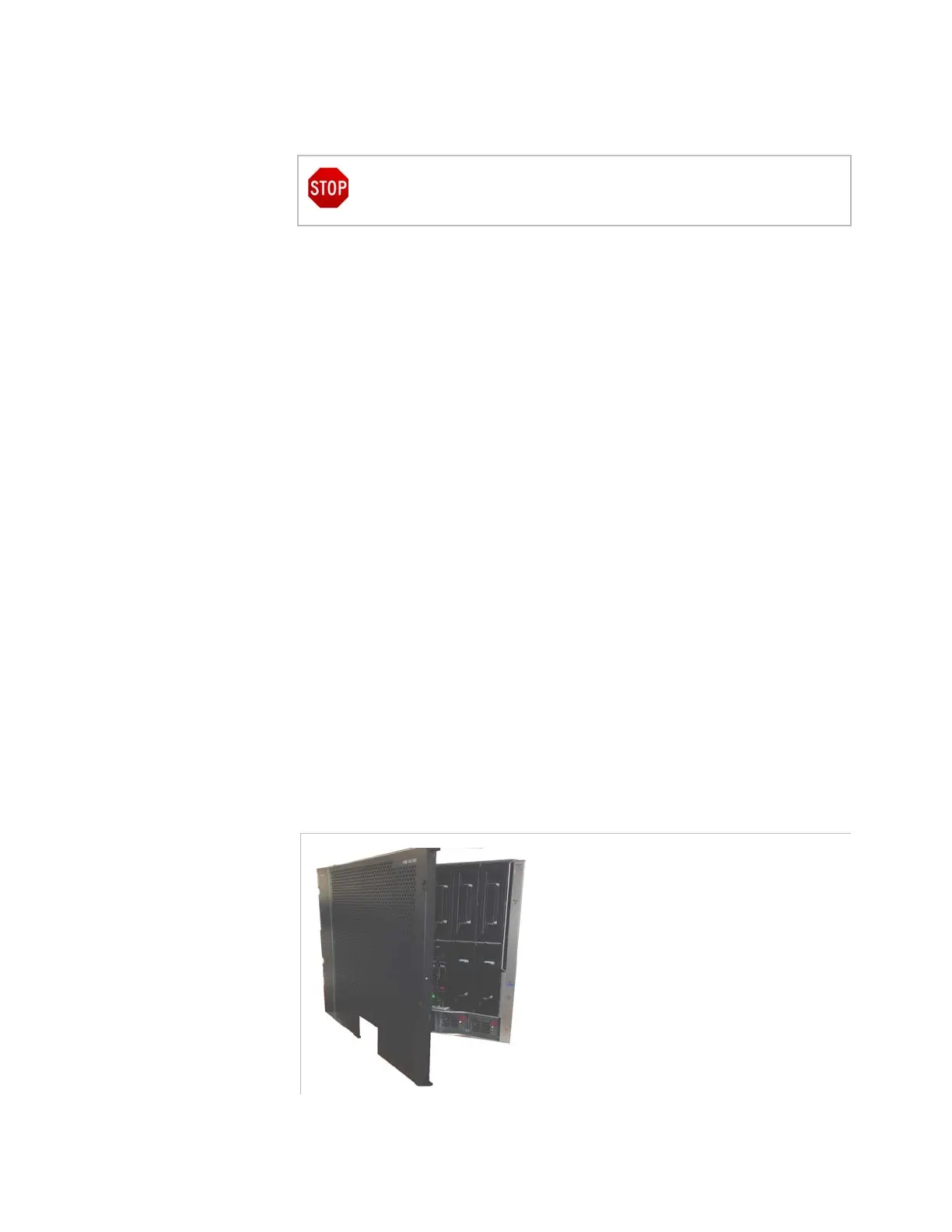
Procedure to Install a Left-Opening Front Panel (Hinges on Left)
Figure 2-15. Front panel with left-opening
If you need to move the blade center, it must be empty.



 To Next Page