Chapter 4 ’Servicing’ — Hardware Delivery
Electra VS
-
Version 05.10 415
User Manual - Rev. A
Adding a Diskless Node to Electra VS
If you want to expand your system by adding diskless nodes, you first
need to purchase the physical nodes and rack them. You then need to
enable, configure and finally declare them in the system. This section
explains how to perform these operations for the 1RU, 6RU, and 10RU
systems.
Install the new blades in the blade center or the 1RU device in the rack as
explained in the ’
Installation and Startup
’ chapter. In the case of a 1RU
device, connect it like the other devices in the system.
Enabling the New Diskless Node (6RU and 10RU)
Once you have racked a new node, you need to enable it. To do so, follow
the procedures below.
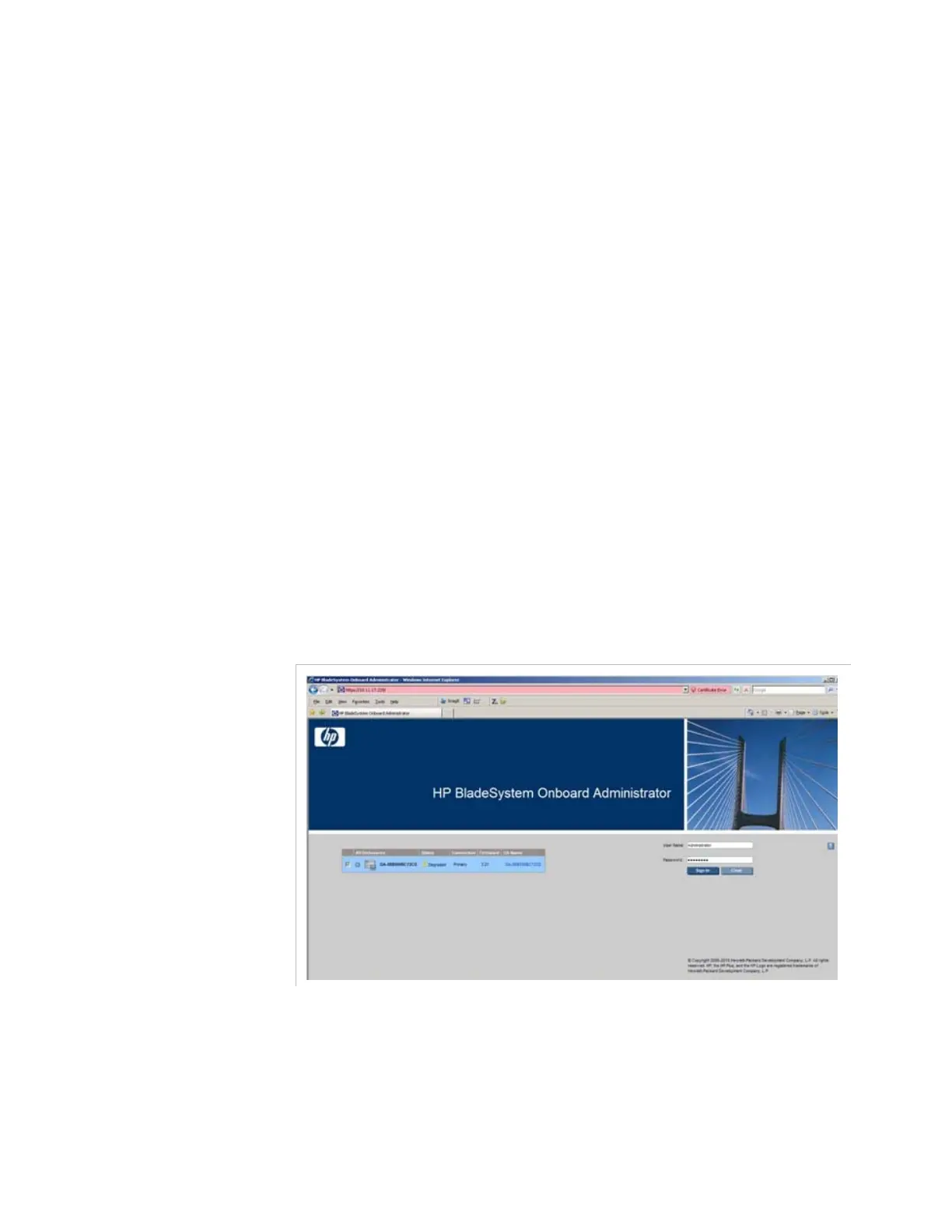
Connecting to the ILO Interface
1.
Launch Internet Explorer
2.
Enter the IP address of the ILO interface of the blade center. For more
information, see section
’Connecting to the HP Monitoring Tools’
on
page 473.
3.
Enter the user name and the password indicated on the asset tag.
Figure 4-7. Connection to the ILO interface
The
HP OnBoard Administrator
interface is displayed.



 To Next Page