Chapter 3 ’Web User Graphical Interface’ — Workflow Library
234 Electra VS
-
Version 05.10
User Manual - Rev. A
Processing Component Input/Output Tabs
Whether the Input and Output tabs are available depends on the nature
of the processing component.
When such a tab is available, it lets you publish the input or output and
specify a label, as well as setting some specific parameters.
Publishing Inputs and Outputs
Publishing the input or output is useful if the workflow you create is not
a full, instantiable workflow, but is an intermediate workflow (i.e. a series
of processing components) that will later be used in other workflows. In
this case, you may for example publish the input of the first processing
component and the output of the last processing component.
To publish an input or output, check the
Publish
box.
If you want, type a
Label
in the field.
Refer to section
’Creating Sub-Workflows’
on page 141.
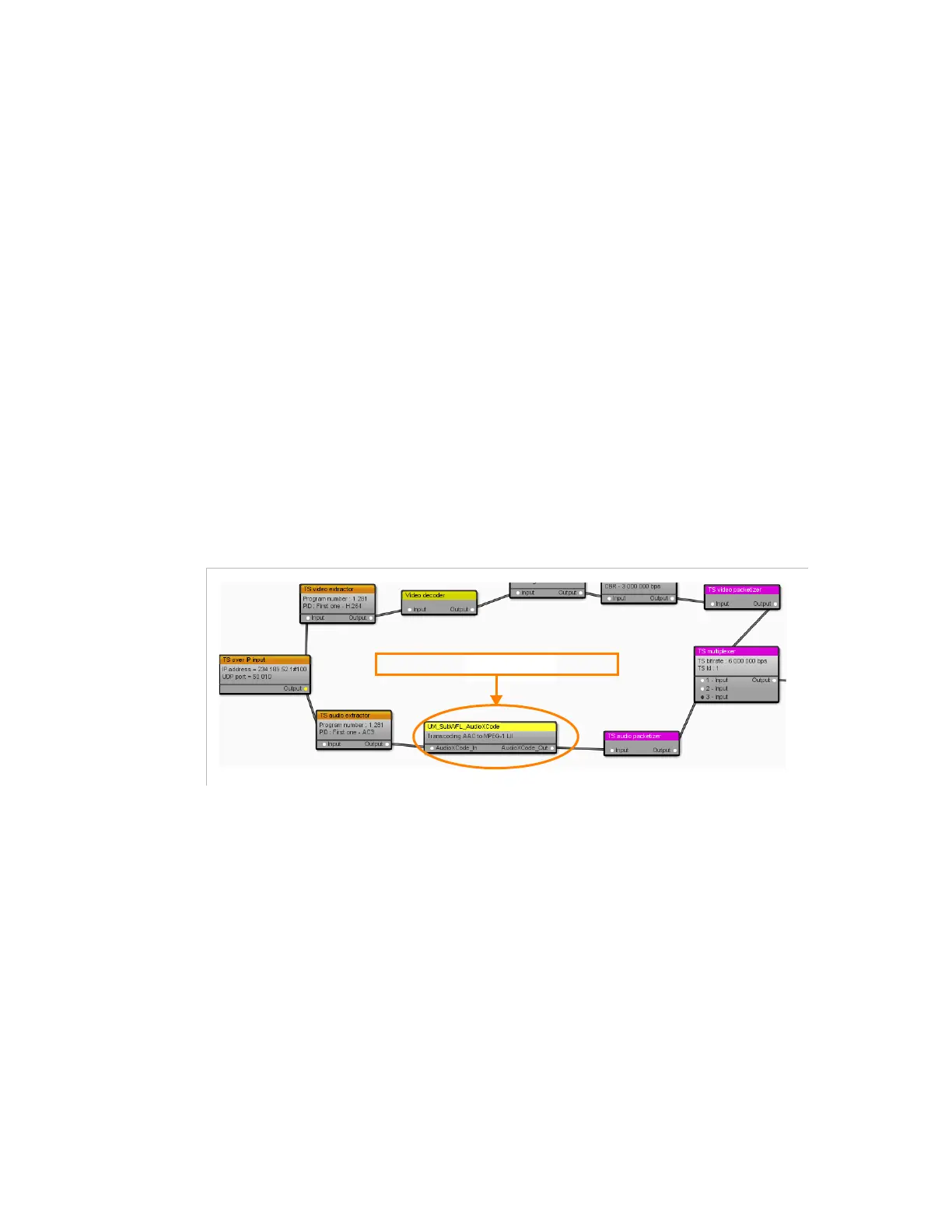
Figure 3-207. Example of workflow embedding the sub-workflows
Specific Input and Output Parameters
For some processing components, a table is also available and lets you
define parameters for this specific input or output.
For example, in the
TS multiplexer
output
processing component,
you can set if the input type should be a program or a component.
sub-workflow 'UM_Sub_WKF_AudioXCode'



 To Next Page