Chapter 3 ’Web User Graphical Interface’ — Workflow Library
Electra VS
-
Version 05.10 233
User Manual - Rev. A
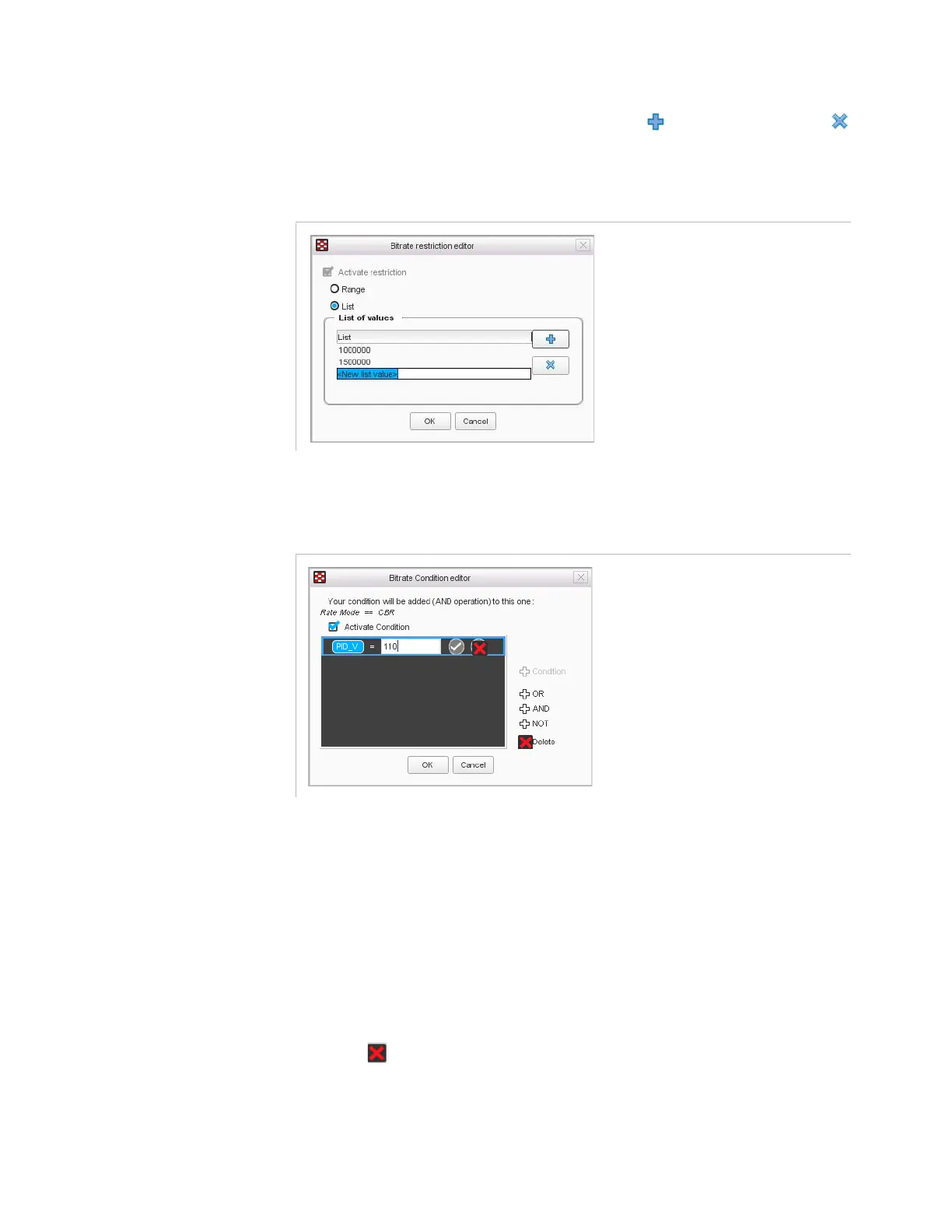
List
: use this option to restrain the value to a list of values. Enter
the possible values in the list. Click to add a value, and
to remove a value.
Figure 3-205. Restriction configuration on a processing component – List
Condition
Figure 3-206. Condition configuration
Double-click the elements of the condition to set them:
Select a parameter from the available parameters. Only the
public parameters with labels are proposed, as well as the
parameters specially created to be used in the condition.
Choose the operator: equal to, different than, lower than or
superior to.
Enter a value in the field.
You can use the OR, AND and NOT operators on the right to build a
more complex condition.
Click if you want to remove a condition in the list (select it
beforehand).
Summary
: check the box if you want the parameter to appear in the
summary of the workflow.



 To Next Page