Chapter 3 ’Web User Graphical Interface’ — Workflow Library
Electra VS
-
Version 05.10 381
User Manual - Rev. A
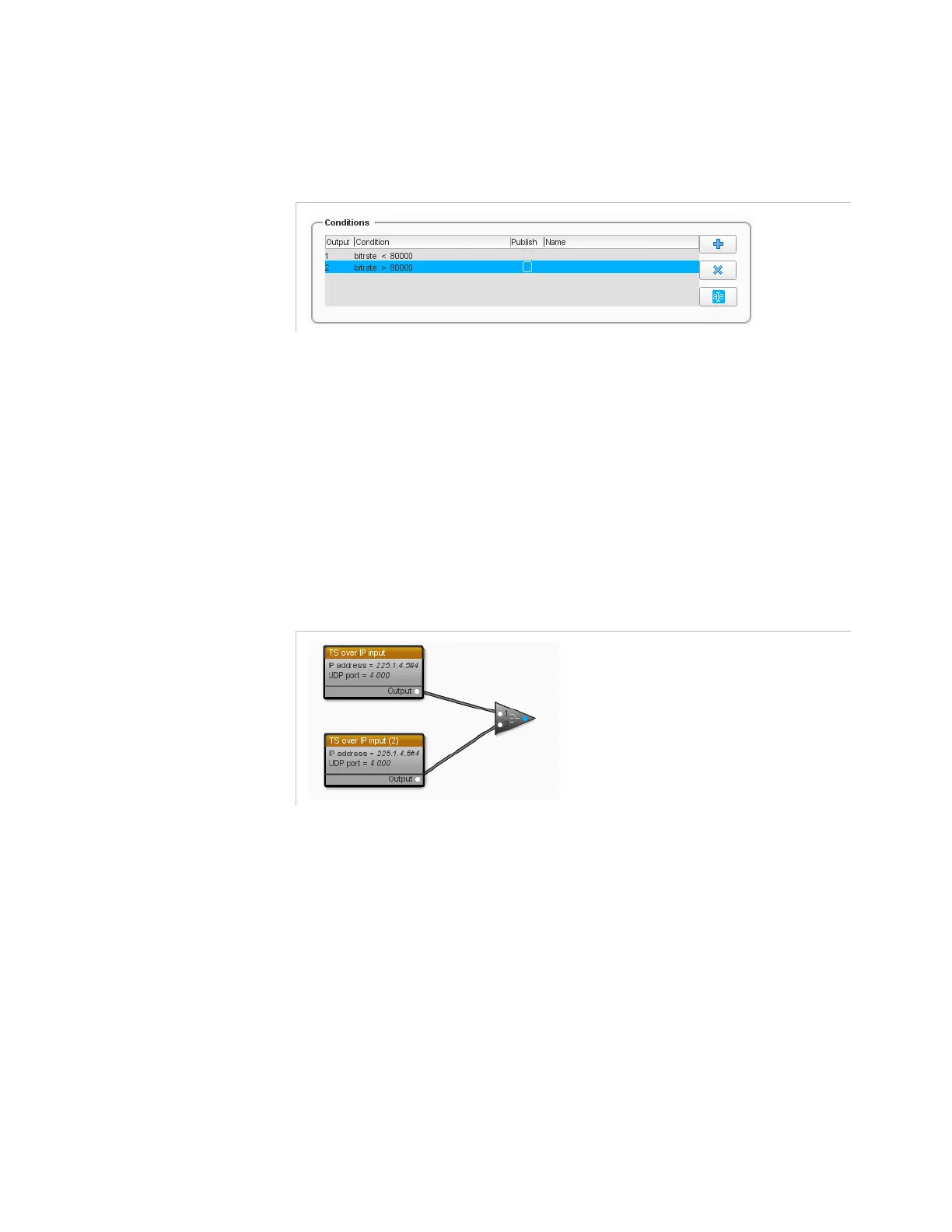
Use the condition editor to perform your configuration. For our example,
set the condition of the
Choice
processing component as shown below.
Figure 3-329. Example of condition configuration for a Choice processing component
Selector
The
Selector
tool lets you define a condition to choose the input that
should be used. It works basically the same way as the
Choice
tool, but
reversely.
Let us take an example: a configuration contains two inputs: one TS over
IP input#1 and one TS over IP input#2. We want the job author to choose
whether to use one input or the other. We thus use the
Selector
tool, as
shown in
Figure 3-330
.
Figure 3-330. Example of use of the Selector tool



 To Next Page