Chapter 3 ’Web User Graphical Interface’ — Operating Instructions (Tutorial)
92 Electra VS
-
Version 05.10
User Manual - Rev. A
Basic Operations
This section is divided into 4 sub-sections.
Creating a Job from a Predefined Workflow
1.
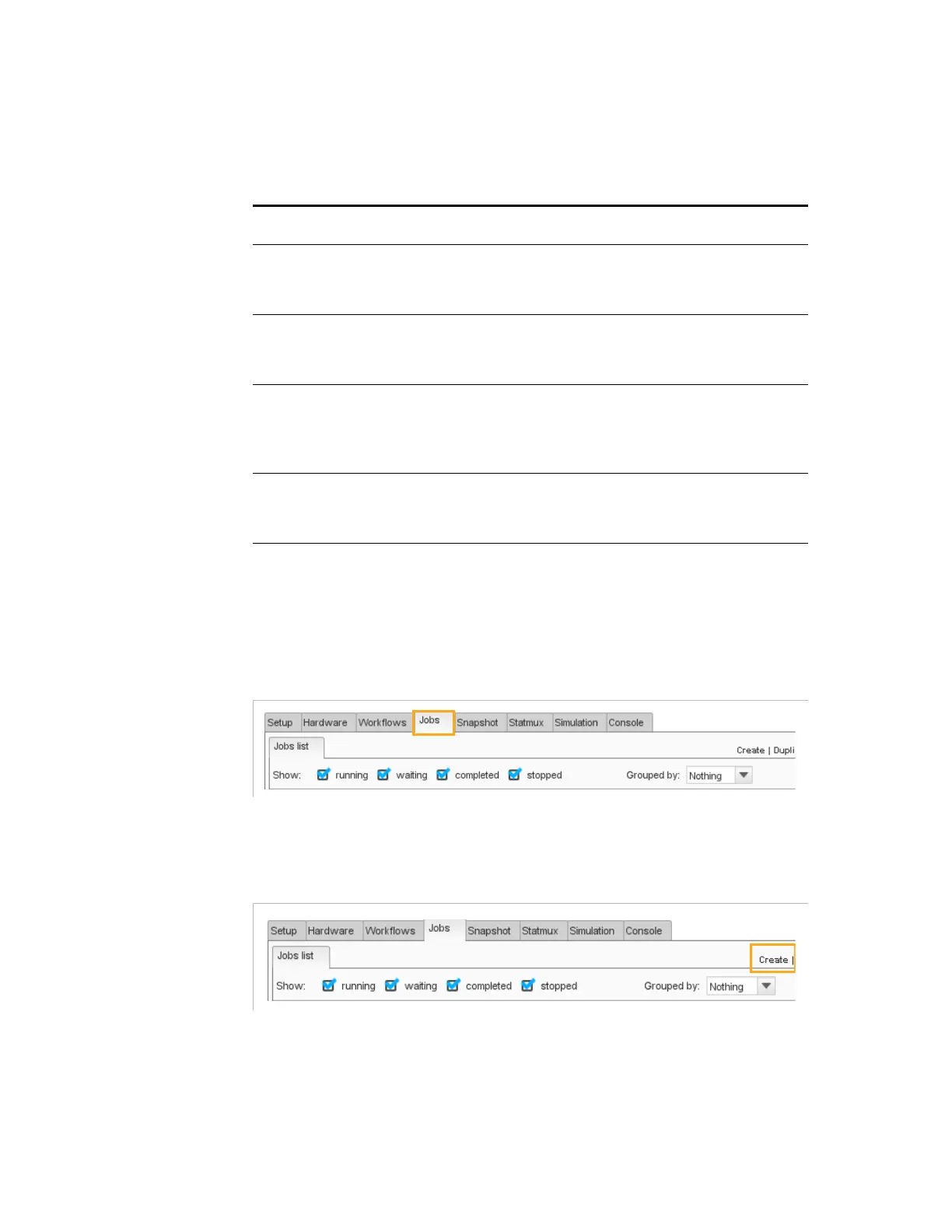
Click the
Jobs
tab.
Figure 3-11. Opening the Jobs tab
2.
Click
Create
.
Figure 3-12. Creating a job
The list of predefined workflows is displayed. In this list, you will find
Live SD-HD Encoder: to be used for live encoding from an SDI
input to an SPTS or MPTS (Statmux included) output.
Live SD-HD Transcoder: to be used for Live transcoding to an
SPTS or MPTS (statmux included) output.
Table 3-3. Basic settings sub-sections
Sub-section Description
‘Creating a Job from a
predefined workflow’
describes how to create a job from a
predefined workflow installed in the Electra
VS.
‘‘Setting Job parameters
for the predefined
workflows’’
presents the different tabs of the jobs based
on the predefined workflows.
‘Hot Folder’
explains how to use the hot folder. A hot folder
is a directory that, when you place a file in it,
automatically detects the file and creates a job
to apply the processing you specified.
‘Using the Snapshot
View’
explains how to see the input contents in a
snapshot view so as to ease your
configuration.



 To Next Page