Chapter 3 ’Web User Graphical Interface’ — Operating Instructions (Tutorial)
Electra VS
-
Version 05.10 91
User Manual - Rev. A
Other Pictograms
Tables
The GUI contains numerous tables. In some of them, it is possible to
modify the content.
To add a processing component to a list, click the button.
To remove a processing component from a list, select a line and click the
button.
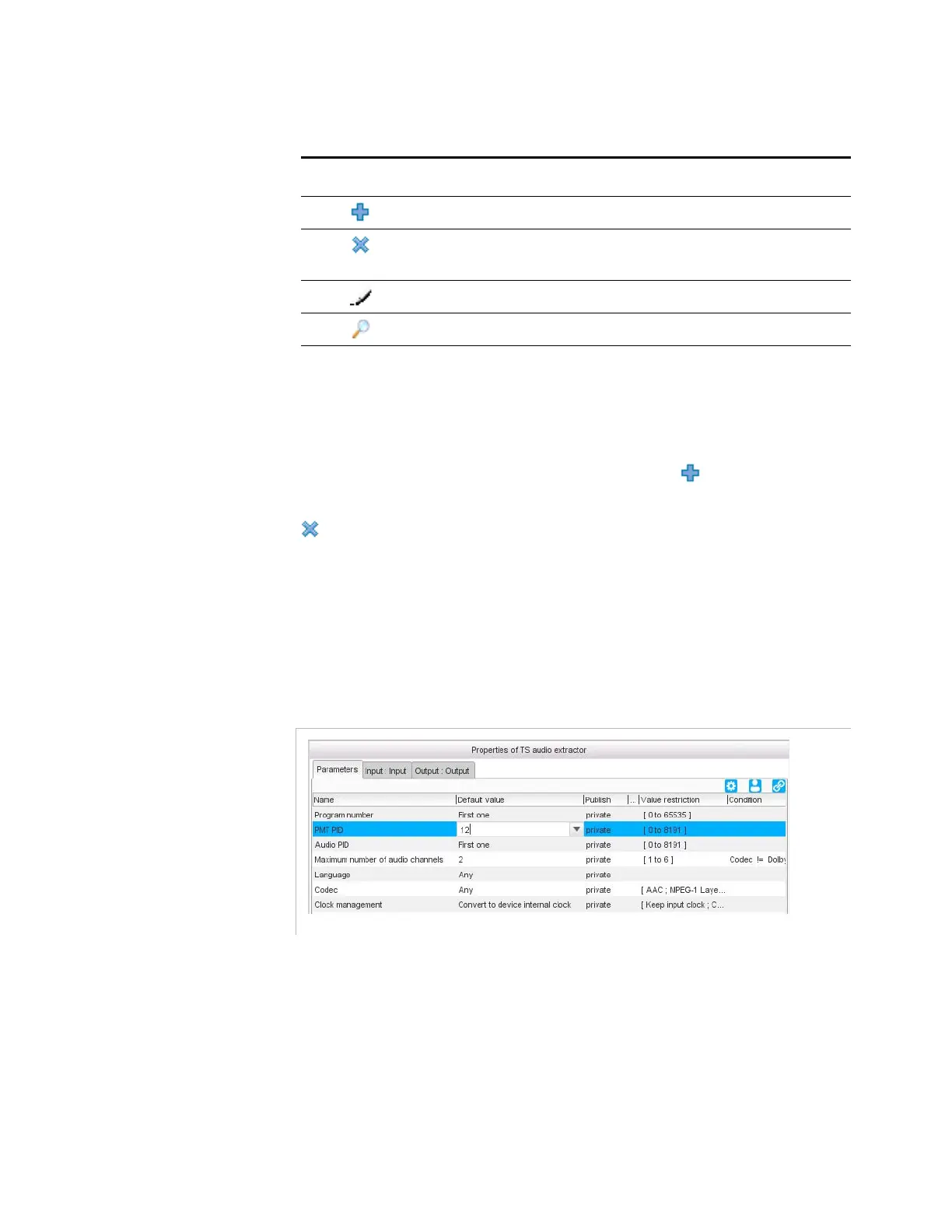
To modify a value in a table, double-click the corresponding cell and type
the new value or if it is a list, select a value from the list. In some lists, it
is also possible to add values. For instance, in a
TS audio extractor
processing component, you can leave the PMT PID to Auto or enter your
own value.
Figure 3-10. Example of editable drop-down list
Table 3-2. Pictograms
Pictogram Meaning Behavior
Add Adds a processing component to a list.
Remove Removes a selected processing
component from a list.
Edit Edits a parameter.
Search Indicates a search field.



 To Next Page