Chapter 2 ’Installation and Startup’ — Software Only Delivery
Electra VS
-
Version 05.10 65
User Manual - Rev. A
5.
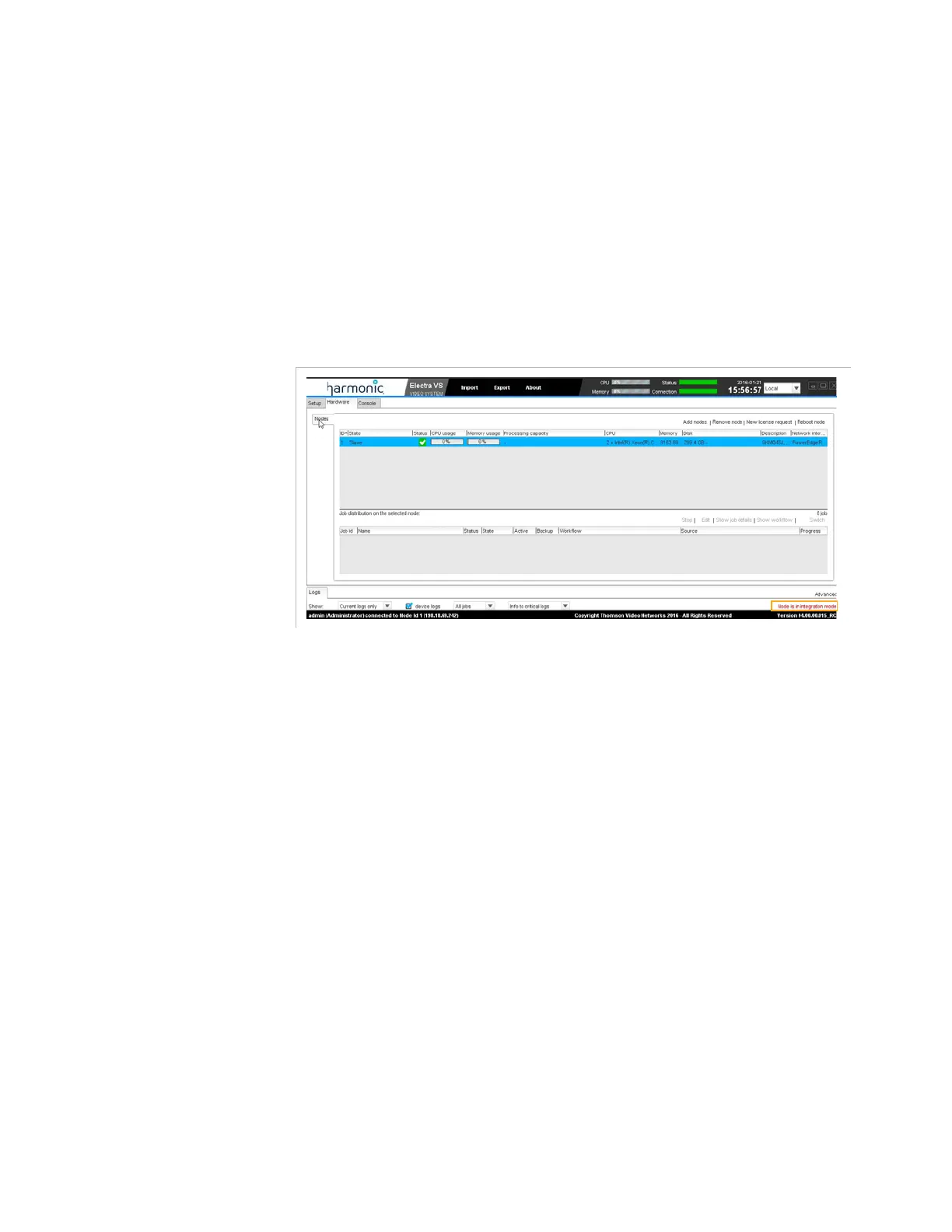
Check the Node Status:
a.
Select the
Hardware
tab.
b.
Go to the
Nodes
category.
c.
Check that:
- The node is displayed in the
Hardware/Node
tab in the GUI.
- The state of the first node shall be
Slave
, its status
OK
and the
processing capacity set to
0
. The node shall be in
integration
mode
(check its status in the bottom-right corner of the
windows).
Adding the Second Masterisable Node in Electra VS
1.
Install the version from the USB Flash drive on a second node with
disk (Refer to steep 1 to 6 in the section
’Installing the Version on the
First Node (Master Node)’
on page 58.



 To Next Page