Chapter 3 ’Web User Graphical Interface’ — Workflow Library
374 Electra VS
-
Version 05.10
User Manual - Rev. A
MPEG-DASH File Output
Description
The
MPEG-DASH file output
receives audio/video components,
creates chunks and manifests and makes them available on network
storage.
Parameters
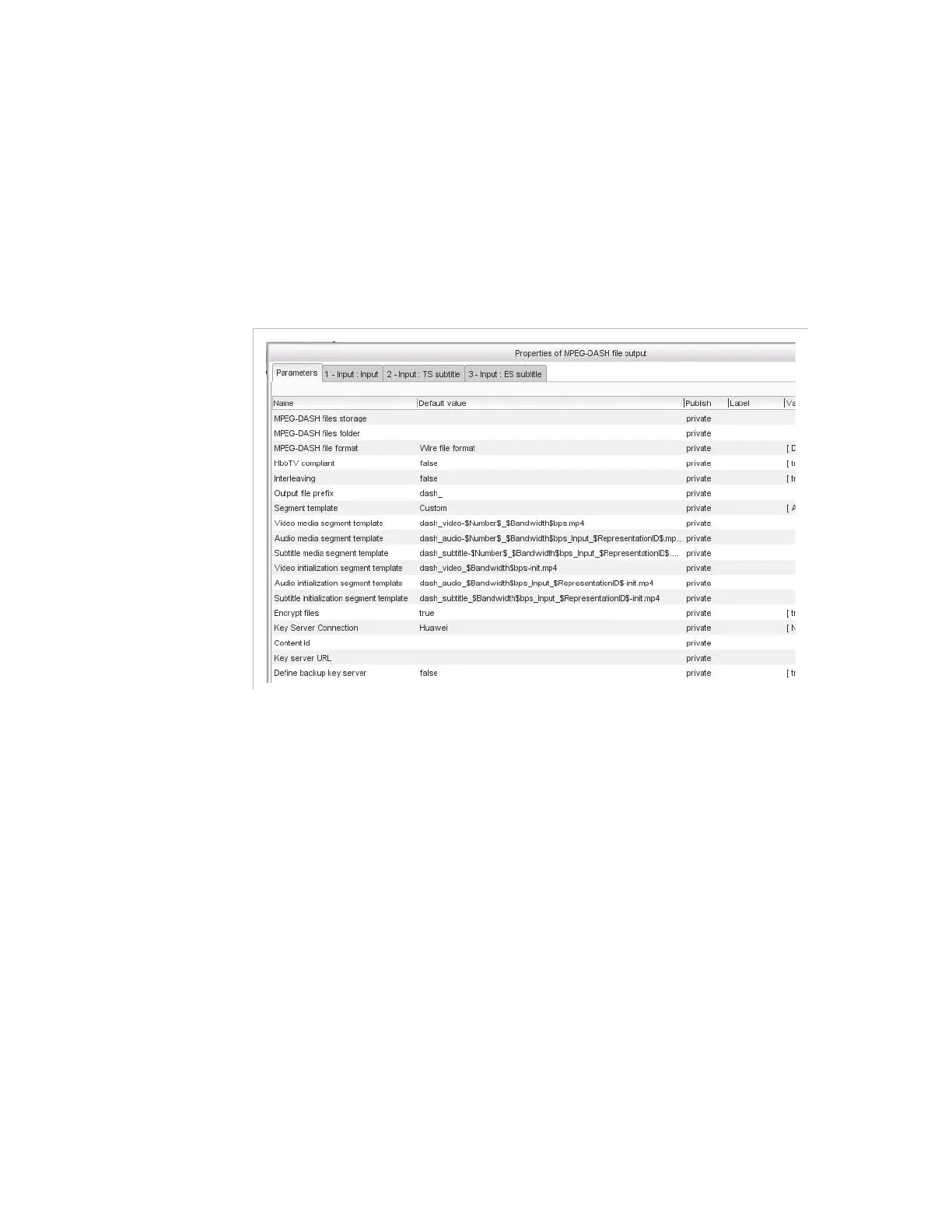
Figure 3-325. MPEG-DASH file output parameters
For this item, you must set the following parameters:
MPEG-DASH files storage
: indicate the network storage where
the output files must be placed. Refer to section
’Video overlay’
on
page 296 for the possibles syntaxes.
MPEG-DASH files folder
: indicate the folder on the network
storage where the output files must be placed.
MPEG-DASH file format
: choose one of the available formats:
Disk file format
: in this format, all chunks are grouped into a
single MP4 file (moof).
Wire file format
: in this format, all chunks are delivered in
distinct files. This format is compatible with all types of Web
servers.
HbbTV compliant
: set to true to generate an HbbTV compliant
stream. Chunks are then compatible with MPEG-DASH and HbbTV.
Manifests for MPEG-DASH and HbbTV are generated.
Interleaving
: if set to
true
, video and audio are in the same files. This
parameter SHALL be set to
false
if there is more than one audio
components.



 To Next Page