Chapter 3 ’Web User Graphical Interface’ — GUI Description
Electra VS
-
Version 05.10 173
User Manual - Rev. A
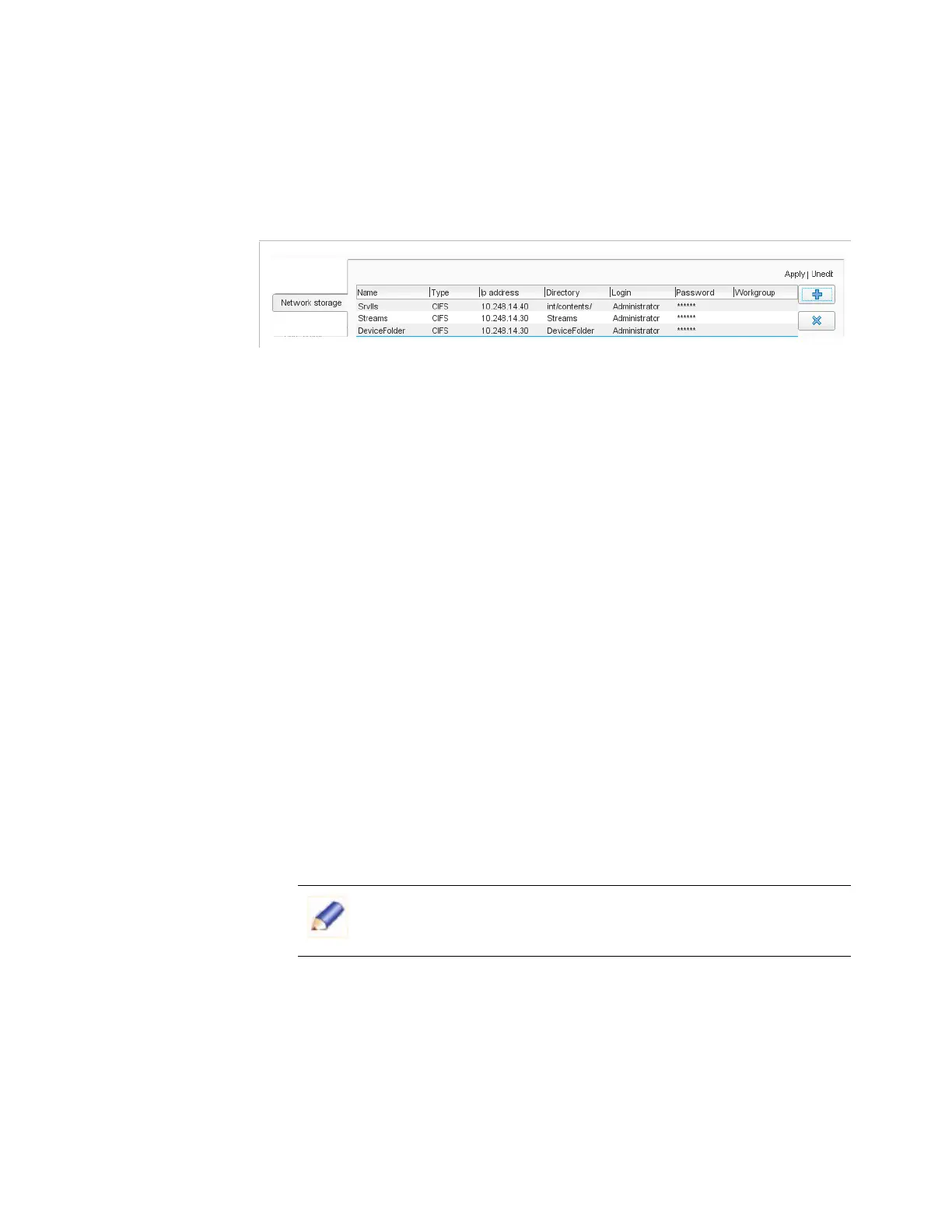
Setup/Network Storage
The
Network Storage
category lets you define specific storage
locations on the system for subsequent direct access to logs, logo, text.
Figure 3-132. Network storage configuration
The table contains the list of network storage locations with associated
details:
Name
: name that you will be able to use to refer to this network
storage. Note that this is a name, not a path: do not use the "/" or "\"
symbol.
Type
: Network File System (NFS) or Common Internet File System
(CIFS).
IP address
: IP address of the file server.
Directory
: target directory on the file server. There are no
conventions to observe in this field, simply follow those that match
the type of network storage you defined. For instance, there is no need
to enter a "/" or "\" symbol on Windows, but on a Linux operating
system you must enter the full path to the network storage from the
root.
Login
: if authentication is required to access the network storage,
enter the login.
Password
: if authentication is required to access the network
storage, enter the password.
Workgroup
: if needed, specify the workgroup on which the network
storage is located.
Setup/Hot Folder
A hot folder is a directory that, when you place a file in it, automatically
detects the file and creates a job to apply the processing you specified.
The
Hot folder
category lets you set the parameters for hot folders. This
is where you can create hot folders and define the processing to be
applied to the files placed in them.
On Microsoft Windows, you must first share the directory before
being able to mount it.



 To Next Page