Chapter 3 ’Web User Graphical Interface’ — Workflow Library
Electra VS
-
Version 05.10 231
User Manual - Rev. A
Processing Component Parameters Overview
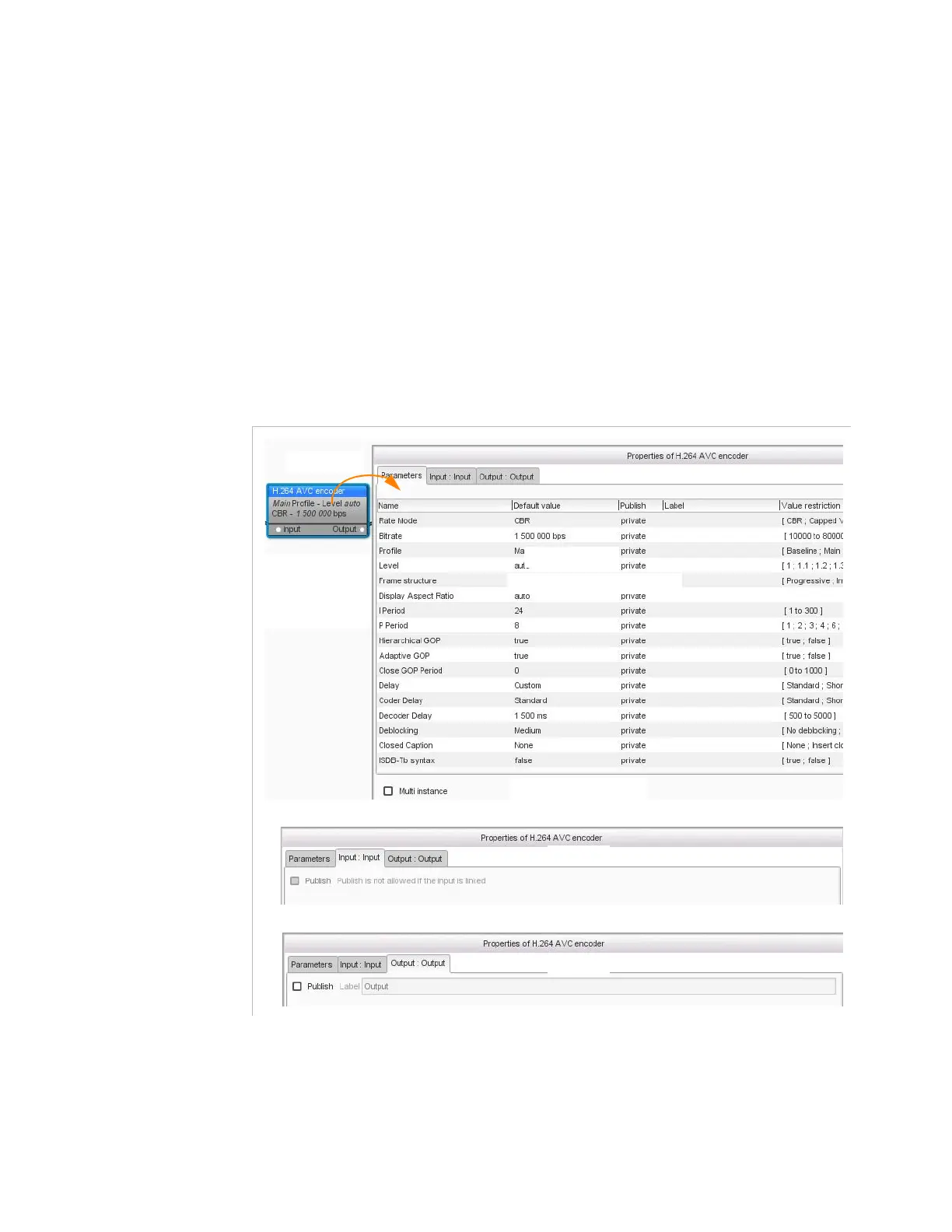
To access the parameters of a processing component, double-click the
processing component.
The
Properties
dialog box displayed for a processing component
always looks the same. It contains:
A parameter tab with an array listing the parameters
One or several input tabs
One or several output tabs
A multi-instance check box
Figure 3-203. Parameters of a processing component in a workflow
Array with the list of parameters
multi-instance check box
Parameters tab
Input tab
Output tab
Double-click



 To Next Page