Chapter 3 ’Web User Graphical Interface’ — Workflow Library
Electra VS
-
Version 05.10 253
User Manual - Rev. A
SDI Input
Description
The input can be the input of an SDI matrix (when redundancy is
required), or directly the SDI input of a node.
The maximum format of the video shall be given.
The display aspect ratio can be retrieved from input data (WSS and/or
AFD), or can be manually forced.
Dolby Digital, Dolby Digital Plus and Dolby E inputs are supported.
SCTE104 over SMPTE2010 sections can be retrieved from SDI input and
transcoded in SCTE 35 section. This feature depends on the SDI input
board capability.
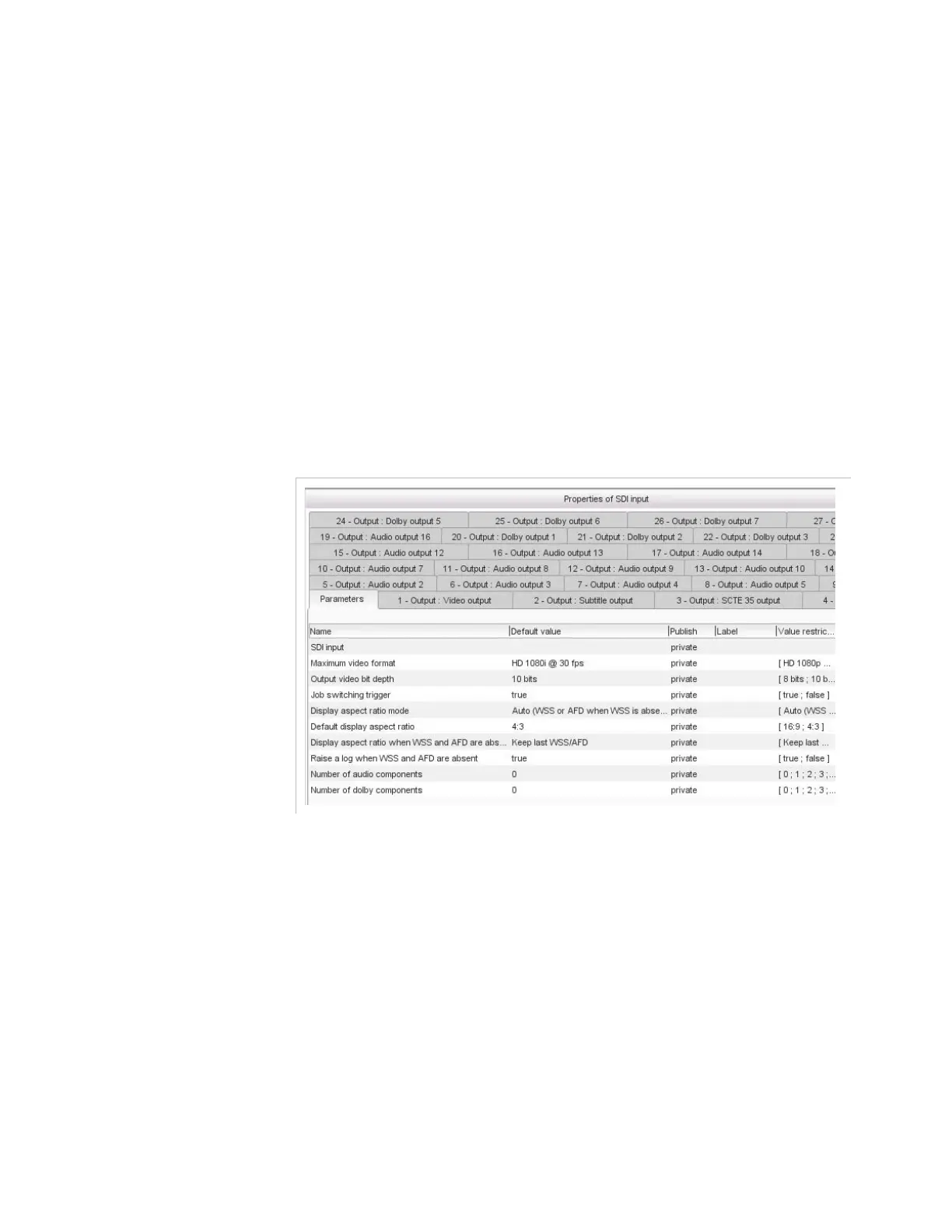
Figure 3-225. SDI input parameters
Parameters
For this processing component, you must set the following parameters:
SDI input
: number of the physical SDI input to use. The names set in
the
SDI
category of the
Hardware
tab are available in the list. If UHD
2160p format is configured you need to configure four SDI inputs.
Maximum video format
: PAL, NTSC, or a variety of HD/UHD
resolutions.
If
Maximum format
is set to HD 1080p@30/50/59.94/60 fps or UHD
2160p@25/30/50/60 fps, color dynamic range parameters are
displayed.
You can select a dynamic range between
SDR
,
HDR-HDR10
,
HDR-PQ10
,
HDR-HLG
and depending of the
Dynamic range
you
must configure the corresponding parameters:



 To Next Page