Chapter 4 ’Servicing’ — Hardware Delivery
Electra VS
-
Version 05.10 433
User Manual - Rev. A
Replacing a Diskless Node in Electra VS
To replace a diskless node, you need to configure the BIOS of the new
node. After that, the process is basically the same as for declaring a new
node.
Contact your
Harmonic
sales representative to buy a new node.
Configuring the BIOS of the New Node
The process is exactly the same as when adding a new diskless node.
Follow all steps of the procedure described in section
’Configuring the
BIOS of a Diskless Node’
on page 416.
Replacing a Node
To replace a node, proceed as follows:
1.
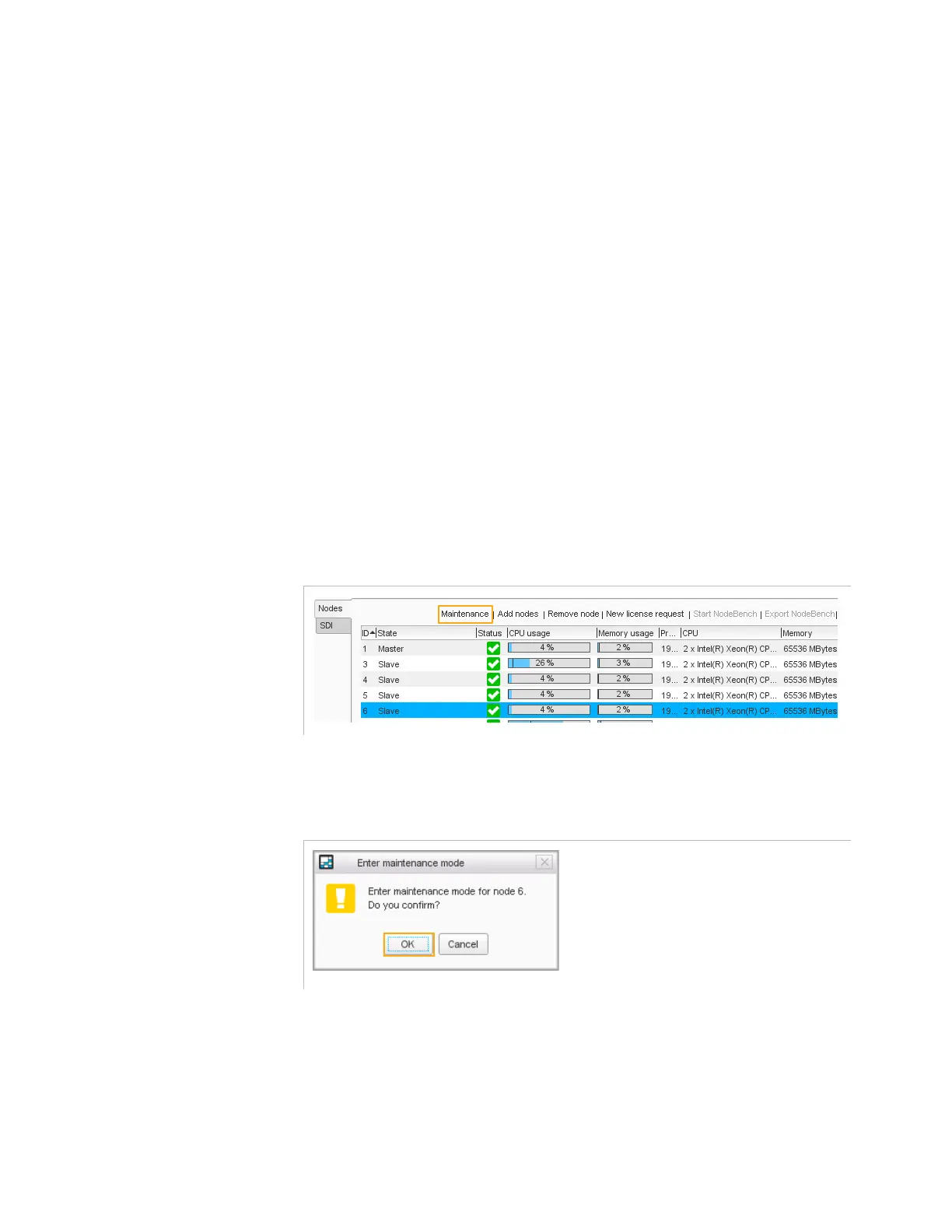
Put the node in maintenance
Select the node and click
Maintenance
.
Figure 4-36. Set the node in maintenance mode
2.
Confirm the operation
Figure 4-37. Set in maintenance mode confirmation
3.
Remove the node from Electra VS
Select the node and click
Remove
.



 To Next Page