Chapter 4 ’Servicing’ — Common
Electra VS
-
Version 05.10 411
User Manual - Rev. A
Requesting a new license File
A new license file has to be generated by Harmonic in the following
cases:
You want to add processing licenses to your Electra VS.
You want to add a new slave node in your Electra VS and you have
reach the maximum number of nodes allowed by the license
(ELC-VS-SW-VOSFLEX).
You have replaced the hardware platform of one of your two
masterisable nodes.
Harmonic may needs technical information on your Electra VS to be able
to answer your request. To facilitate this, the GUI lets you generate a file
that contains all the information that Harmonic needs to identify your
Electra VS and to generate a new license file for you, proceed as follows:
1.
In the GUI, point to the
Hardware
tab and click the
Nodes
category.
2.
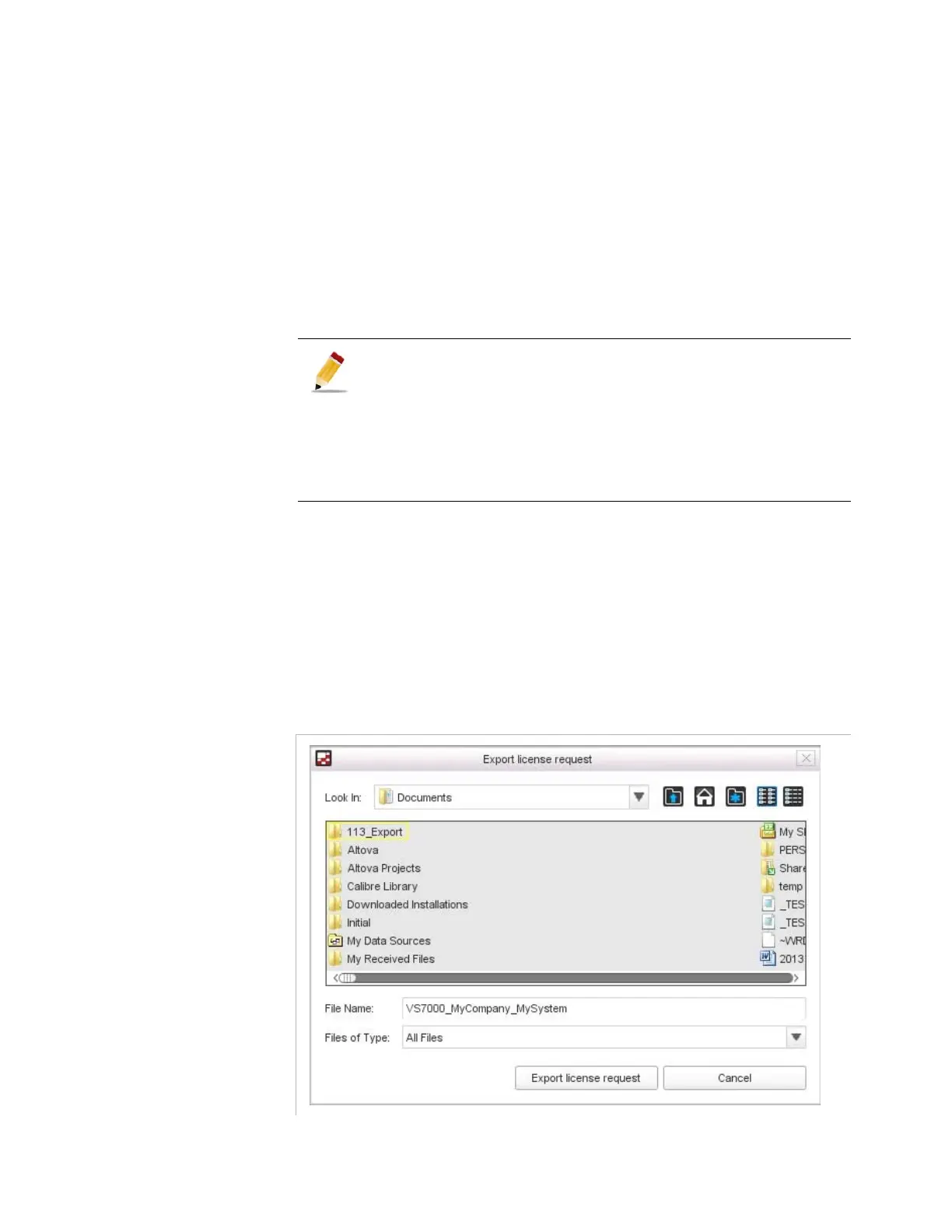
Click
New license request
.
Figure 4-3. Export license request dialog
The licensing mechanism has change since Electra VS V04.00.00
version. It is now possible to purchase licenses for slave nodes that
will be added later in the Electra VS (ELC-VS-SW-VOSFLEX). It is not
anymore mandatory to generate a new license file each time a slave
node is added or each time a slave hardware platform is changed.
However if your license has been generated before V04.00.00
version you may have to request a new license file the first time you
perform a node addition.



 To Next Page