Chapter 3 ’Web User Graphical Interface’ — GUI Description
166 Electra VS
-
Version 05.10
User Manual - Rev. A
CPU
: graphical indication of the allocated CPU, in percentage, based
on the average value of all nodes of the system except those that are
unreachable.
Memory
: graphical indication of the allocated memory, in
percentage, based on the average value of all nodes of the system
except those that are unreachable. Measured usage is indicated by a
green horizontal bar.
Status
: general status of the Electra VS equipment. See
Table 3-1
’Status pictograms’
on page 90 for the list of possible statuses.
Connection
Date and Time
Time zone
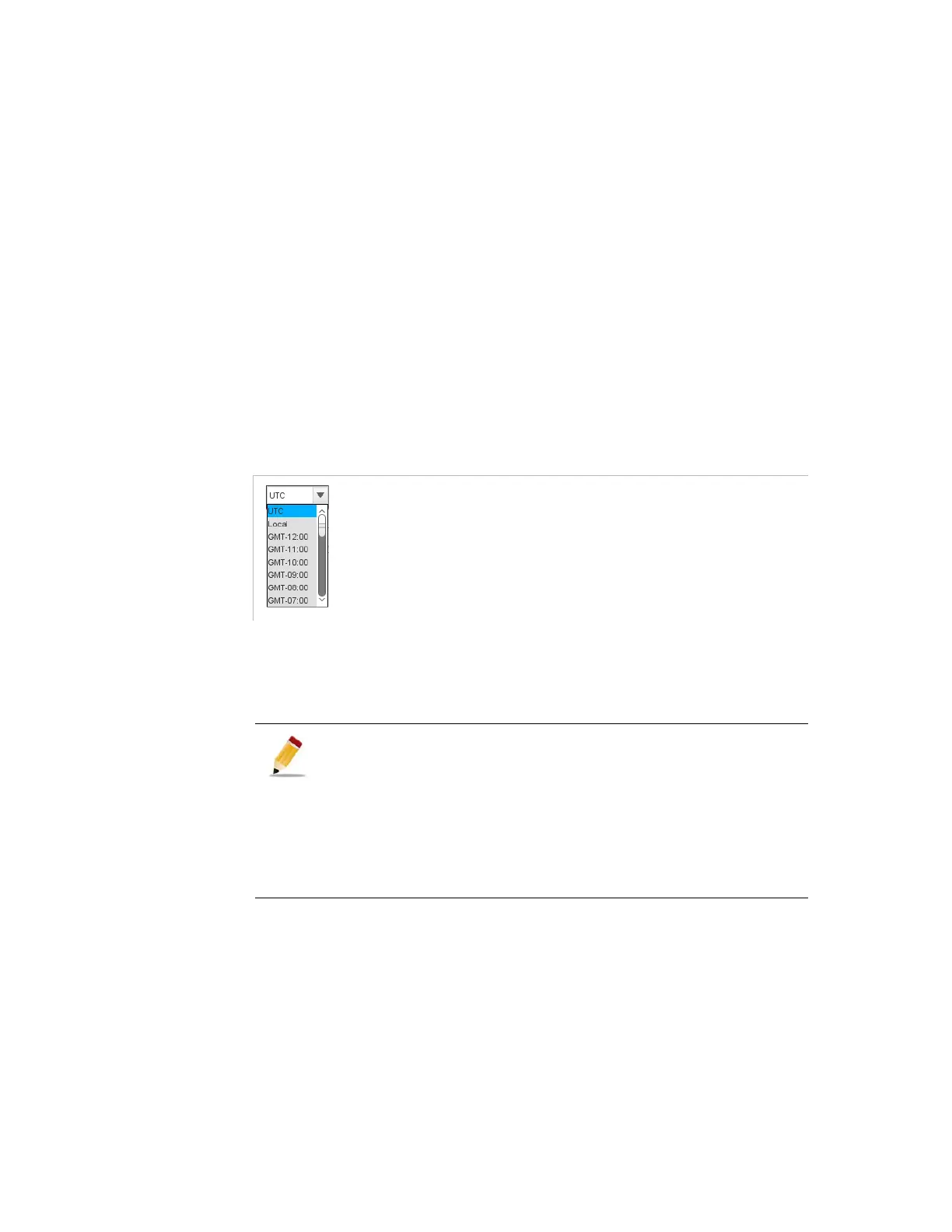
: lets you force the time zone value to apply to the
graphical user interface, which can be selected among:
Figure 3-124. Time zone
Local
: The time zone of the supervision PC device
UTC
Any time zone
GMT - XXX
available in the list
This settings is taken into account for the display of all date and
time values in the client GUI: time in the status bar and logs
raising and clearing times (active and closed) in the
Logs
panel, as well as jobs times in the
Jobs
panel. This setting
does not have any impact on the time of alarms stored in the
database, or on the time in other client GUI connected to the
equipment. This is different from the date and time settings
that you set in the
Setup
tab, as those apply to the equipment.



 To Next Page