Chapter 4 ’Servicing’ — Hardware Delivery
426 Electra VS
-
Version 05.10
User Manual - Rev. A
4.
Press
Enter
.
5.
Select
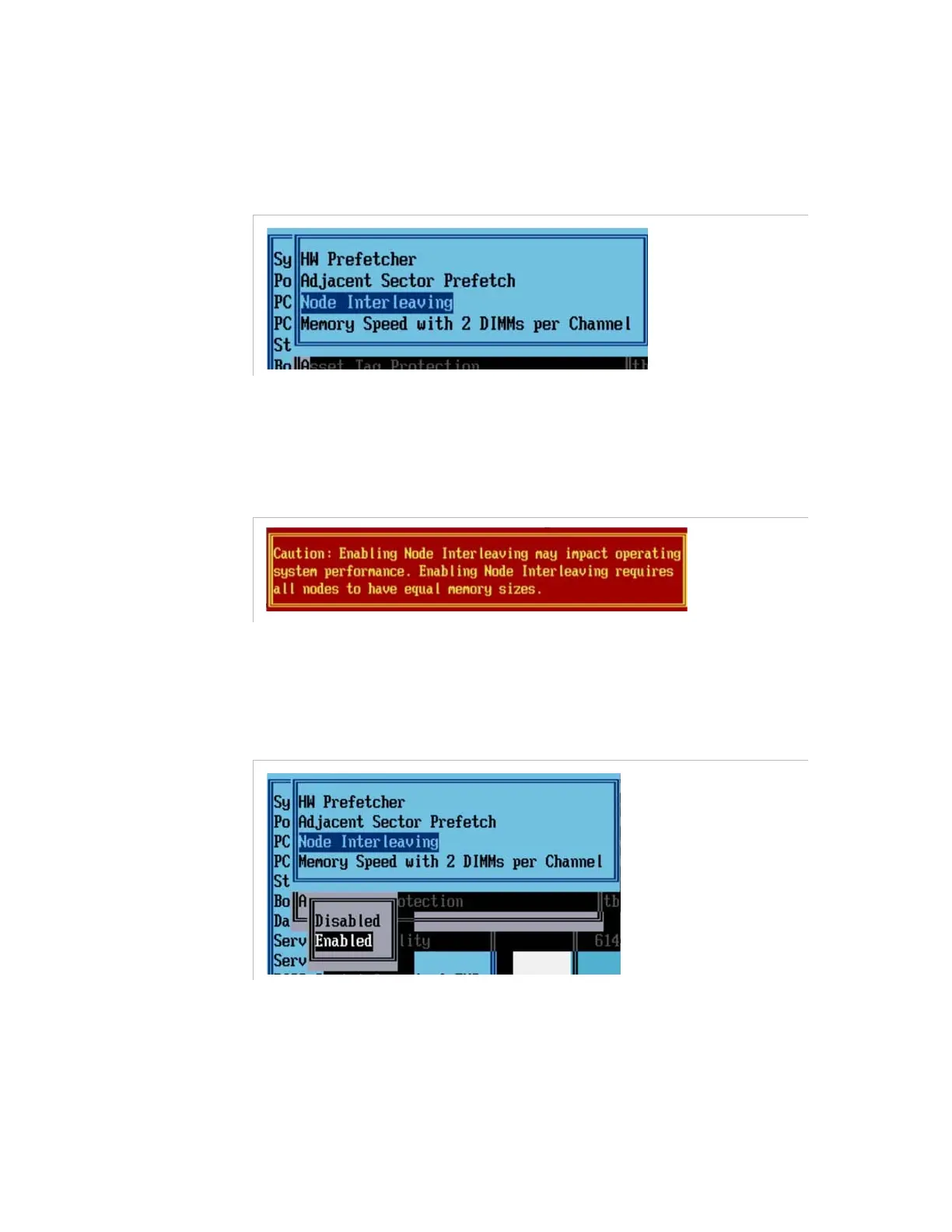
Node Interleaving
.
Figure 4-28. Setting the node interleaving
6.
Press
Enter
to access the parameters.
A warning message is displayed.
Figure 4-29. Warning message when setting the node interleaving
7.
Press
Enter
to continue.
8.
Select
Enabled
.
Figure 4-30. Enabling the node interleaving



 To Next Page