Chapter 3 ’Web User Graphical Interface’ — GUI Description
Electra VS
-
Version 05.10 221
User Manual - Rev. A
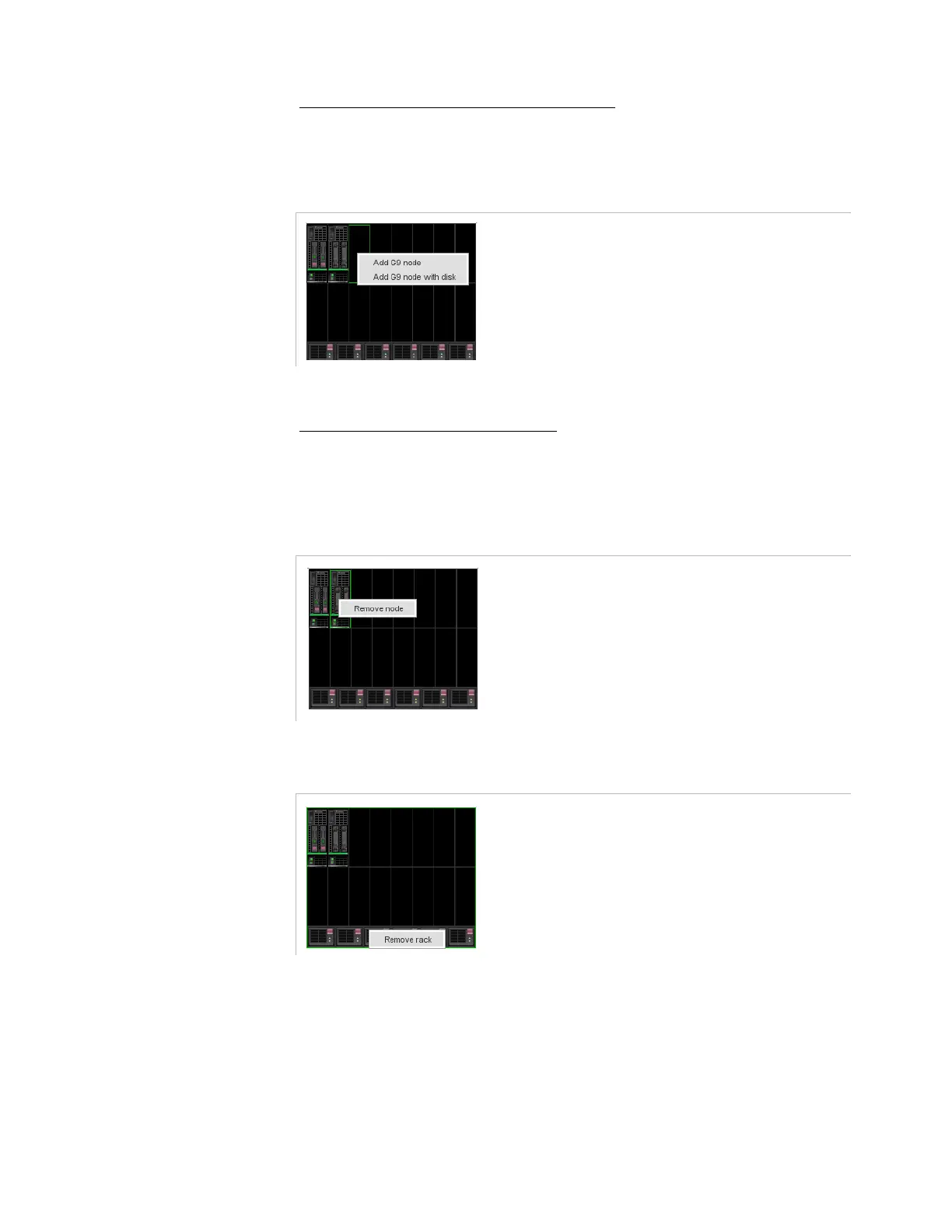
To add a node to an existing blade center
Right click the empty location and select the node type to add.
Figure 3-186. Adding node to an existing blade center
Click
Apply
.
To remove a node or blade center
Right click the node to be removed and select
Remove node
or
right click the blade center to be removed and select
Remove rack
.
Figure 3-187. Edit mode – Remove a node
Figure 3-188. Edit mode – Remove a rack
Click
Apply
.
The new resource is added to the configuration.



 To Next Page