Chapter 3 ’Web User Graphical Interface’ — GUI Description
Electra VS
-
Version 05.10 203
User Manual - Rev. A
Snapshot
panel
Redundancy
panel (if the job is a redundant job)
Nodes
panel (if a job is running)
Figure 3-164. Job detail tabs
These panels are described below.
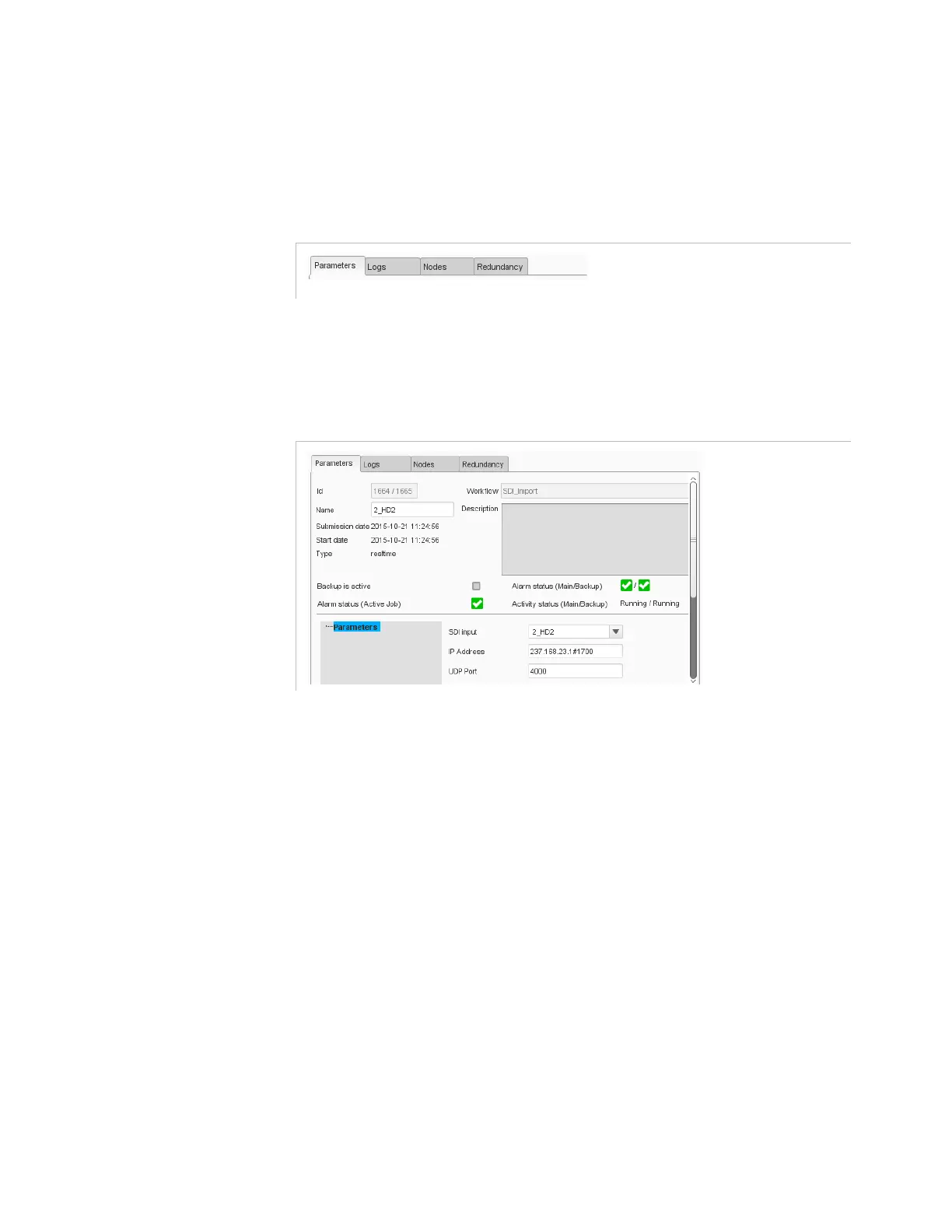
Job Parameters
Figure 3-165. Job parameters panel
This panel allows you to show/edit the job parameters.
You will find in the upper part:
Workflow
: workflow on which the job is based (non-editable).
Id
: Job id (Main/Backup).
Name
: name of the selected job.
Submission date
: date and time of creation of the job.
Start date
: date and time when the job started.
End date
: date and time when the job was stopped.
Type
: real-time or offline.
Backup is active:
If checked indicates that the backup job is active.
Alarm status (Active Job)
: Alarm status of the job (of the active
job if the job is a redundant job).
Alarms status (Main/Backup)
: Alarm status of the job (of the main
and backup jobs if the job is a redundant job).



 To Next Page