Chapter 3 ’Web User Graphical Interface’ — GUI Description
192 Electra VS
-
Version 05.10
User Manual - Rev. A
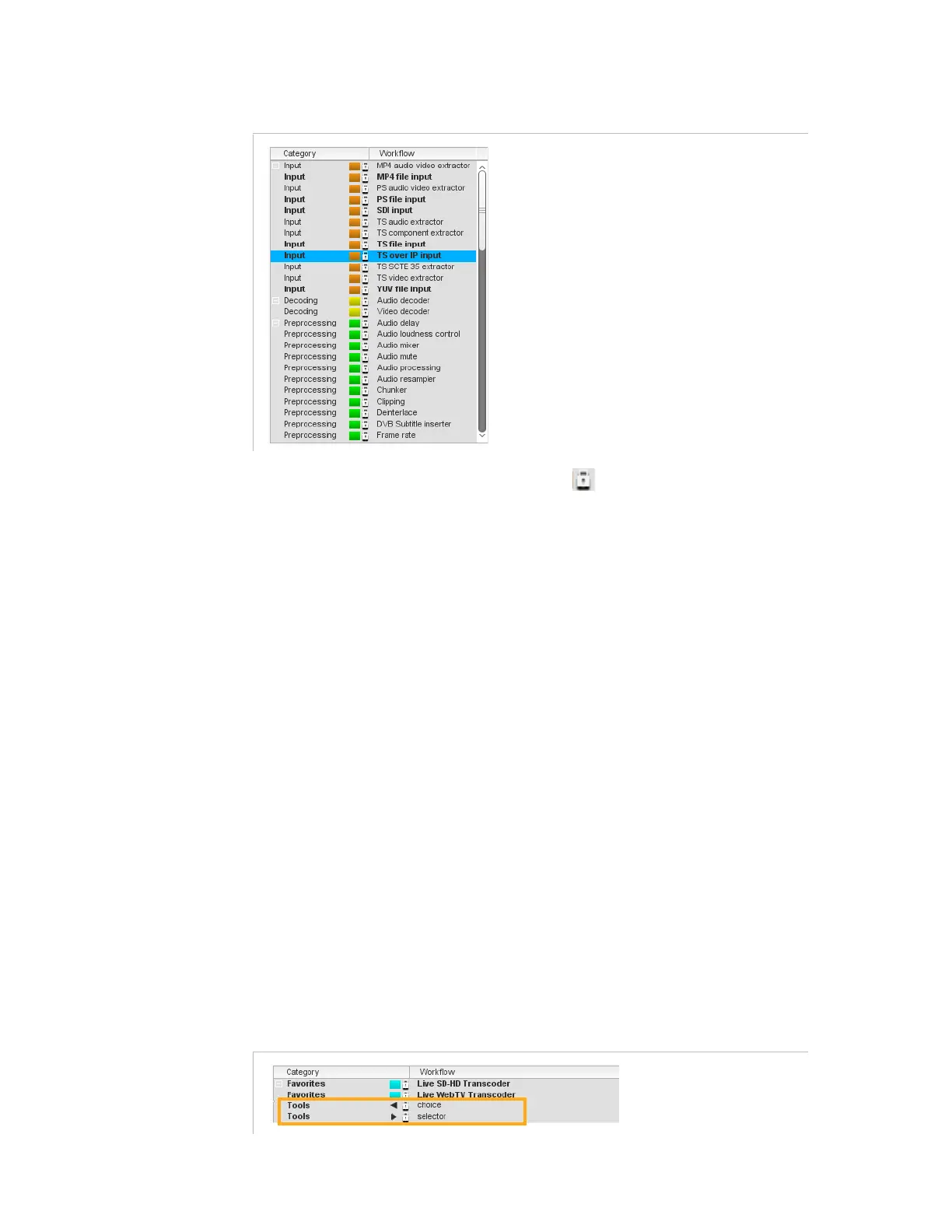
Figure 3-151. Workflows library
The workflows displayed with a lock sign are those delivered with the
software version that you cannot delete nor modify. Other workflows can
be modified or deleted.
A shortcut menu is associated to each workflow. The following
commands are available:
Delete
,
Show
,
Edit
,
Create job
,
Rights
,
Export
for (instantiable)
unlocked workflows
Create job
,
Rights
for (non instantiable) locked workflows
These commands have the same effect as the buttons on the top bar of
the
Workflows
tab left area (refer to section
’Buttons’
on page 190).
Description and details of workflows are given in section
’Workflow
Library’
on page 229.
Tools
Two tools are available: the
Choice
and the
Selector
. They both let you
define a condition in your workflow, to choose either the output or the
input that should be used.
The condition can be set on a parameter that is already defined, or on a
new parameter that will be displayed when creating the job.
The first met condition is applied.
Figure 3-152. Workflows tools



 To Next Page