Chapter 3 ’Web User Graphical Interface’ — Workflow Library
Electra VS
-
Version 05.10 287
User Manual - Rev. A
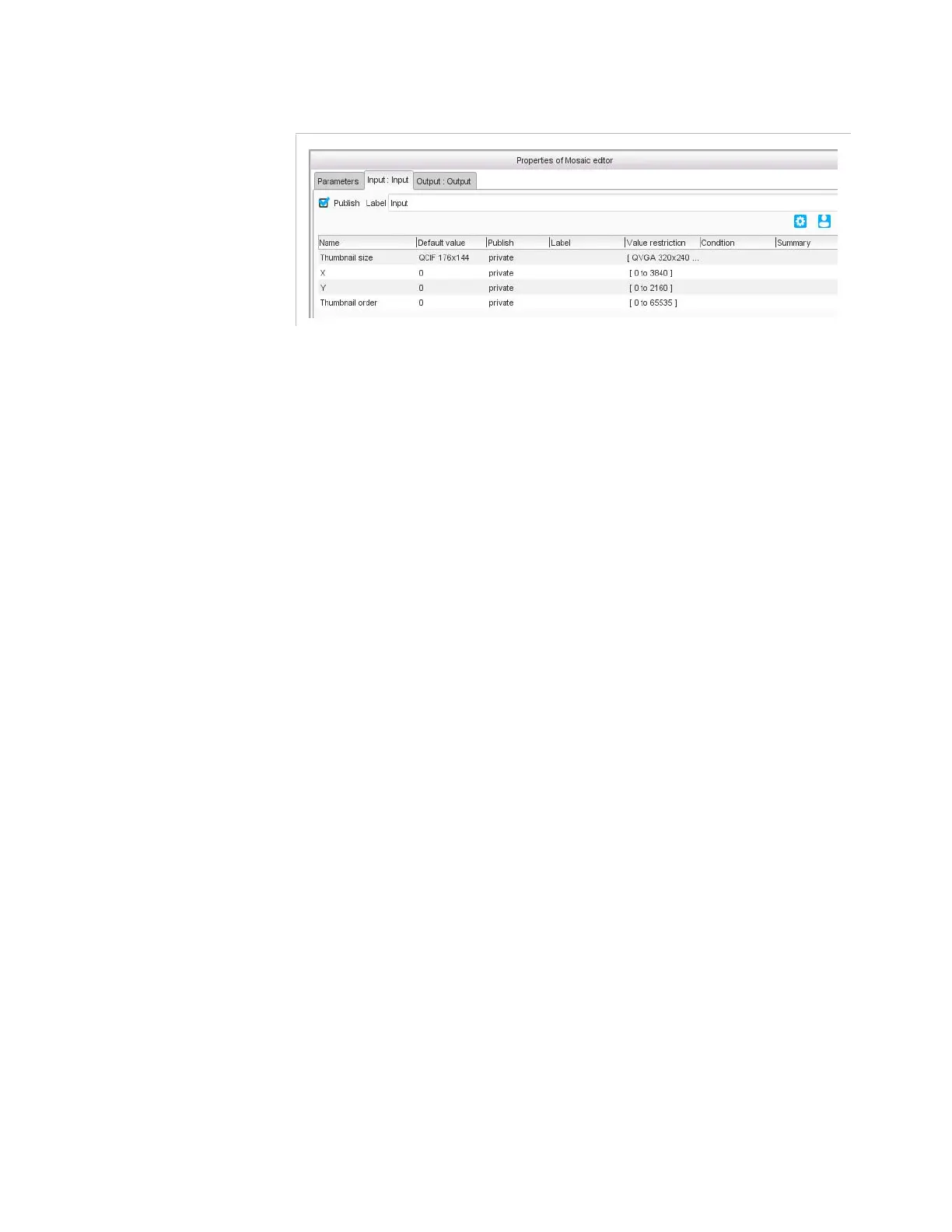
Figure 3-258. Mosaic editor specific parameters
Link inputs to add thumbnails to your mosaic. For each linked input, you
must also set the following specific parameters:
Thumbnail size
: size to which the input will be resized. Choose a
format from the list or choose
Custom
and specify your values in the
Custom thumbnail size
field.
X
and
Y
: position of the upper left corner of the thumbnail, relative to
the upper left corner of the background.
Thumbnail order
: order used if a thumbnail partially covers another
one, to know which thumbnail should be on top of the other, 0 being
in front of 1, etc. Make sure you do not use twice the same value as
the overlap would then be random.



 To Next Page