Chapter 3 ’Web User Graphical Interface’ — Workflow Library
330 Electra VS
-
Version 05.10
User Manual - Rev. A
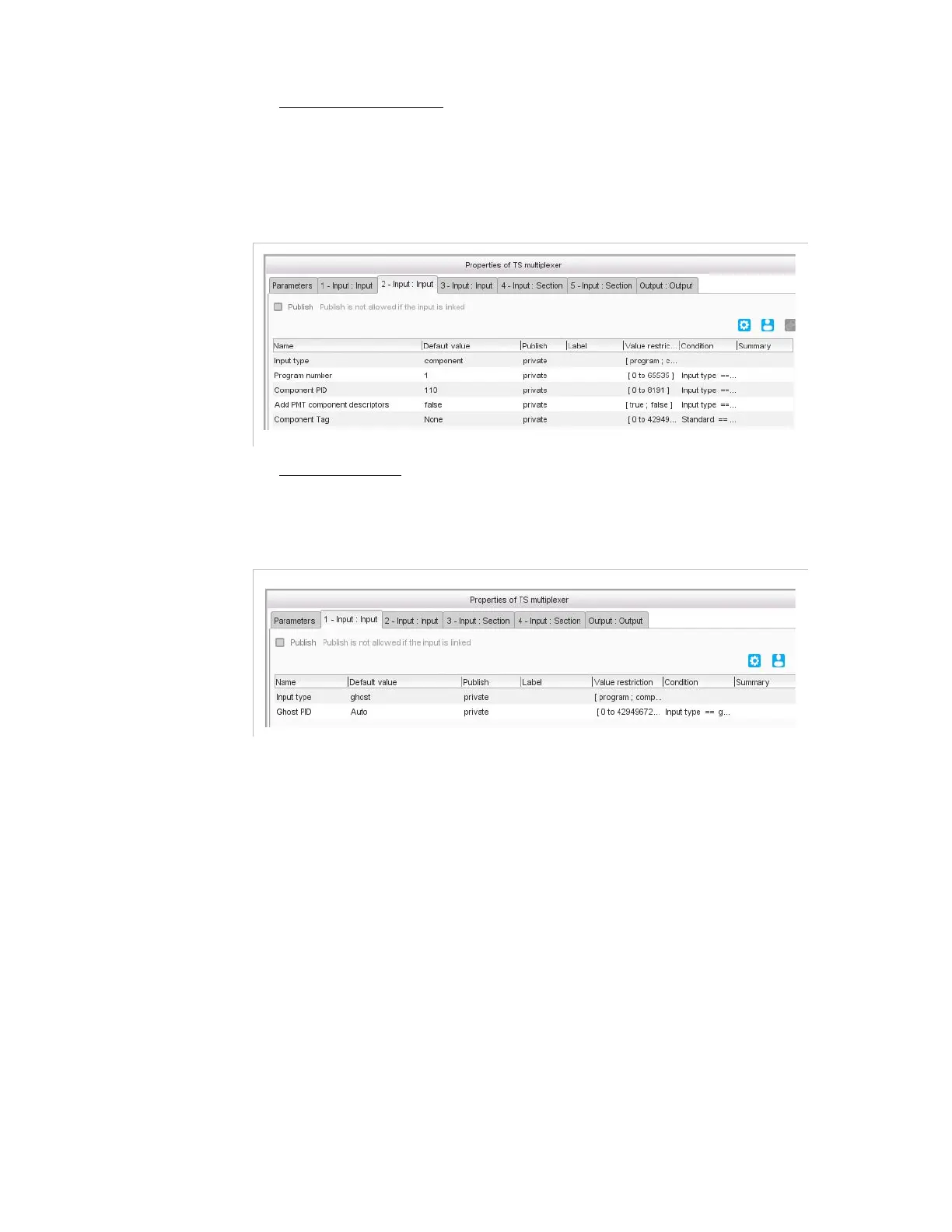
If set to
Component
, define a component of a program that has
already been defined. For example: define a
program
input for the
video component as above and a
component
input for the associated
audio component as below.
Figure 3-297. Input: Input tab (Input type Component)
If set to
Ghost
, define a component that is not referenced in a
program.
Figure 3-298. Input: Input tab (Input type Ghost)
In the PID field, leave to
Auto
if you want the ghost to keep the same
PID value as in input, or set to
Add an offset
if you wish to add an offset
to the input PID (e.g. if the input PID is 100 and you want to have an
output PID of 300, set the offset to 200).



 To Next Page