Chapter 3 ’Web User Graphical Interface’ — Workflow Library
Electra VS
-
Version 05.10 339
User Manual - Rev. A
Level3
: if the authentication is managed by a Level3 server. In
this case, indicate the
User name
and
Password
to use.
Adobe
: if the authentication is managed by an Adobe server. In
this case, indicate the
User name
and
Password
to use.
Traffic smoothing
: indicate if you want to smooth the traffic
generated by the chunk transmission to the remote web server and
the
Maximum traffic overhead
accepted (
30%
to
500%
).
The overhead is calculated on the theoretical broadcast bitrate. It
means that with an maximum overhead set to 100% the traffic bitrate
will not exceed two times the estimated bitrate.
In the
Input
tab, you can also set the following parameter:
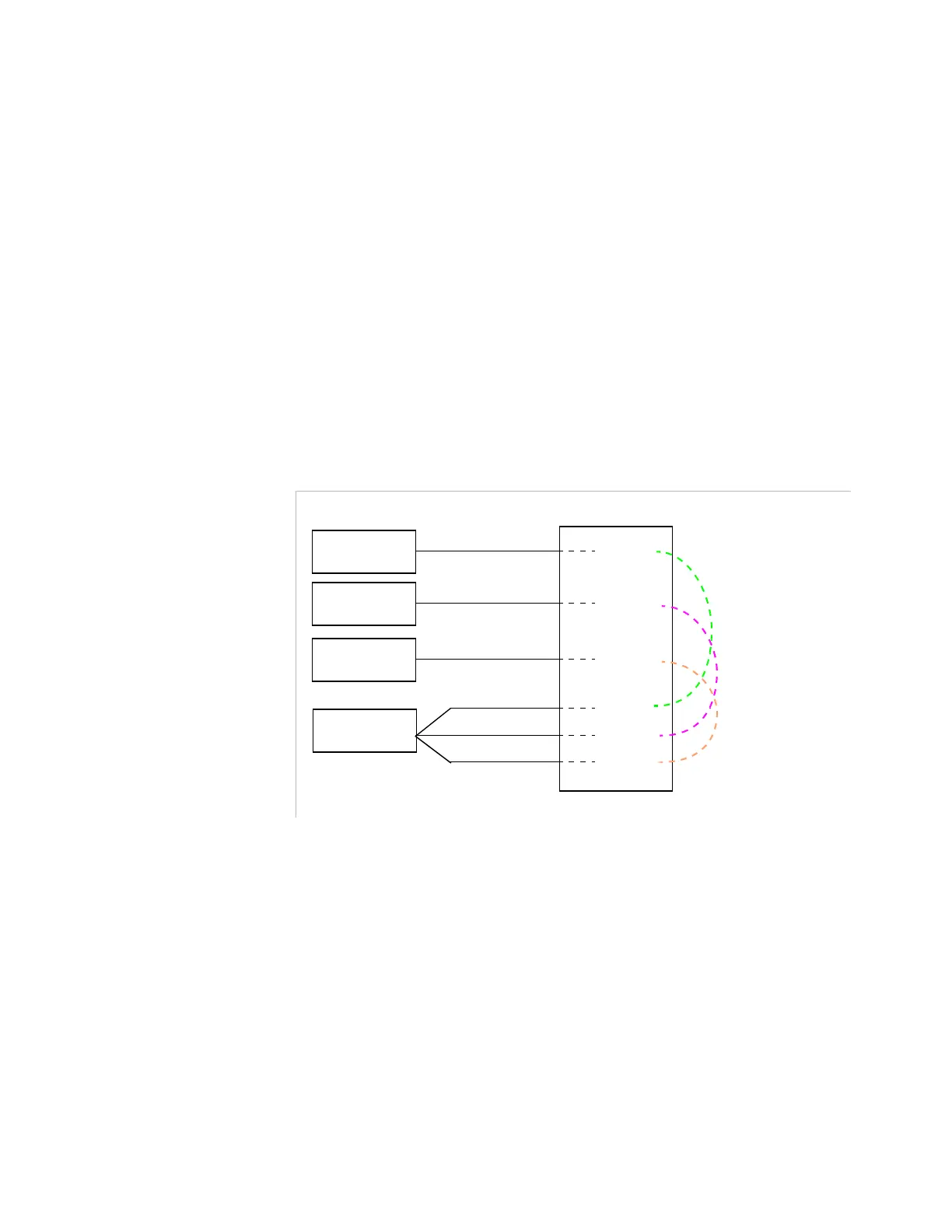
Stream name
: this parameter must be identical to all the
components of a stream. When present, an audio component should
be present on all the streams of an output.
Figure 3-307. Stream name required for linkage
Encoder
Profile 1
Name 1
Encoder
Profile 2
Name 2
Encoder
Profile 3
Name 3
Encoder
Audio 1
Name 3
Audio 1
Audio 1
Name 2
Name 1
Links



 To Next Page