Chapter 3 ’Web User Graphical Interface’ — Workflow Library
Electra VS
-
Version 05.10 359
User Manual - Rev. A
- License URL (PlayReady Live TV)
: enter the URL of the
license server to which the player must connect to retrieve
the encryption keys.
- Non silent license URL (PlayReady Live TV)
: enter
the URL of the non-silent license acquisition Web page to
which the player must connect to retrieve the encryption
keys.
- Domain service ID (PlayReady Live TV)
: service ID for
the domain service in GUID format. For example:
deb48f11-8b3a-416d-7a1f-00006d57fd05.
- Key mode (PlayReady Live TV, Huawei, Harmonic
KMS, Viaccess, Nagra)
:
•
If set to
Fixed Key
, the server set the key.
•
If set to
Key Rotation,
the server set the key and it is
periodically renewed. Enter the refresh period in the
Key
refresh period
field, in number of chunks.
- PIFF version
: enter the PIFF version 1.3 or 1.1
(deprecated).
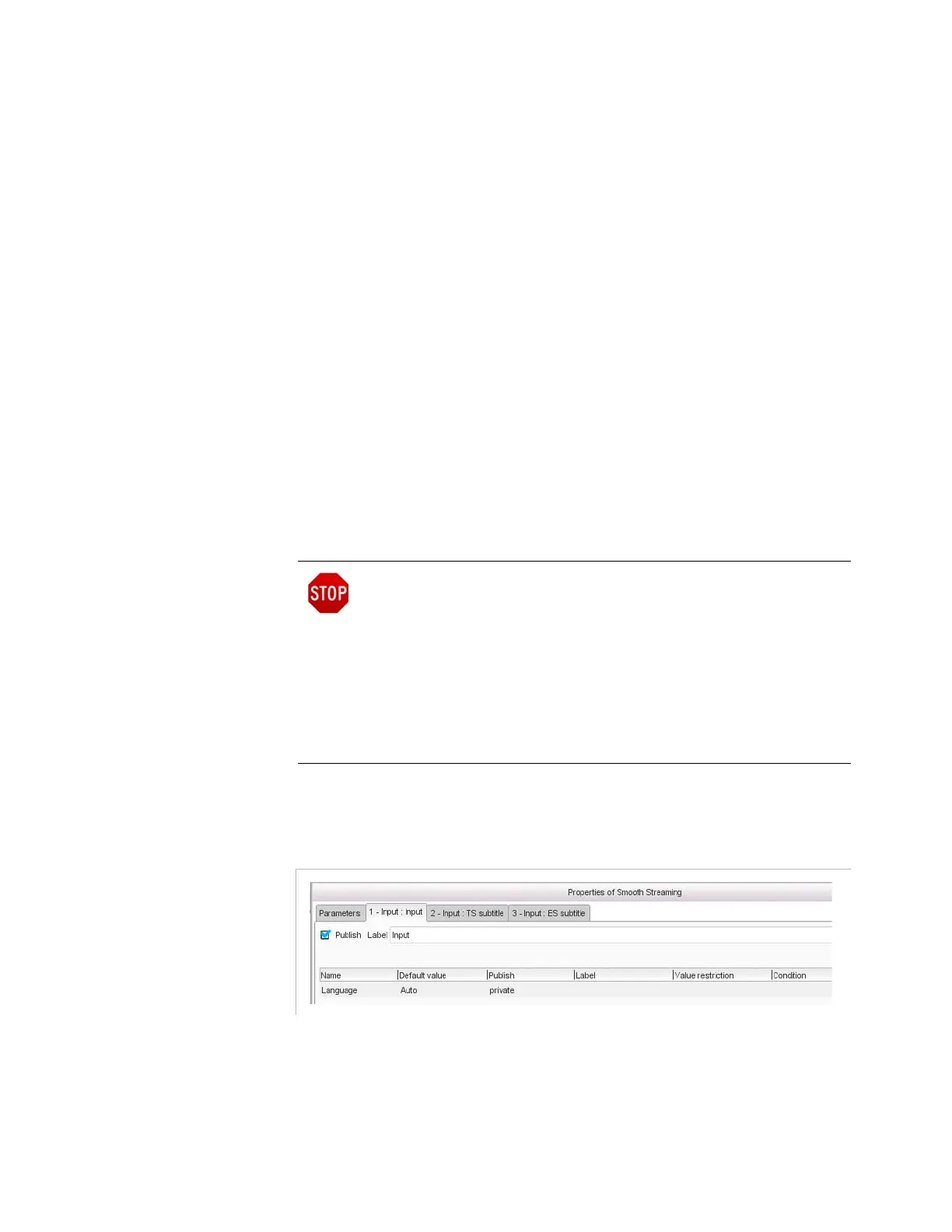
Input Tab
Figure 3-317. Smooth streaming output - input parameter
In the
Input
tab, set the following parameter:
Language
: leave to
Auto
to keep the language of the input, or use the
ISO codes
1
to force the language manually (for instance, enter
eng
for
English,
spa
for Spanish, etc.).
Upon an important configuration change, it is necessary to restart
the IIS server. For instance, when adding a new video profile, the
Electra VS stops and restarts the IIS server. However, for this restart
action to be possible, the IIS server configuration must authorize it.
To do so, the IIS server administrator must add the following line to
the isml file:
<meta name="restartOnEncoderReconnect"
content="True" />
Without this line being present, the administrator will need to restart
manually the IIS server publishing point.



 To Next Page