Chapter 4 ’Servicing’ — Hardware Delivery
418 Electra VS
-
Version 05.10
User Manual - Rev. A
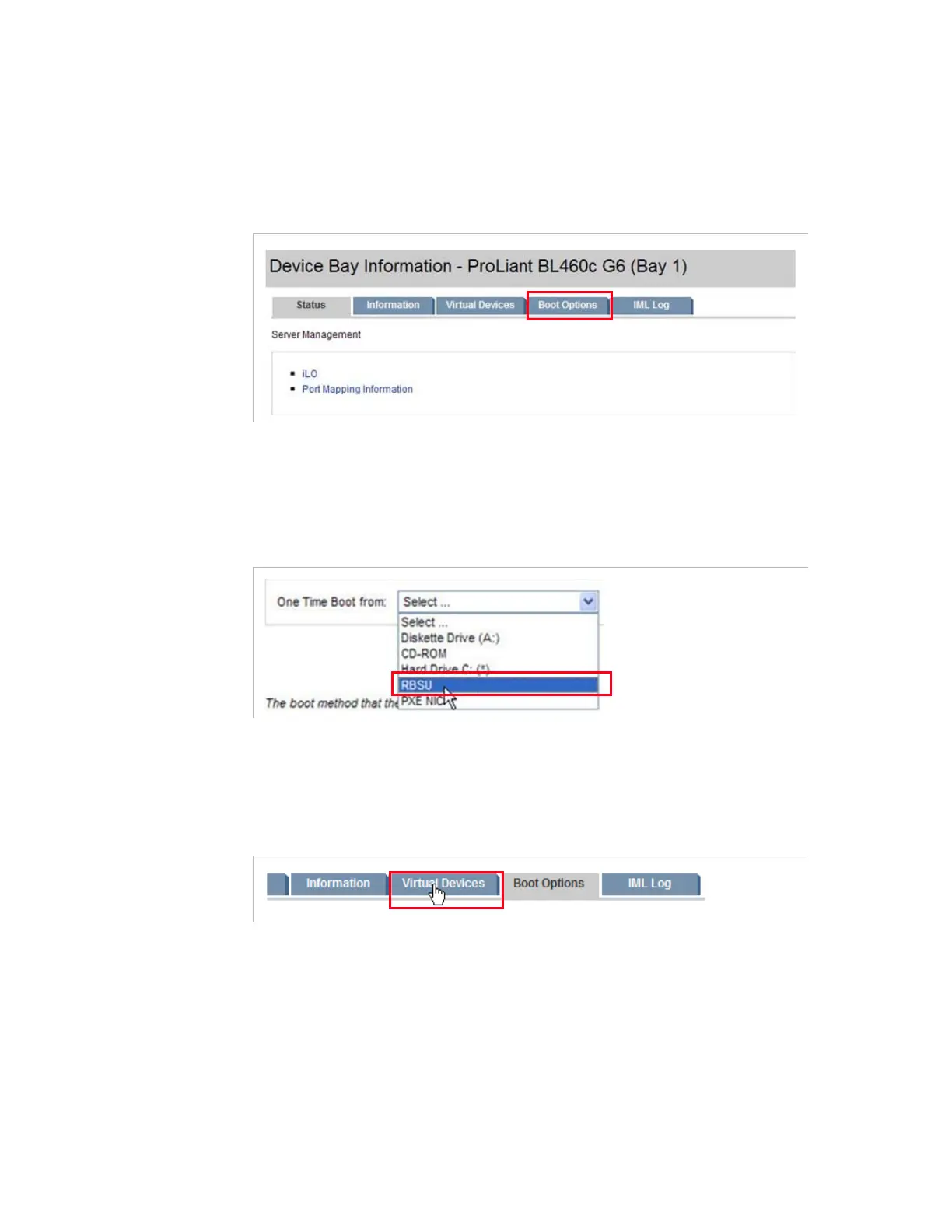
Setting the Boot Options of the Blade
1.
Still from the
OnBoard Administrator
interface
Front View
,
select the
Boot Options
tab.
Figure 4-11. Accessing the Boot options
2.
From the
One Time Boot from
drop-down list, choose
RBSU
(ROM-Based setup utility). This option lets the server reboot directly
on the BIOS parameters without any particular action.
Figure 4-12. Setting the boot option
3.
Apply the change.
4.
Select the
Virtual Devices
tab.
Figure 4-13. Selecting the Virtual Devices tab



 To Next Page