Chapter 4 ’Servicing’ — Software Only Delivery
Electra VS
-
Version 05.10 443
User Manual - Rev. A
5.
Add the node in Electra VS
a.
Select the
Hardware
tab.
b.
Go to the
Nodes
category.
c.
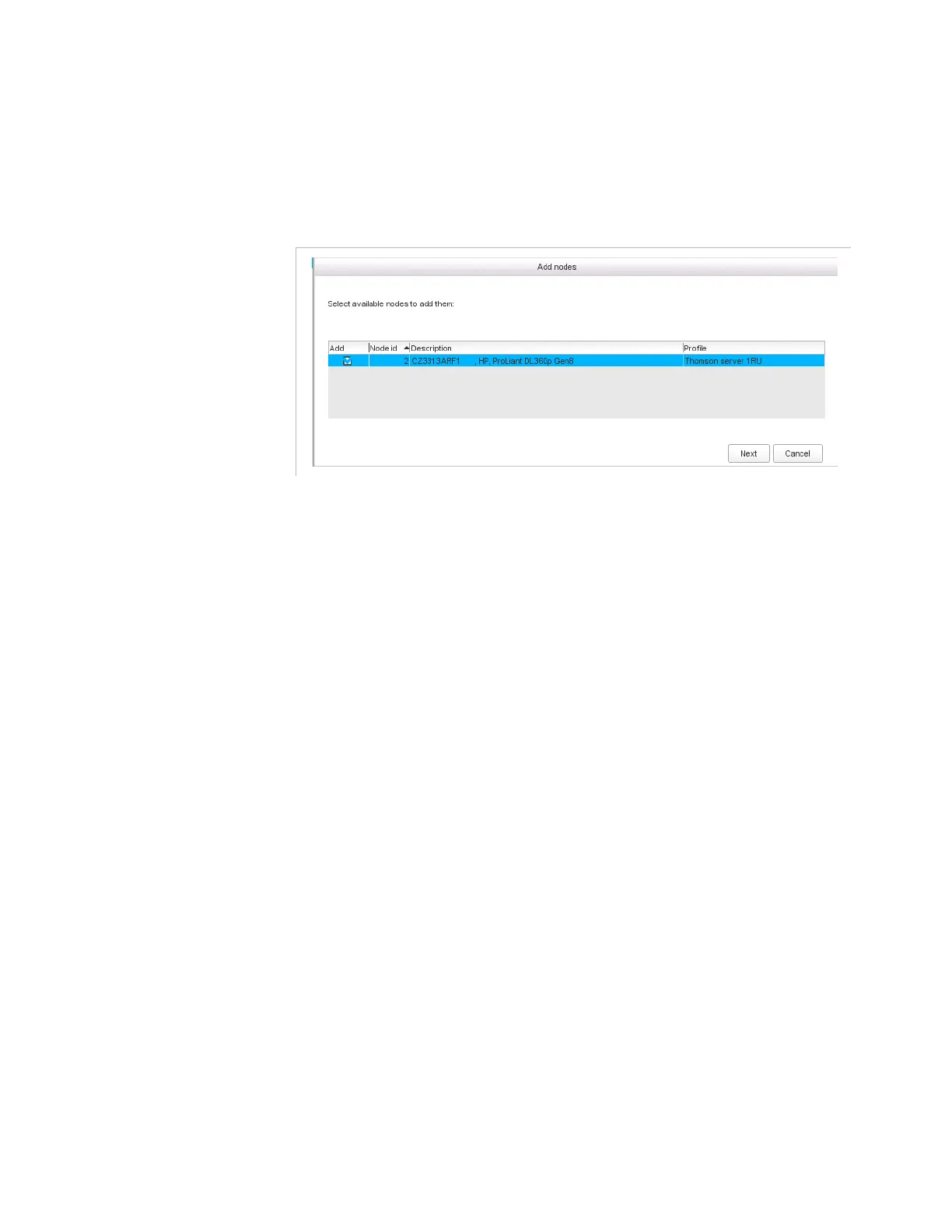
Select
Add Nodes.
The node should be detected and displayed in the list.
d.
Select it and click
Next
.
The node is added to the Electra VS.
6.
Contact Harmonic to generate a new license file with the new
masterisable node.
Refer to section
’Requesting a new license File’
on page 411.
The new masterisable node will be selected between the slave nodes
with disk declared in Electra VS.
7.
Apply the new license file.
Refer to section
’Declaring a new License File’
on page 412.
Check that a node is now declared
slave (can be master).



 To Next Page