Chapter 5 ’Troubleshooting’ — Frequently Asked Questions
456 Electra VS
-
Version 05.10
User Manual - Rev. A
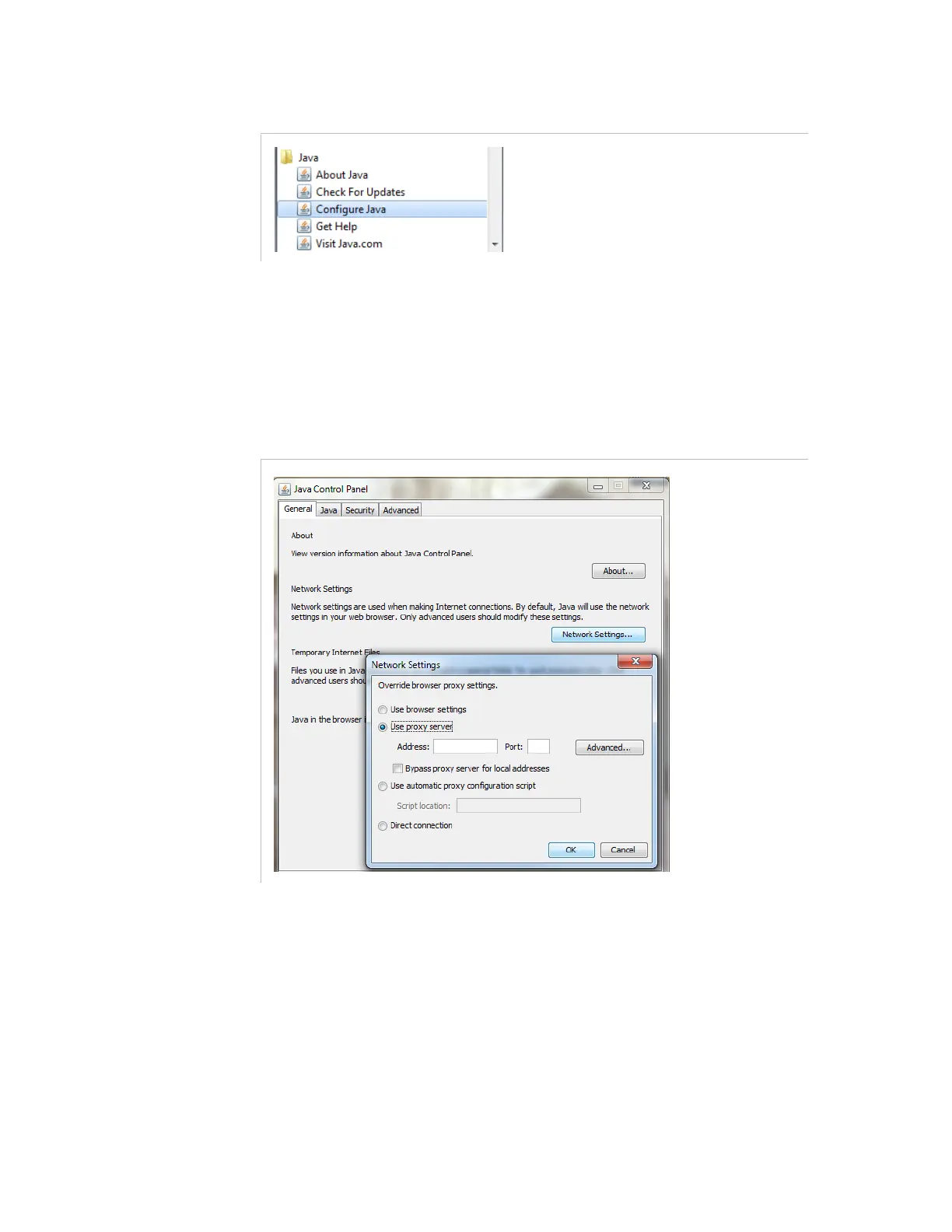
Figure 5-1. Run the Java Control Panel
2.
Choose one of the following 2 solutions:
Solution 1
: Allow internet access from the client station.
Click the
General
tab, open
Network Settings
, and enter the proxy
settings to enable internet access:
Figure 5-2. Proxy settings to enable internet access



 To Next Page