© 2018 MA Lighting Technology GmbH - Dachdeckerstr. 16 - 97297 Waldbüttelbrunn - Germany
Phone +49 5251 688865-27 - support@ma-dot2.com - www.malighting.com
Normal Executor
The first two rows of the executor bar display the normal executors.
Figure 7: First two rows of executor bar
The executor icon and the name of the executor is visible for the respective executor button on the console.
If an executor is assigned to a cue list that is enabled, the number of the cue is displayed on the right.
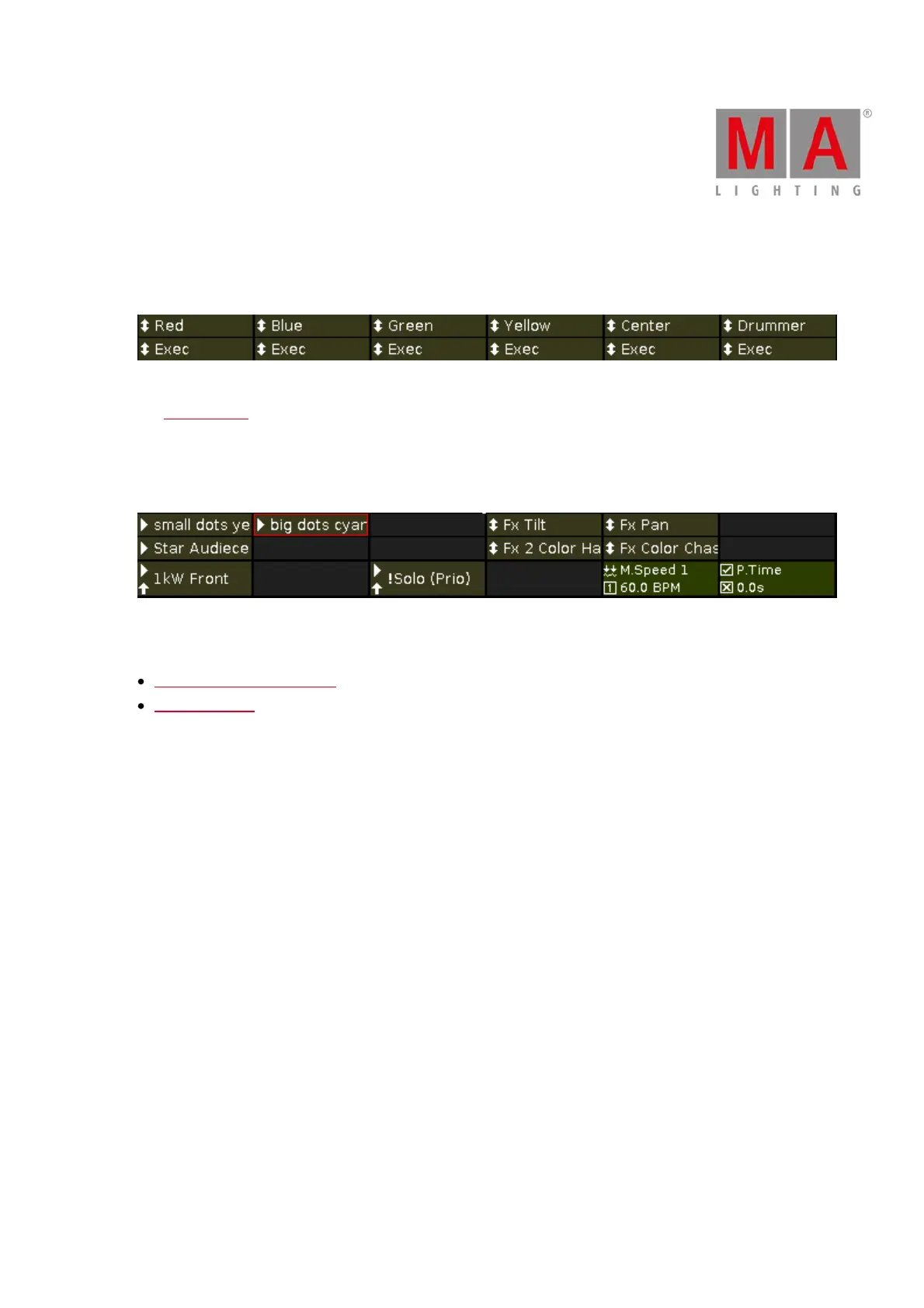
If an executor was edited or previewed, it is displayed in a red frame.
Figure 8: Edited executor
Related Links
System Colors - Executor Bar
What are Cues?



 To Next Page