© 2018 MA Lighting Technology GmbH - Dachdeckerstr. 16 - 97297 Waldbüttelbrunn - Germany
Phone +49 5251 688865-27 - support@ma-dot2.com - www.malighting.com
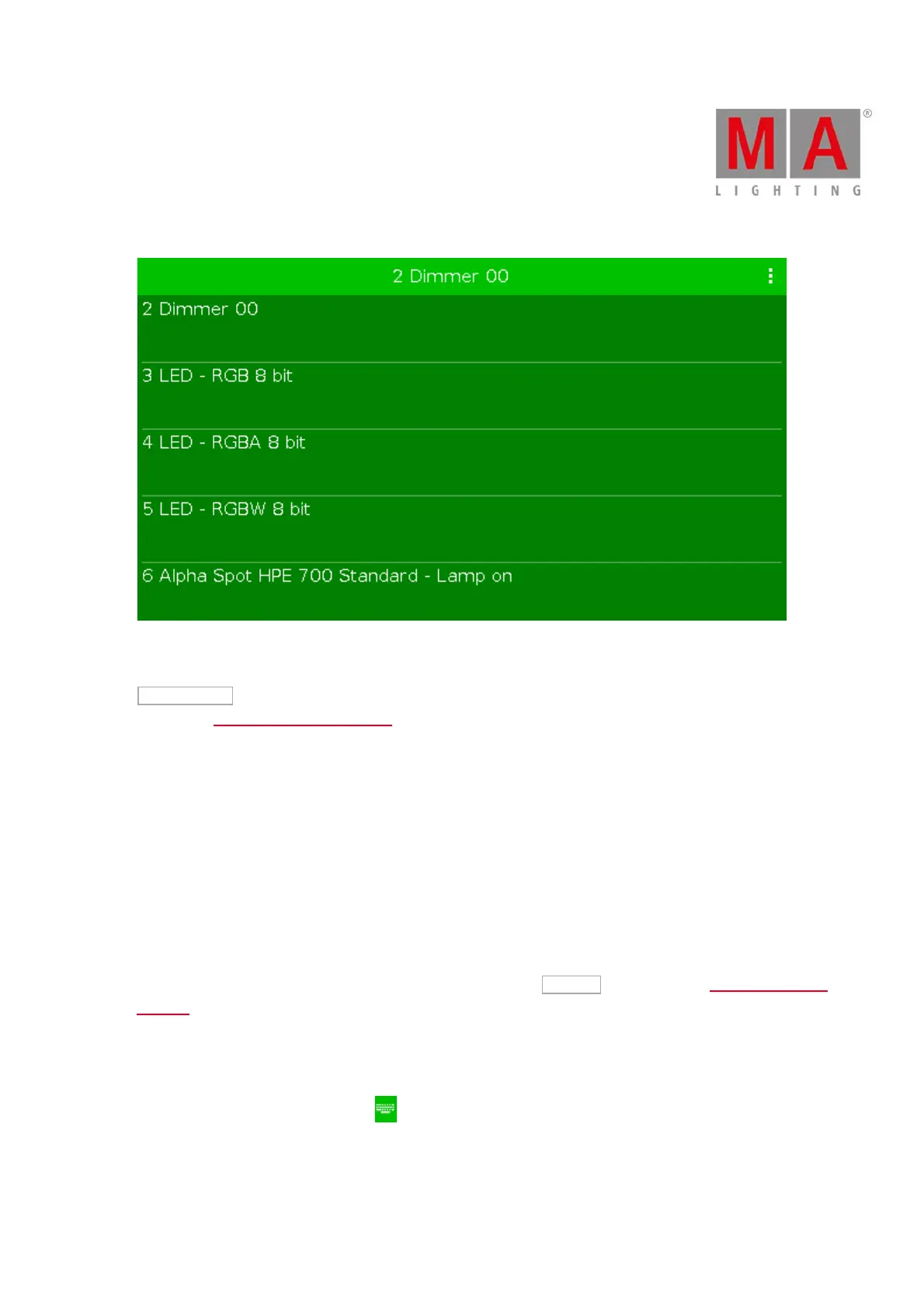
Figure 2: Drop down with standard fixture types and the fixture types in the show file
To import another fixture type from the library into the show file, which is not in the drop down list, tap
Select other... on the right.
It opens the Import Fixture Type Window.
Quantity
The quantity edit line displays how many fixtures will be created.
To select the quantity, tap the plus or minus.
ID
The ID edit line displays the next available fixture ID.
To select a fixture ID, tap the plus or minus.
To get an overview about assigned and available fixture IDs, tap Select... on the right. The Select Fixture ID(s)
Window opens.
Name
The name edit line displays the name of the fixture.
To edit the name, tap at the keyboard . The edit name window opens.
If you create multiple fixtures with the same name, the name will get a consecutive number at the end of the
name.



 To Next Page