© 2018 MA Lighting Technology GmbH - Dachdeckerstr. 16 - 97297 Waldbüttelbrunn - Germany
Phone +49 5251 688865-27 - support@ma-dot2.com - www.malighting.com
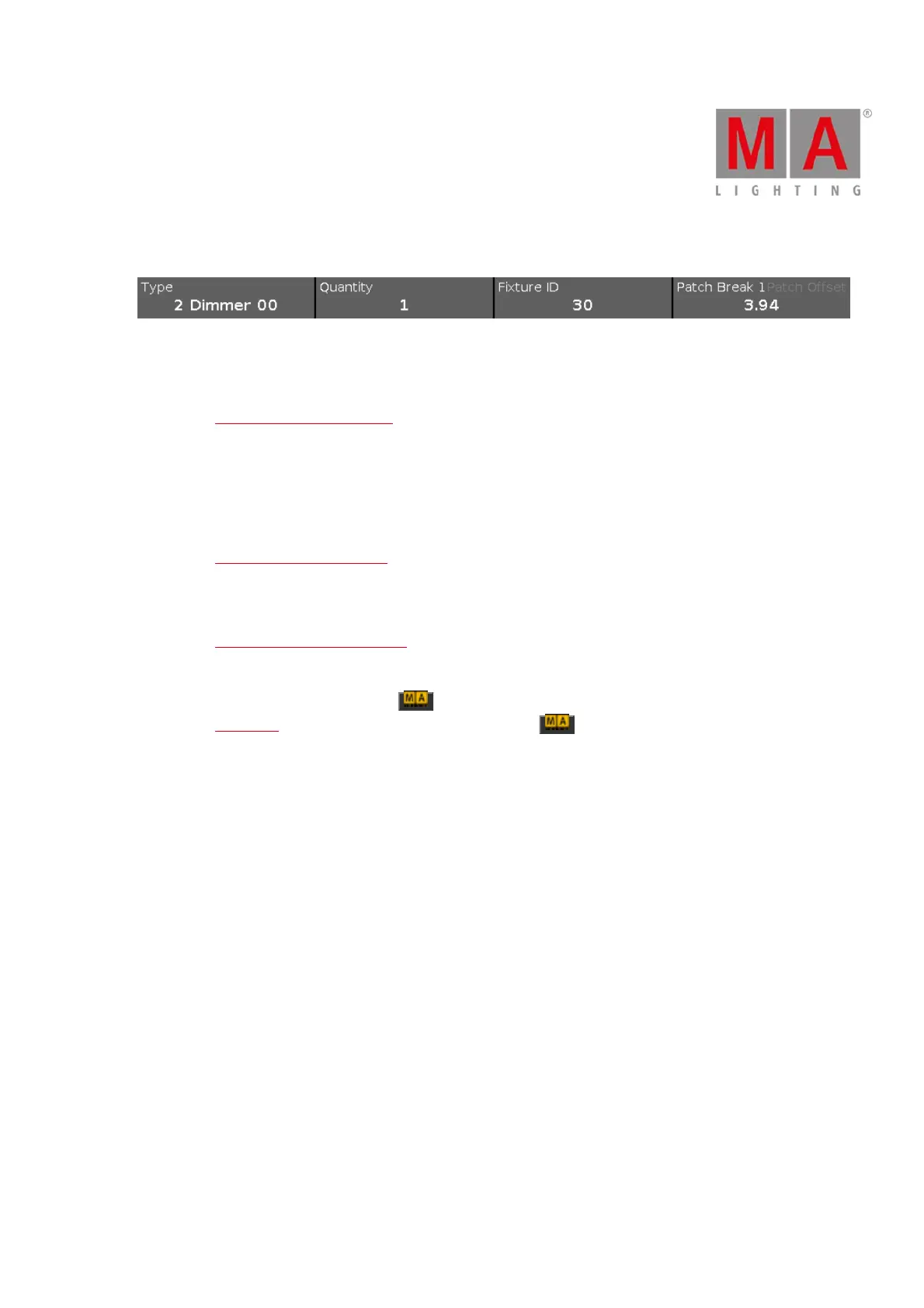
Encoder Bar Functions
Figure 5: Encoder Bar Add New Fixtures Window
Type:
To scroll in the drop-down list from the edit line Type, turn the encoder left or right.
To open the Import Fixture Type Window, press or tap the encoder.
Quantity:
To select the quantity in the edit line Quantity, turn the encoder left or right.
Fixture ID:
To select the fixture ID in the edit line ID, turn the encoder left or right.
To open the Select Fixture ID(s) Window, press or tap the encoder.
Patch Break 1:
To select the DMX address, turn the encoder left or right.
To open the Select DMX Address... Window, press or tap the encoder.
Patch Offset:
To select the patch offset, press and hold and turn the encoder left or right.
To open the calculator to select the patch offset, press and hold and press the encoder.



 To Next Page