© 2018 MA Lighting Technology GmbH - Dachdeckerstr. 16 - 97297 Waldbüttelbrunn - Germany
Phone +49 5251 688865-27 - support@ma-dot2.com - www.malighting.com
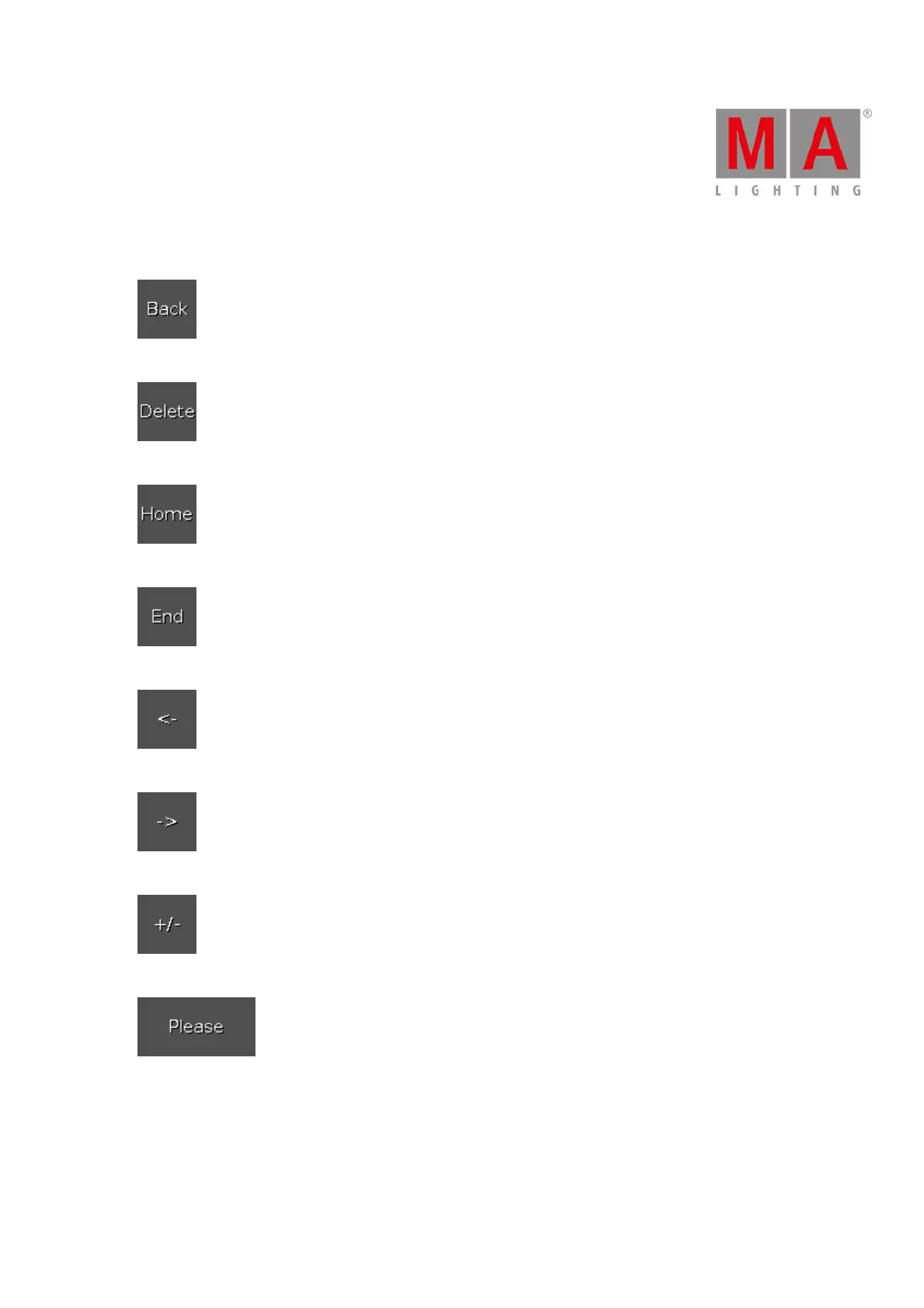
The buttons are located right beside the number pad and they are working with the edit line.
Tap to delete the next sign left from the cursor.
Tap to delete marked values or the next sign right from the cursor.
Tap to go at the beginning of the edit line.
Tap to go at the end of the edit line.
Tap to go one sign back.
Tap to go one sign forward.
Tap to insert a prefix.
Tap to confirm and apply the value. The calculator view will close.
Time Calculator Buttons
The following buttons are available for editing time attributes, depending on the attribute.
The buttons are located below the number pad.



 To Next Page