© 2018 MA Lighting Technology GmbH - Dachdeckerstr. 16 - 97297 Waldbüttelbrunn - Germany
Phone +49 5251 688865-27 - support@ma-dot2.com - www.malighting.com
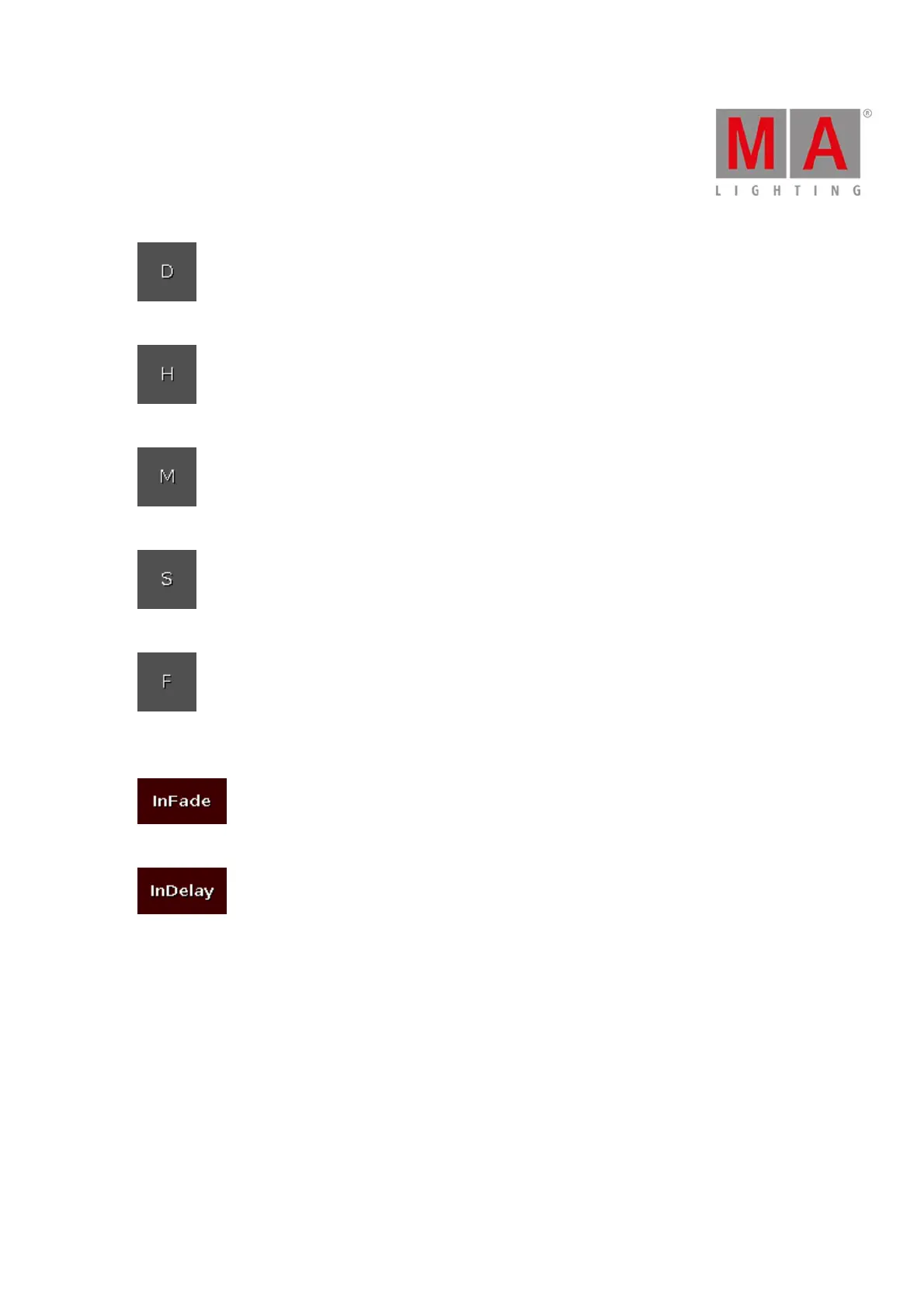
Tap to enter days.
Tap to enter hours.
Tap to enter minutes.
Tap to enter seconds.
Tap to enter frames. The default setting is 30 fps (frames per second). From this follows that 1 frame is
equivalent to 0.03 seconds.
Tap to have the same time for Out Fade like In Fade.
Tap to have the same time for Out Delay like In Delay.
Trig Time Calculator Buttons
The following buttons are available in the calculator for trig time, if the cue trigger is set to sound.
With these buttons you choose the used frequency.
All:
Is a mathematical calculation between Snd1, Snd2, Snd3, Snd4, Snd5, Snd6, and Snd7.
Bass:
Is a mathematical calculation between Snd1 and Snd2.



 To Next Page