© 2018 MA Lighting Technology GmbH - Dachdeckerstr. 16 - 97297 Waldbüttelbrunn - Germany
Phone +49 5251 688865-27 - support@ma-dot2.com - www.malighting.com
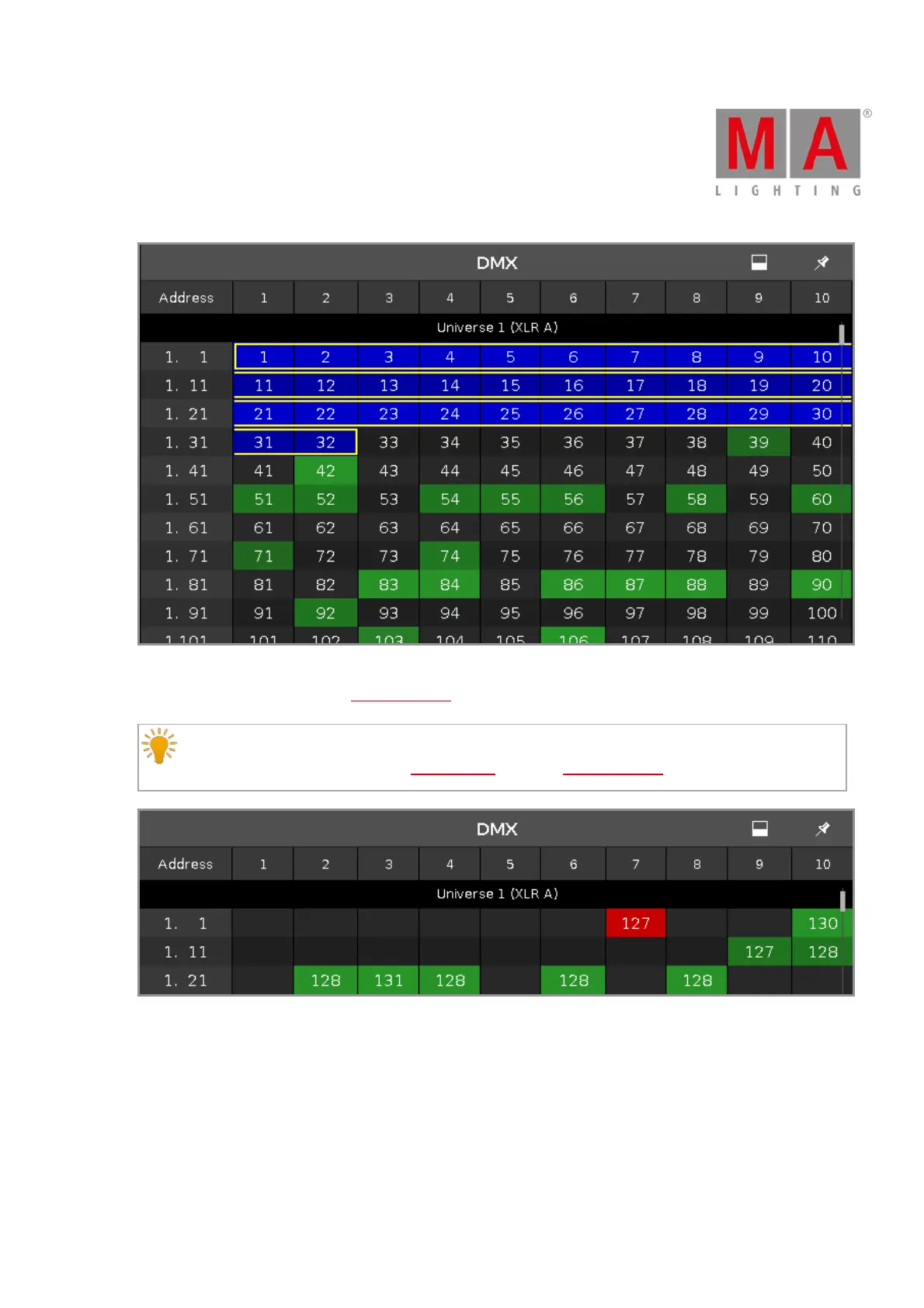
Figure 3: DMX View with parked DMX Channels
DMX tester values, entered via the DMX command, are displayed with a red background.
Hint:
To turn off the DMX tester, open the tools window or use the DMX command.
Figure 4: DMX View with active DMX Tester
DMX Address
Below the title bar and leftmost on the screen are the DMX address columns.
The horizontal address column shows the DMX address for the respective line in the sheet.
The leftmost vertical address column shows at first the universe and then with which address the first column
starts.



 To Next Page