© 2018 MA Lighting Technology GmbH - Dachdeckerstr. 16 - 97297 Waldbüttelbrunn - Germany
Phone +49 5251 688865-27 - support@ma-dot2.com - www.malighting.com
Cue 1 starts the dimmer effect and cue 2 mutes the dimmer effect.
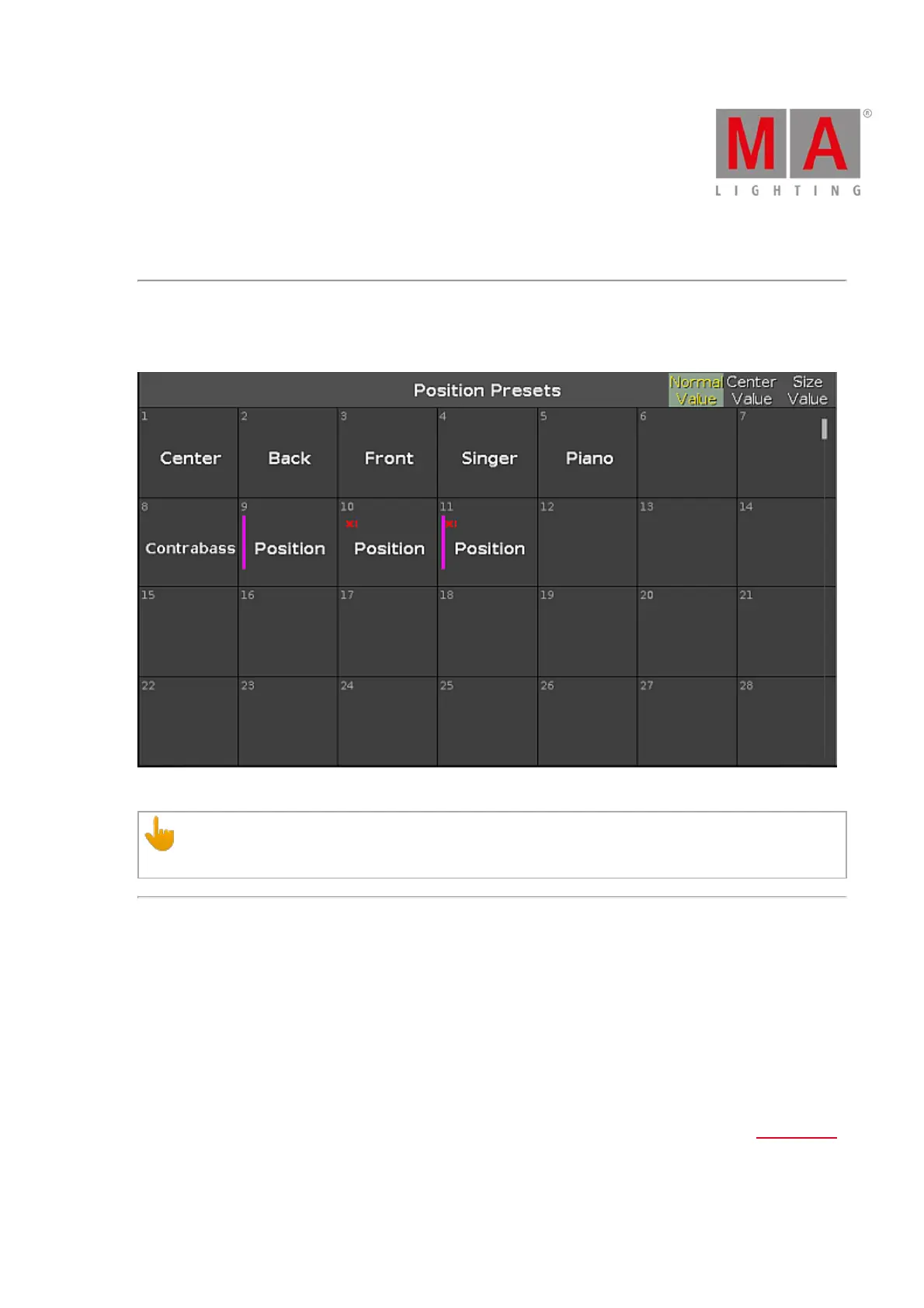
Stomp Effect in Position Presets
If you store the Stomp effect in a preset, this effect is displayed as a red exclamation mark in the preset pool.
Stomp effect in position presets
Important:
To store the Stomp effect, run an effect first.
Effect Options
The effect options are the seven buttons on the right side of the screen.
Direction <>:
The direction <> button is available if you have fixtures with a running effect in the programmer.
Tap to change the direction of the effect from left to right or reversed.
Shuffle Selection:
The Shuffle Selection button is available if you have selected fixtures in the programmer.
Tap to mix-up the order of the fixture selection. This is the same as Macro "Shuffle Selection" in the Macros Pool.
Sync:
The Sync button is available if effects are running in the programmer.



 To Next Page