Dim/P/T Ballyhoo (object number 8):
Refer to, Dim/P/T Ballyhoo in the dimmer effects.
Dim/Tilt Flyout (object number 9):
Refer to, Dim/Tilt Flyout in the dimmer effects.
Pan Half Sinus (object number 22):
Soft pan effect. Pan of the fixture uses the current position as starting position, for example beginning from the
current position 0 the pan moves till 30 and back to 0.
Tilt Half Sinus (object number 23):
Soft tilt effect. Tilt of the fixture uses the current position as starting position, for example beginning from the
current position 0 the tilt moves till 30 and back to 0.
Figure 8 (object number 24):
Fixture moves like an eight. The center is the current position.
Gobo Effects
In the dot2 are three predefined gobo effects available.
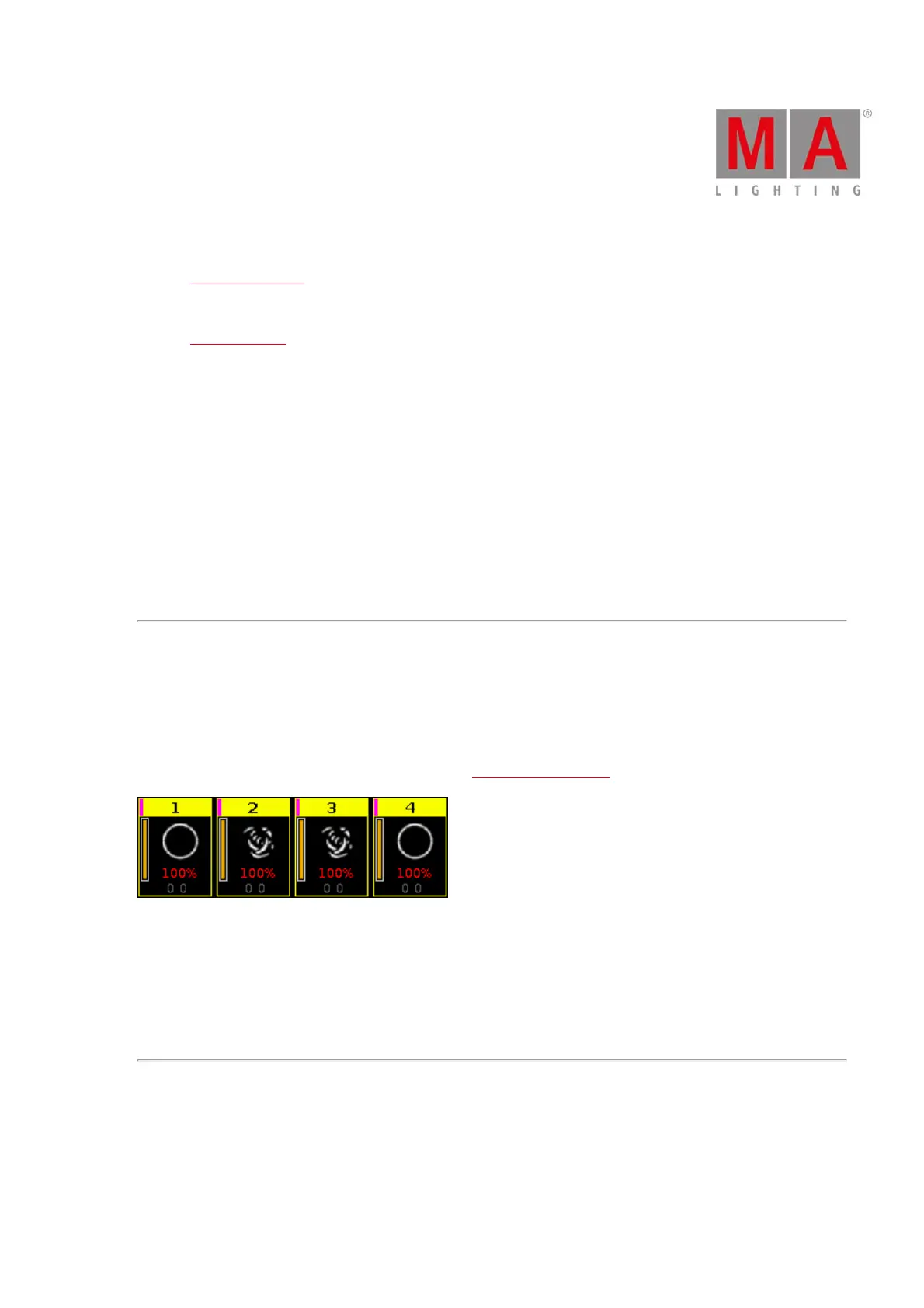
2 Gobo (object number 10):
Changes between two gobos on the gobowheel.
Select the gobos with high value and low value in the gobo preset type view, effect mode.
Figure 11: 2 Gobo effect
Gobo <> (object number 11):
Gobo rotation speed effect.
Gobo Index (object number 12):
Gobo position effect.
Color Effects
In the dot2 are four predefined color effects available.
2 Color Soft (object number 13):
Changes between two colors with softness.



 To Next Page